
-
 1 min
1 How FactoryFix works
-
 1 min
2 Your first 30 days
-
 1 min
3 Bring your team into FactoryFix
-
 2 min
4 Post a job that gets candidates
-
 1 min
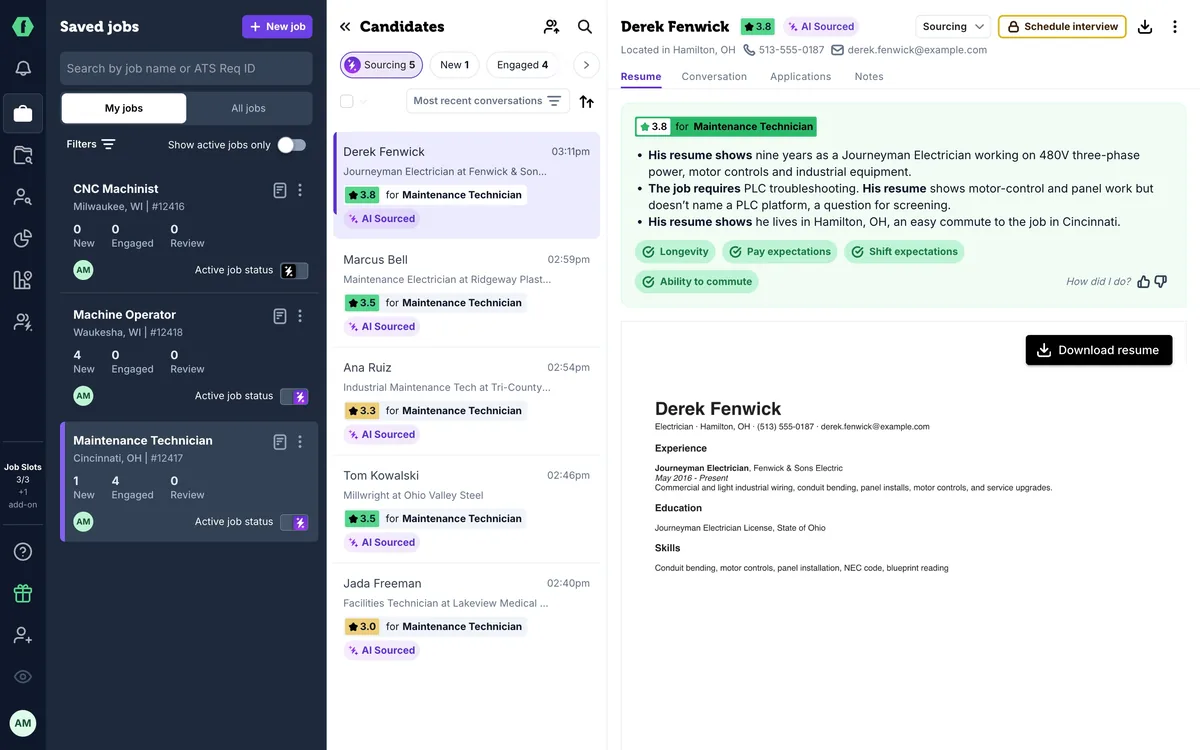
5 What happens after you hit Activate
-
 1 min
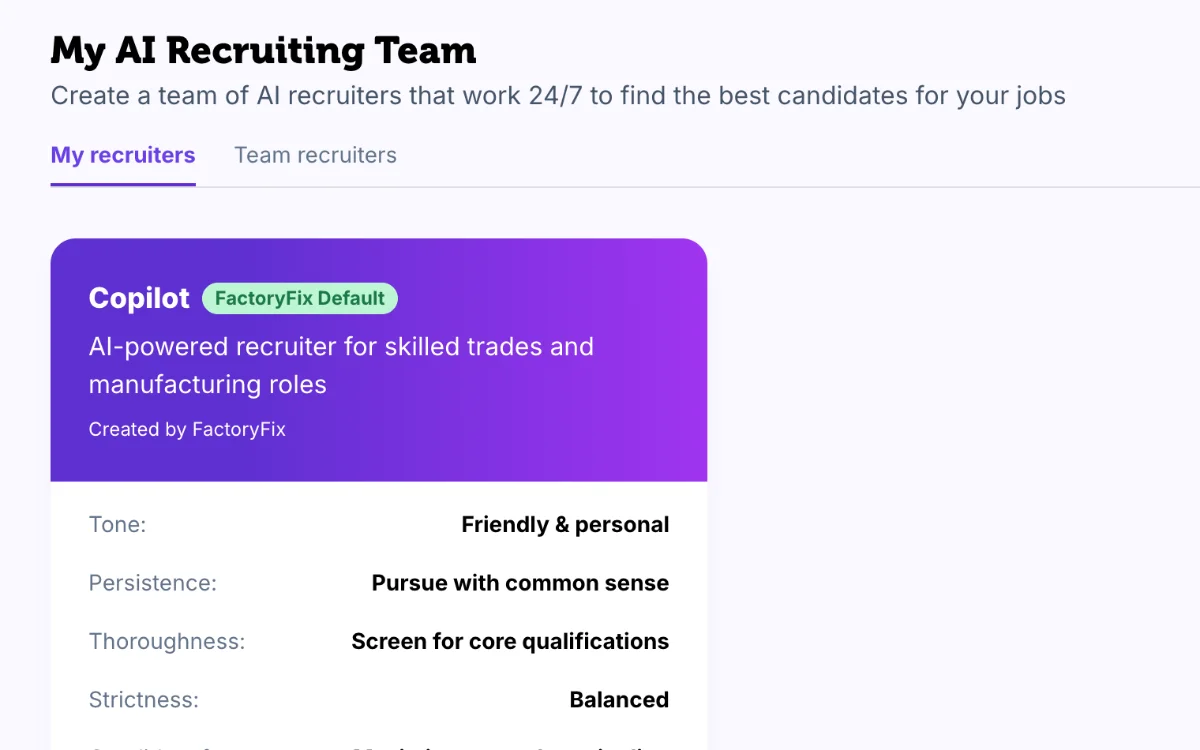
6 Make your AI recruiter yours
-
 1 min
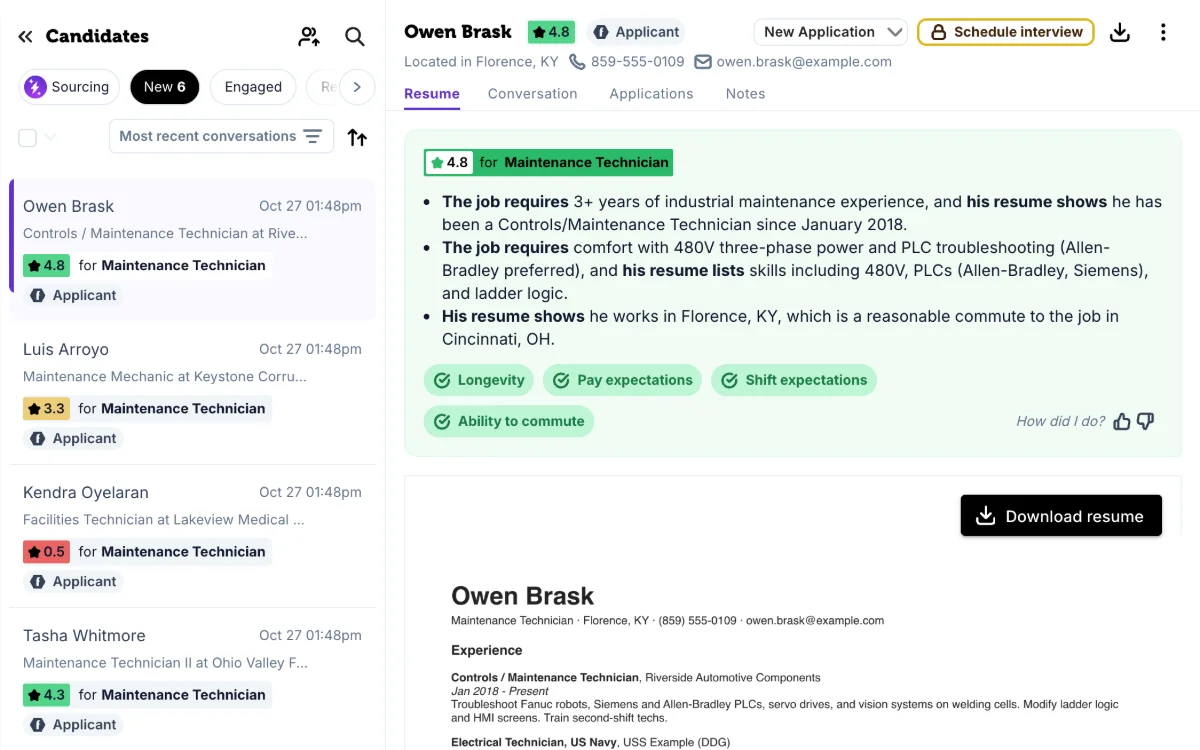
7 Your 10-minute daily review
-
 1 min
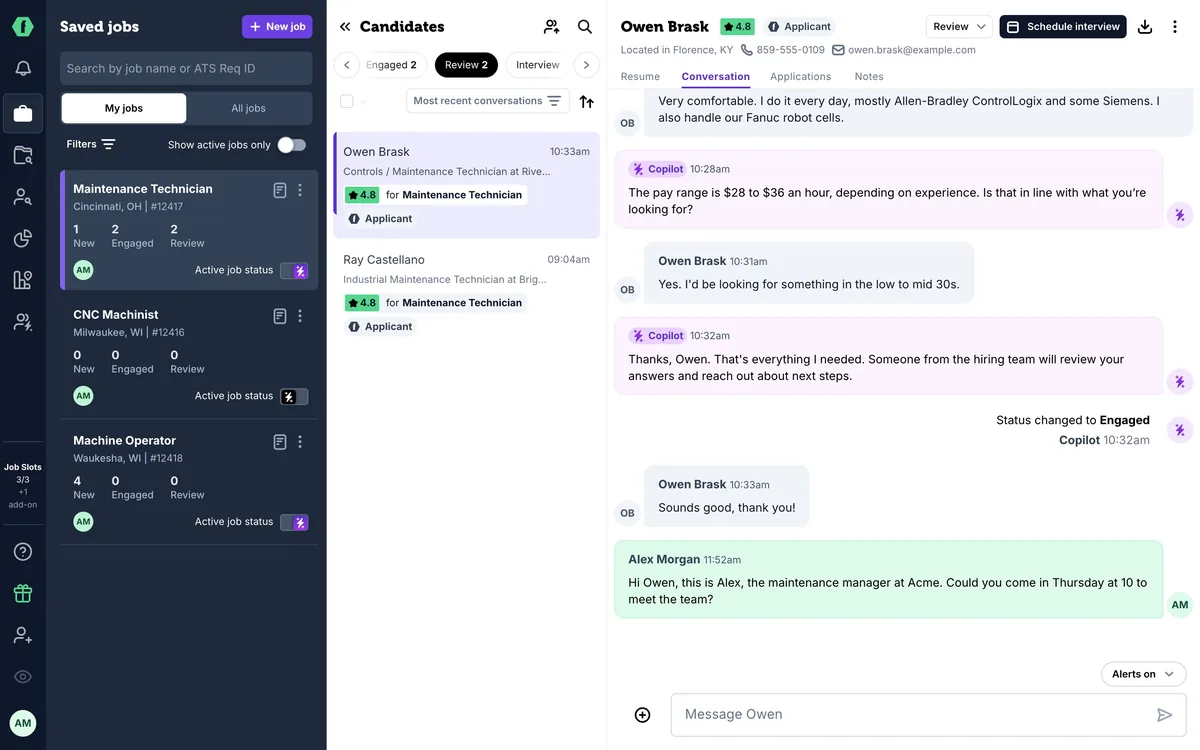
8 Take over and move candidates forward
-
 1 min
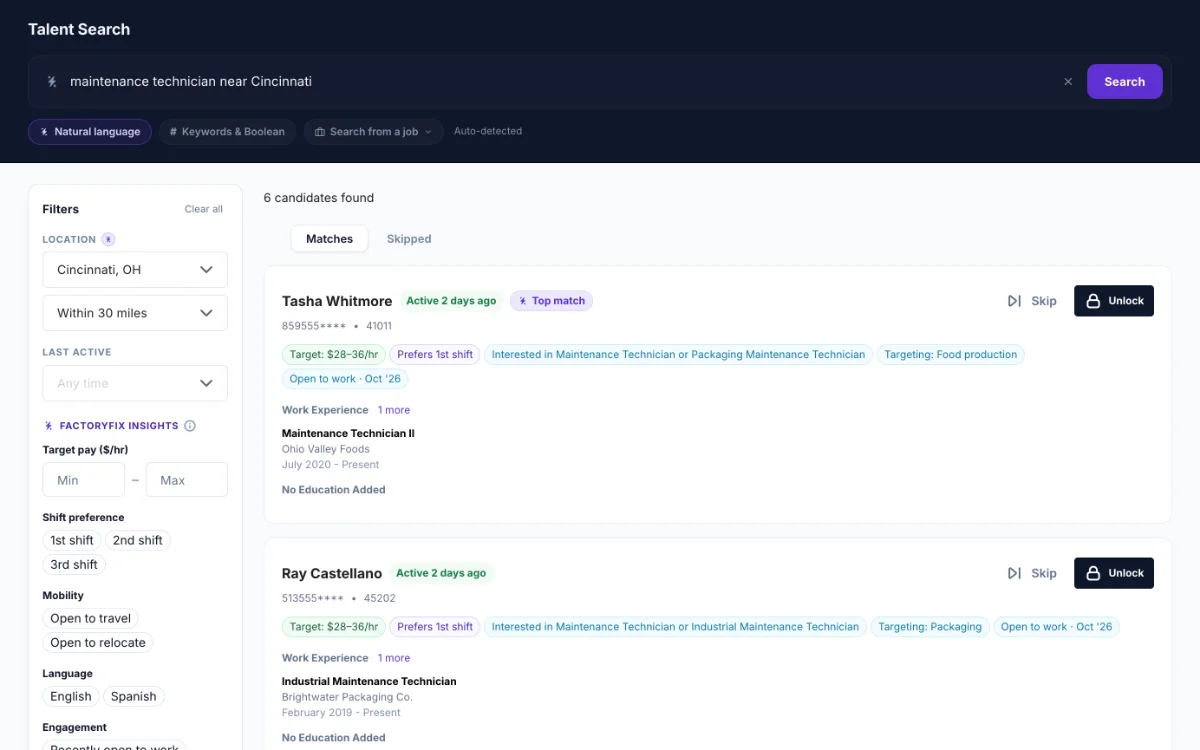
9 Find people yourself (Gold)
-
 1 min
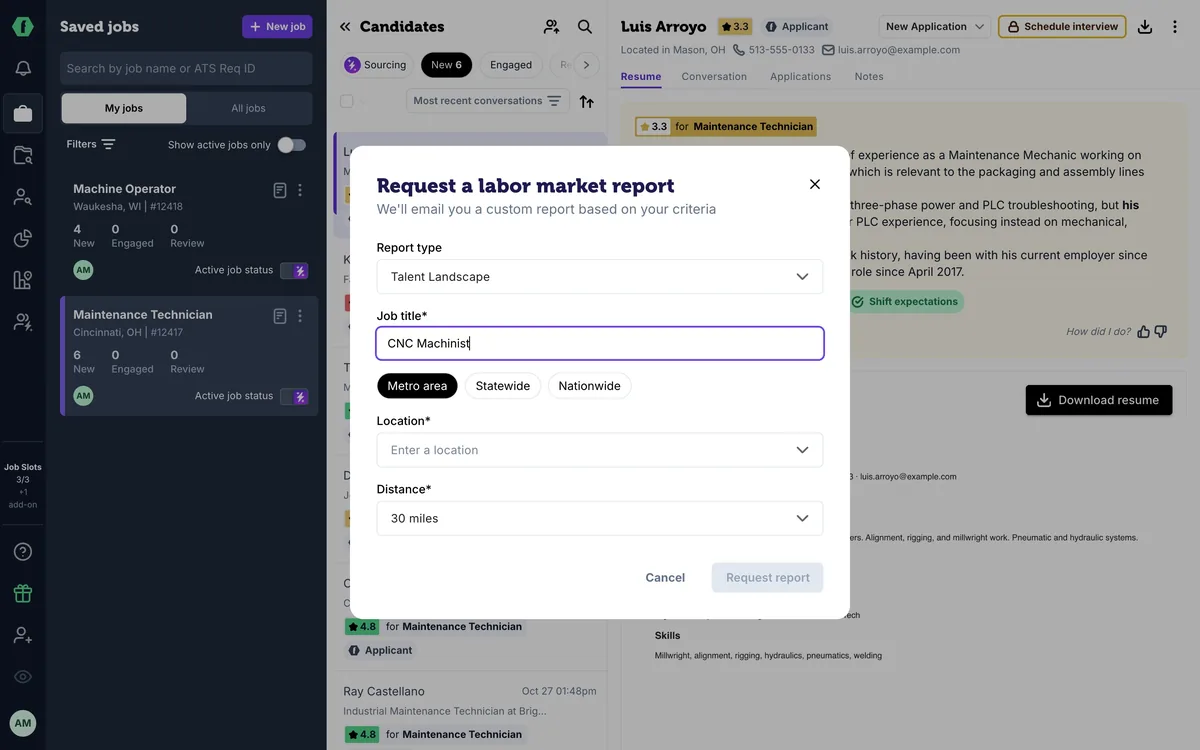
10 Know your market (Gold)
-
 2 min
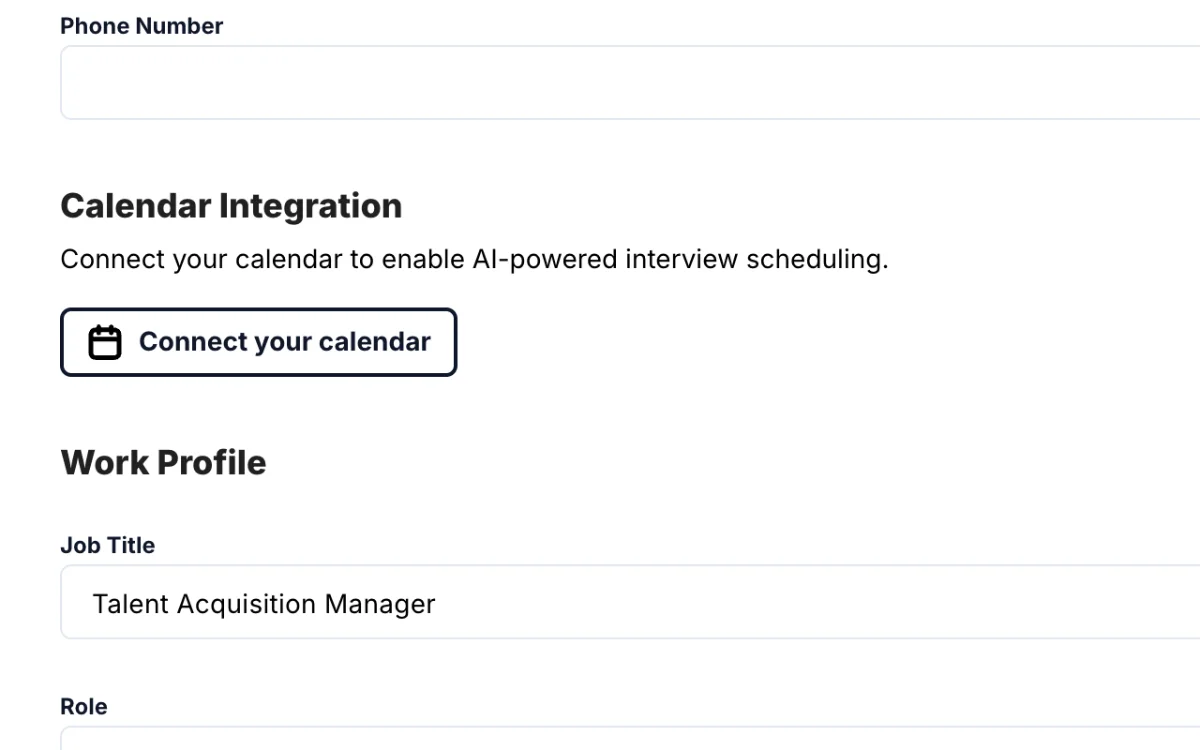
11 Schedule interviews (Gold)
-
 1 min
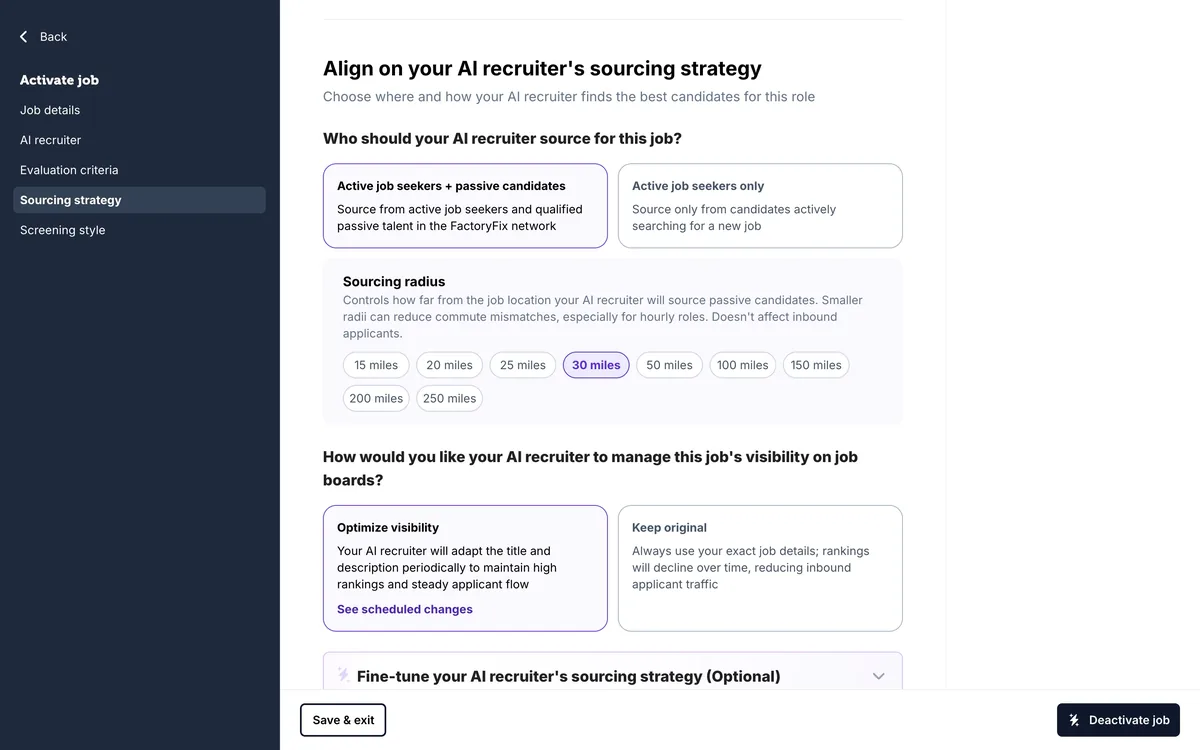
12 When a job is quiet
-
 1 min
13 Message many candidates at once
-
 1 min
Now playing
14 Teach your AI recruiter
-
 1 min
15 Slots, drafts, and your plan
-
 1 min
16 Bring back past candidates
-
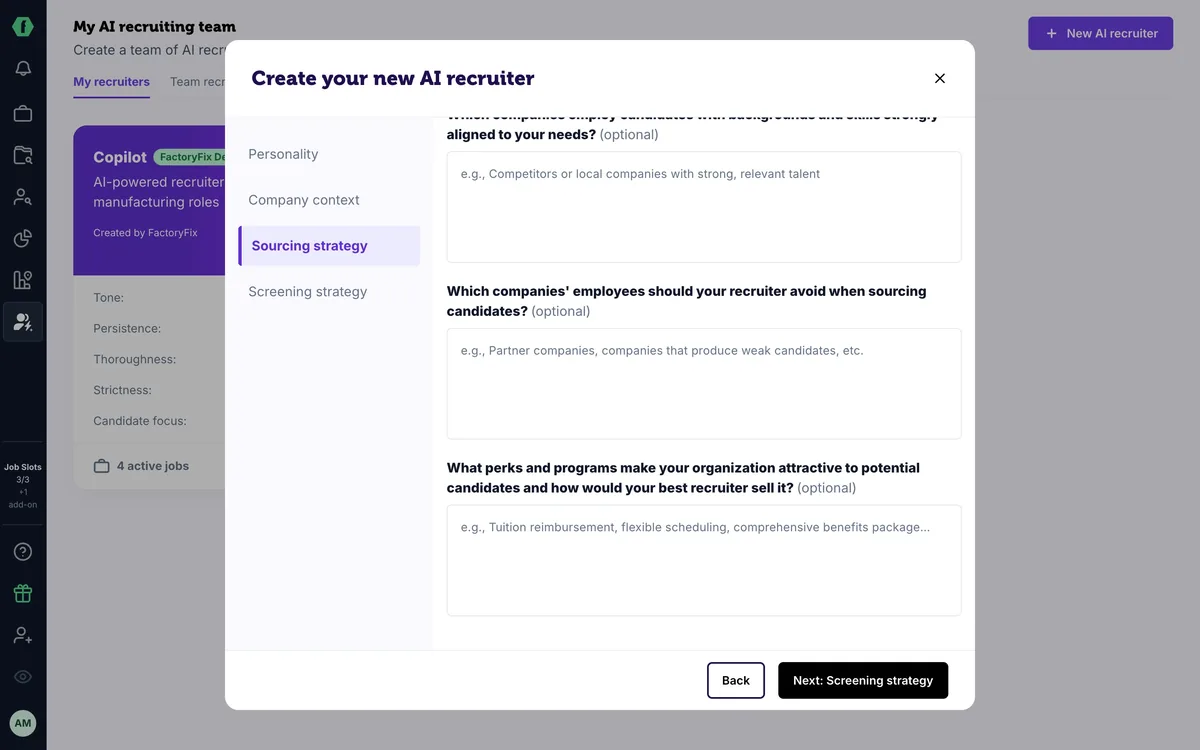 1 min
17 For staffing firms: one AI recruiter per client
-
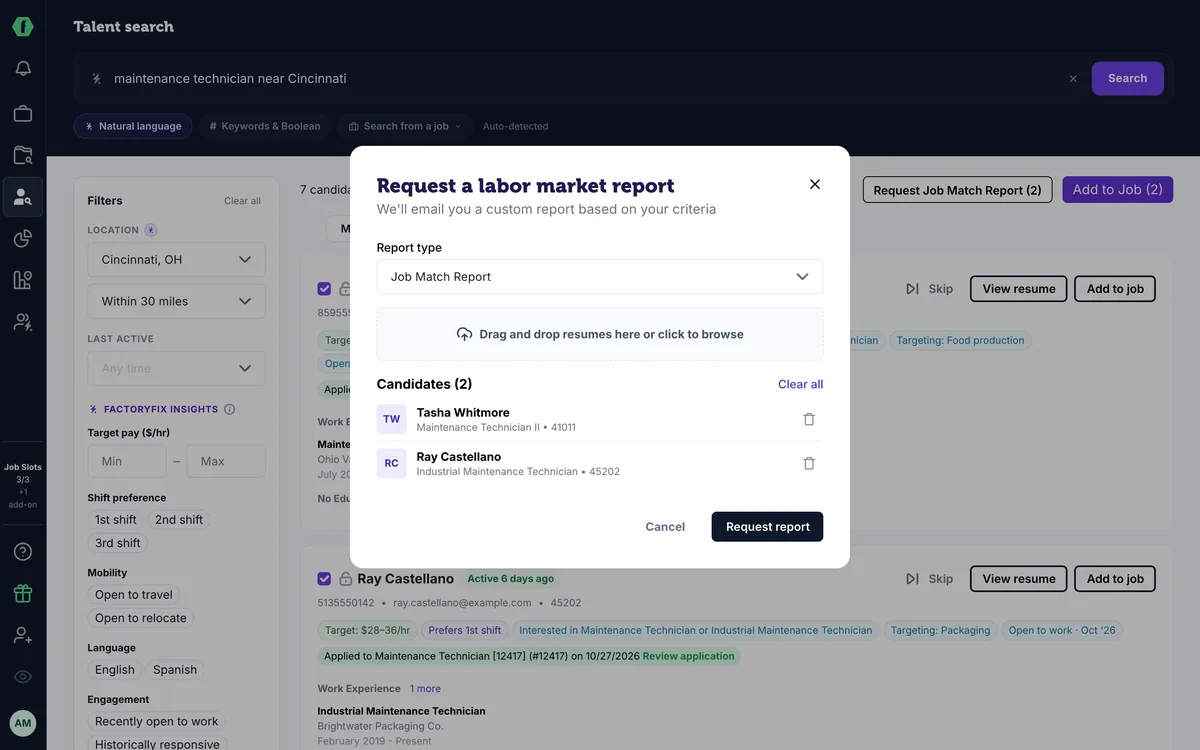 1 min
18 For staffing firms: win new business with reports
Summary
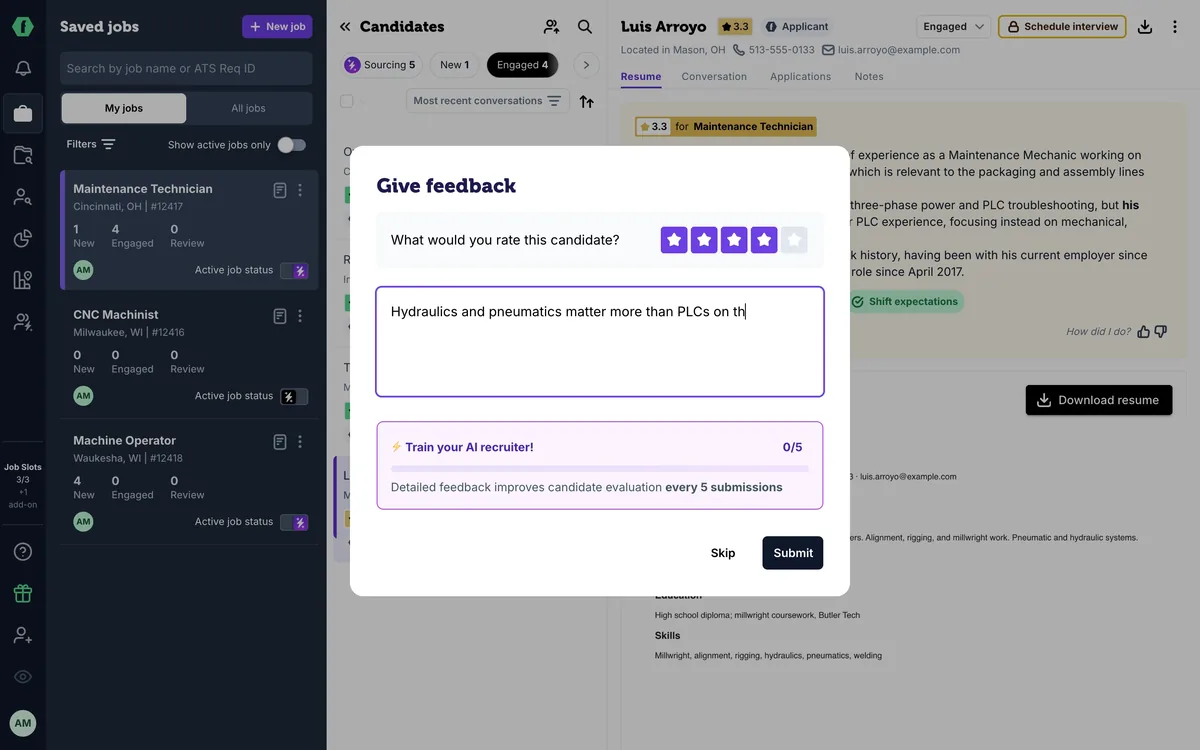
Every score comes with its reasons. If you think your AI recruiter got a candidate wrong, click the thumbs down under How did I do?, give the score you'd give, and say why in a sentence or two. After five pieces of feedback on a job, it adds what it learned to that job's evaluation criteria, where you can read and edit it. Feedback shapes future scores; a thumbs up helps too.
Chapters
- 0:00 Introduction
- 0:04 Read the reasons
- 0:13 Thumbs down
- 0:18 Your score and why
- 0:23 It learns every five
- 0:33 Thumbs up too
Transcript
Here's how to teach your AI recruiter what you look for.
Every score comes with its reasons. This candidate got a three point three, because his resume shows mechanical work but no PLCs.
Think it got him wrong? Under How did I do, click the thumbs down.
Give the score you'd give him, and say why in a sentence or two, the way you'd coach a new recruiter.
After five pieces of feedback on a job, your AI recruiter adds what it learned to that job's evaluation criteria, where you can read and edit it.
Feedback shapes how it scores candidates from here on. And when it gets one right, a thumbs up helps too.
Up next: job slots, drafts, and your plan.