
-
 1 min
1 How FactoryFix works
-
 1 min
2 Your first 30 days
-
 1 min
3 Bring your team into FactoryFix
-
 2 min
Now playing
4 Post a job that gets candidates
-
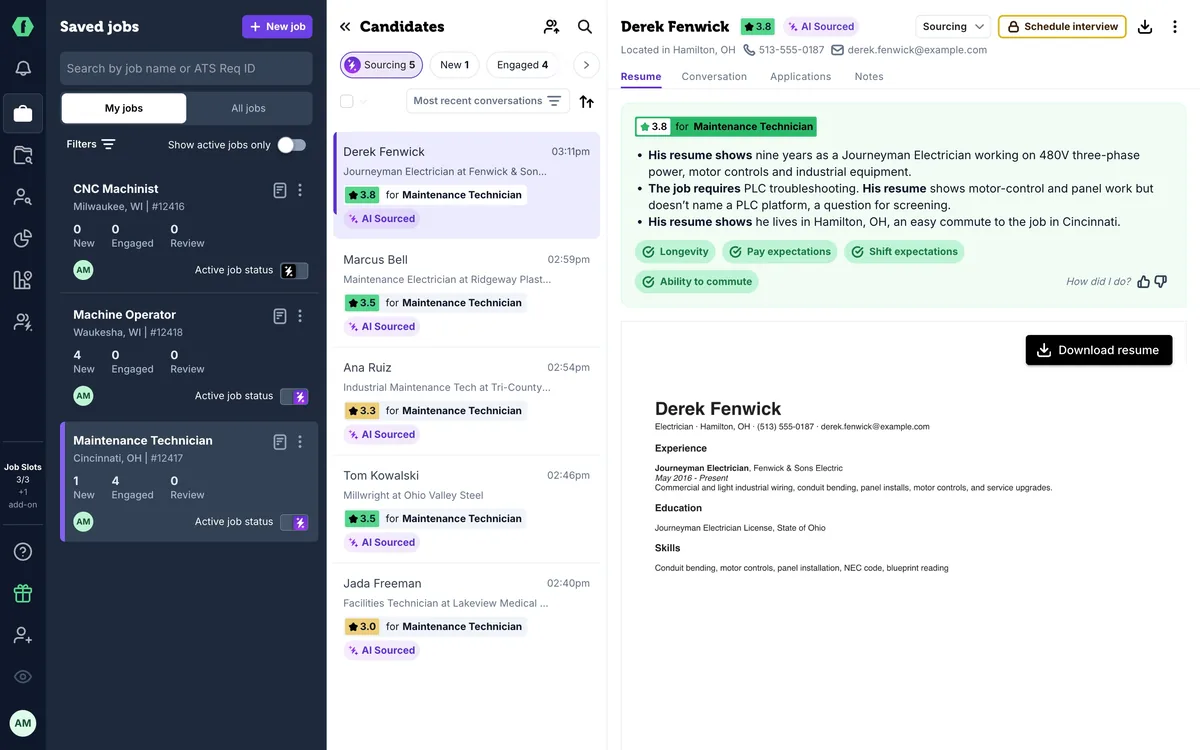 1 min
5 What happens after you hit Activate
-
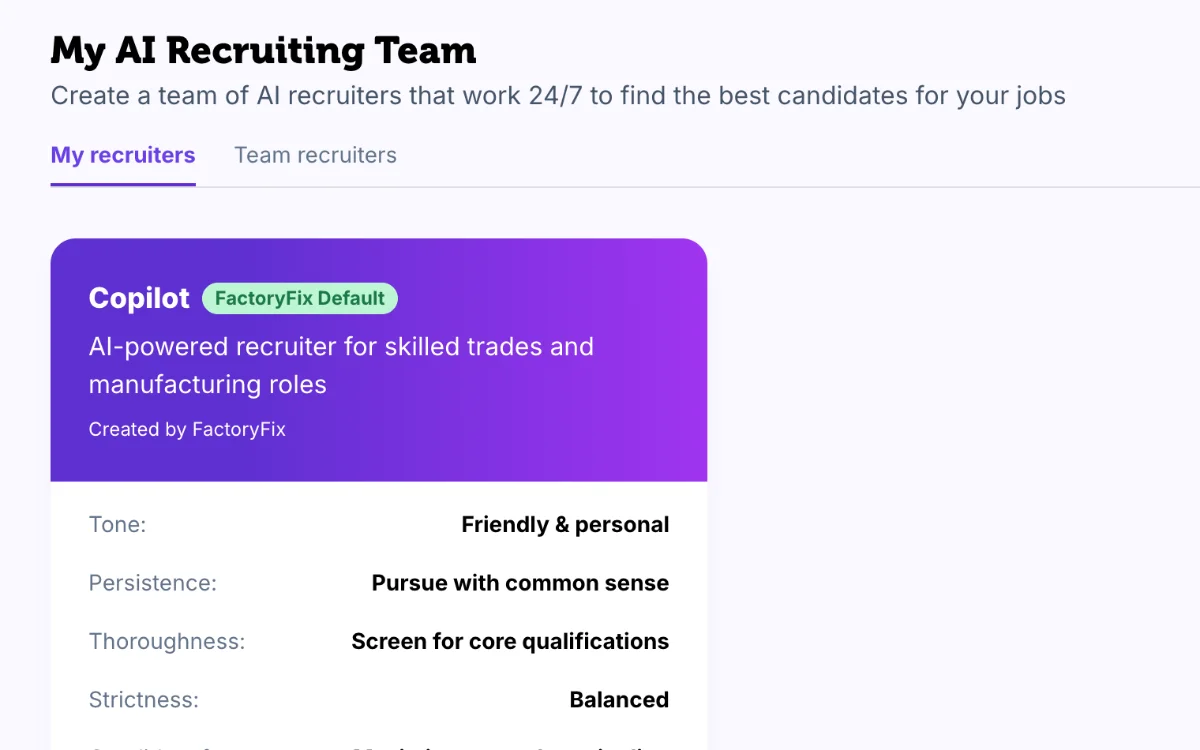 1 min
6 Make your AI recruiter yours
-
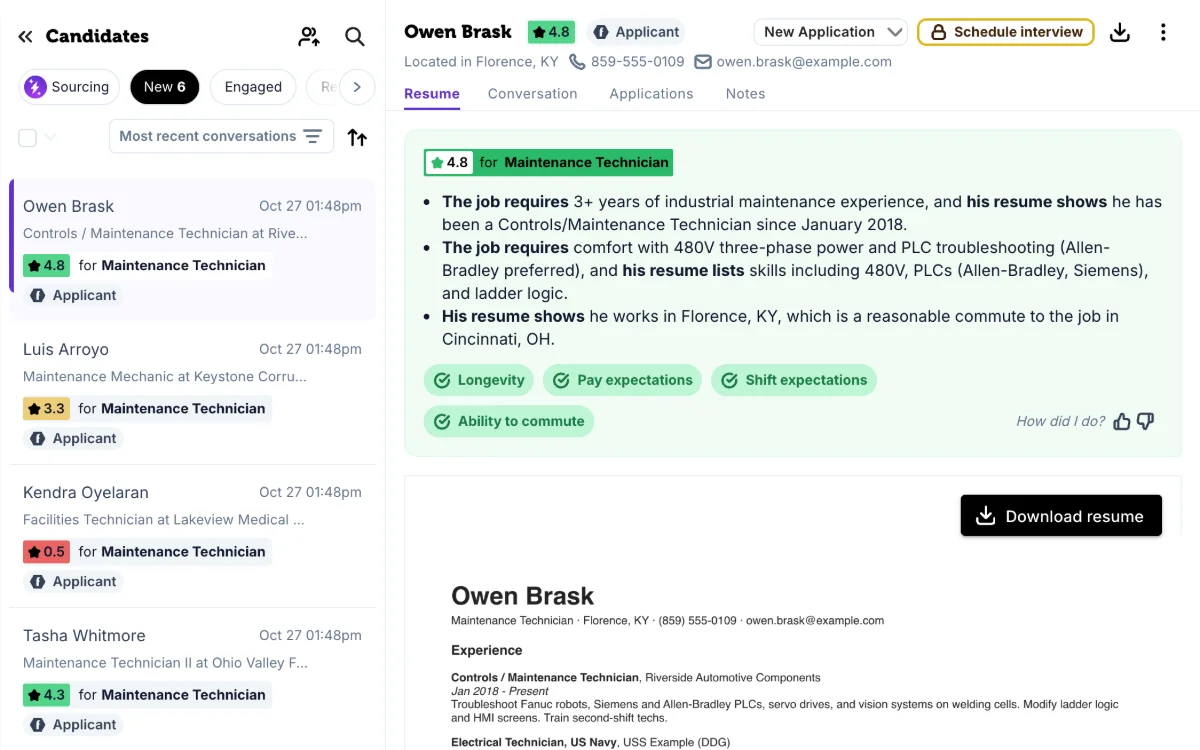 1 min
7 Your 10-minute daily review
-
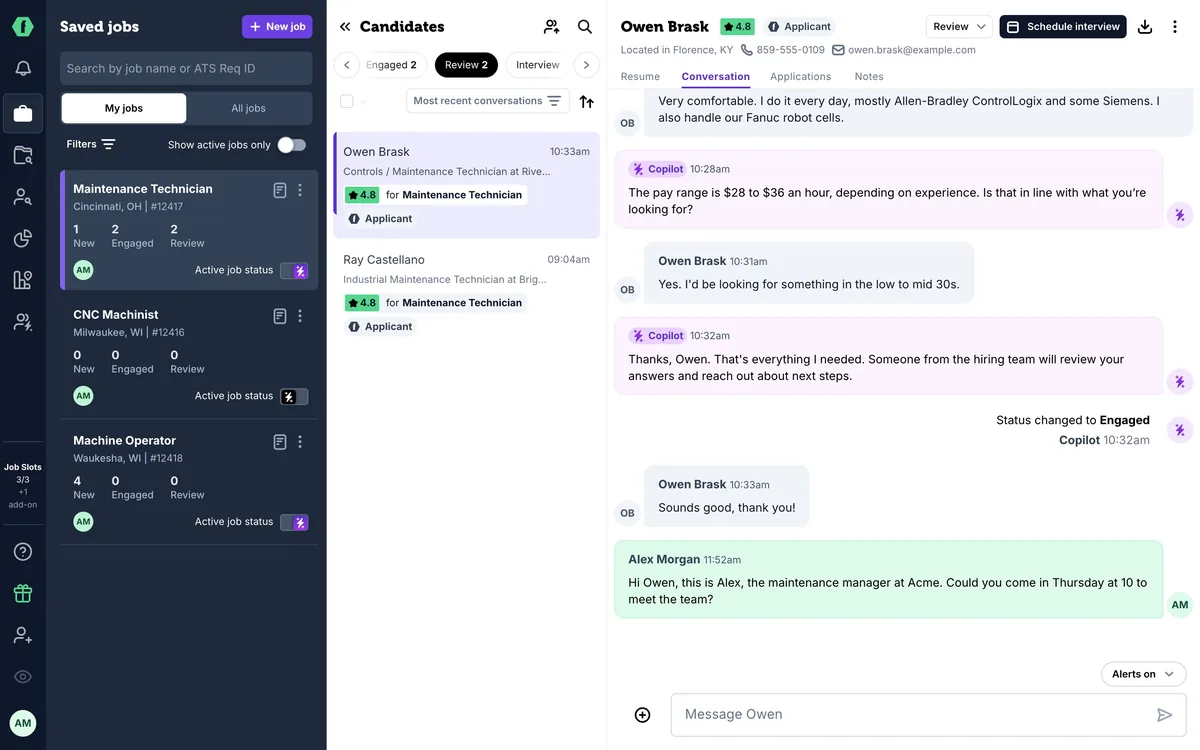 1 min
8 Take over and move candidates forward
-
 1 min
9 Find people yourself (Gold)
-
 1 min
10 Know your market (Gold)
-
 2 min
11 Schedule interviews (Gold)
-
 1 min
12 When a job is quiet
-
 1 min
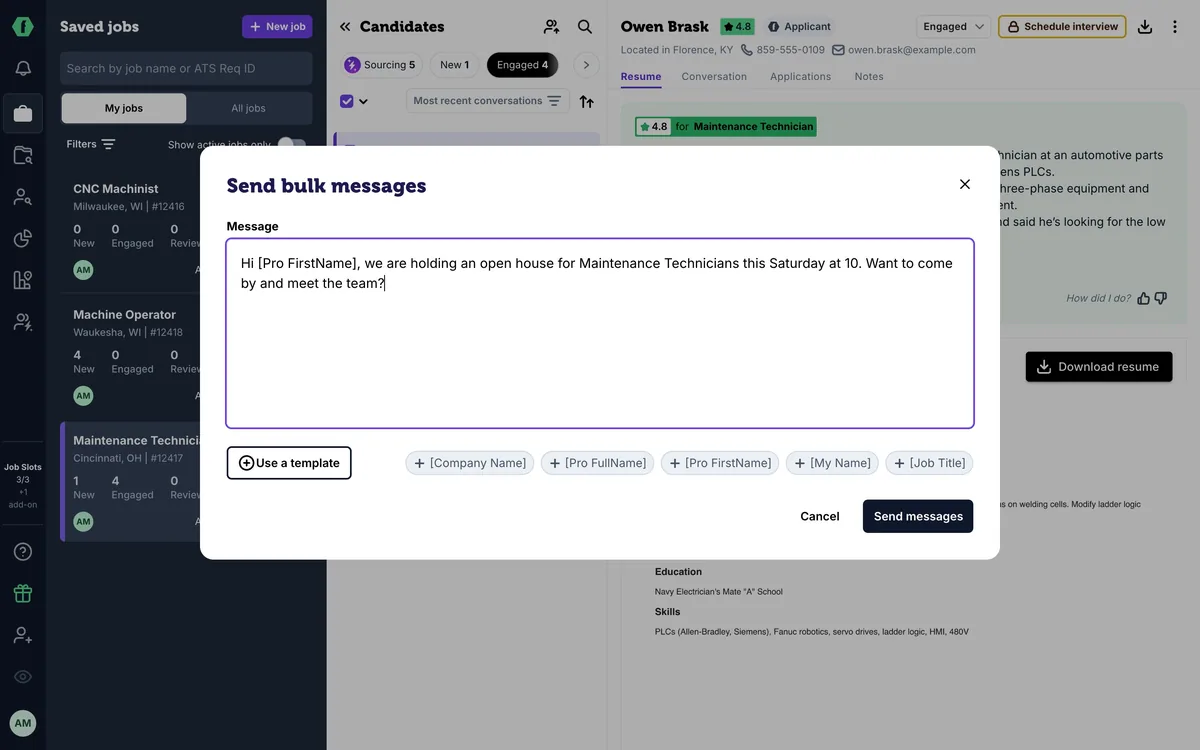
13 Message many candidates at once
-
 1 min
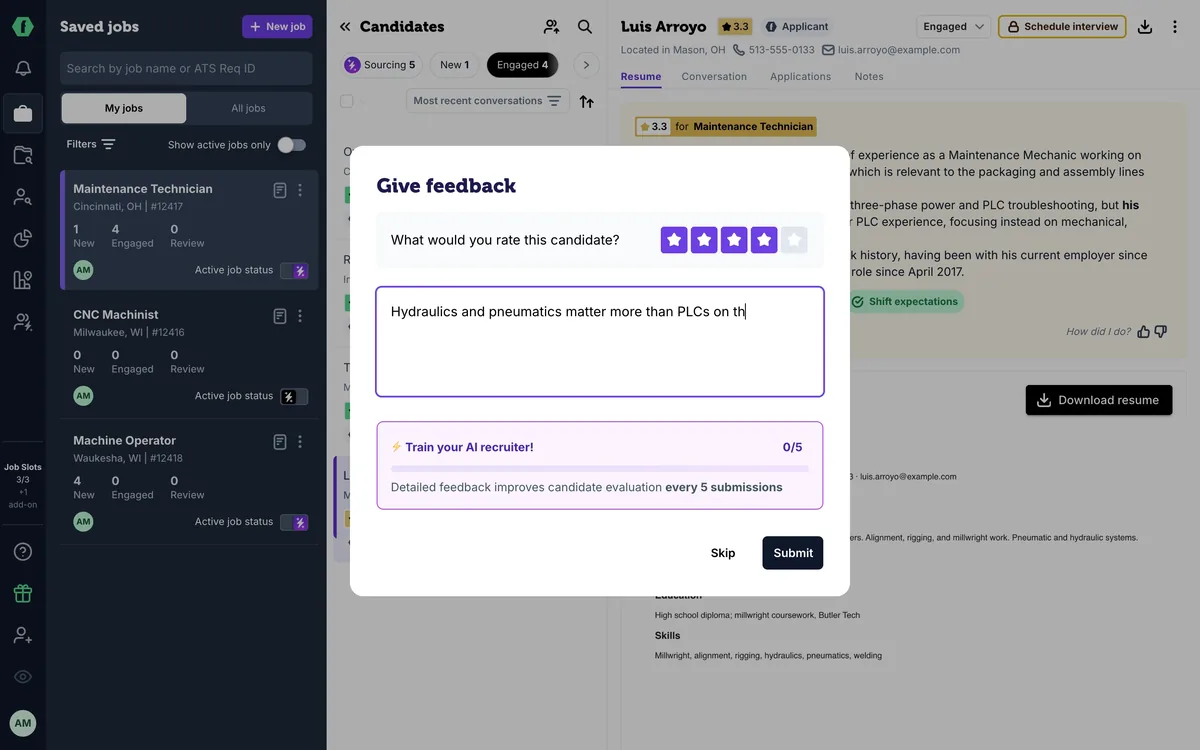
14 Teach your AI recruiter
-
 1 min
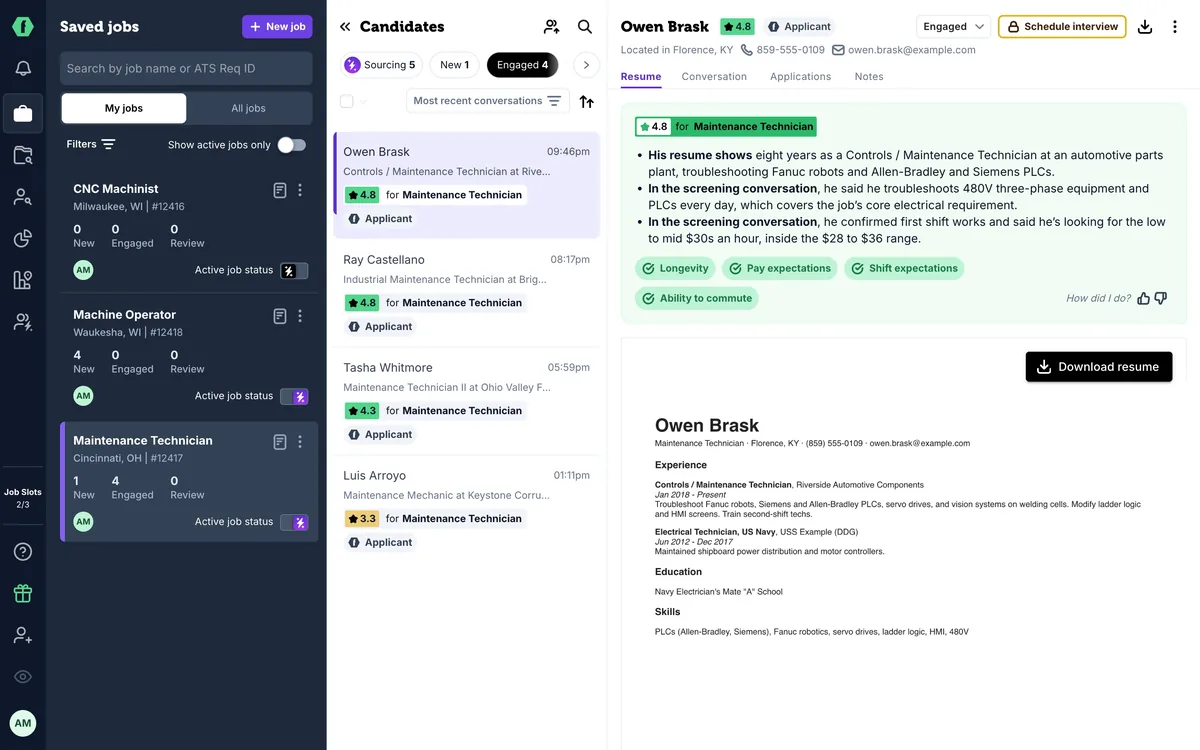
15 Slots, drafts, and your plan
-
 1 min
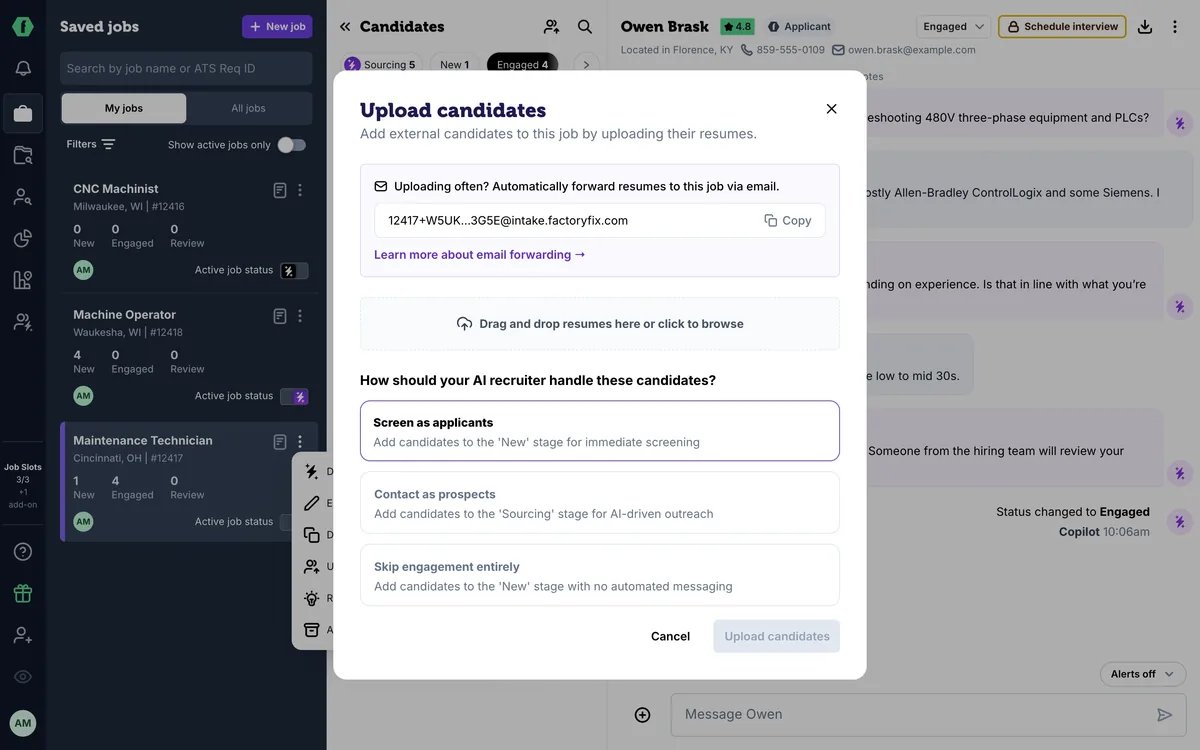
16 Bring back past candidates
-
 1 min
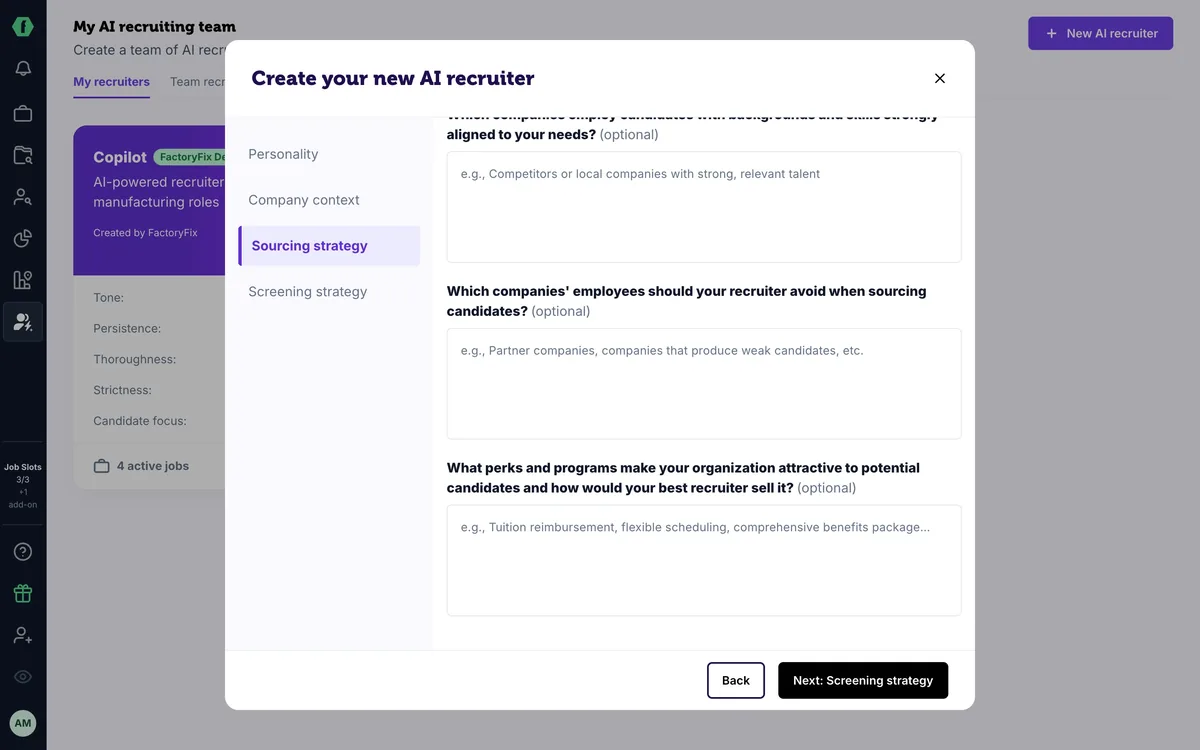
17 For staffing firms: one AI recruiter per client
-
 1 min
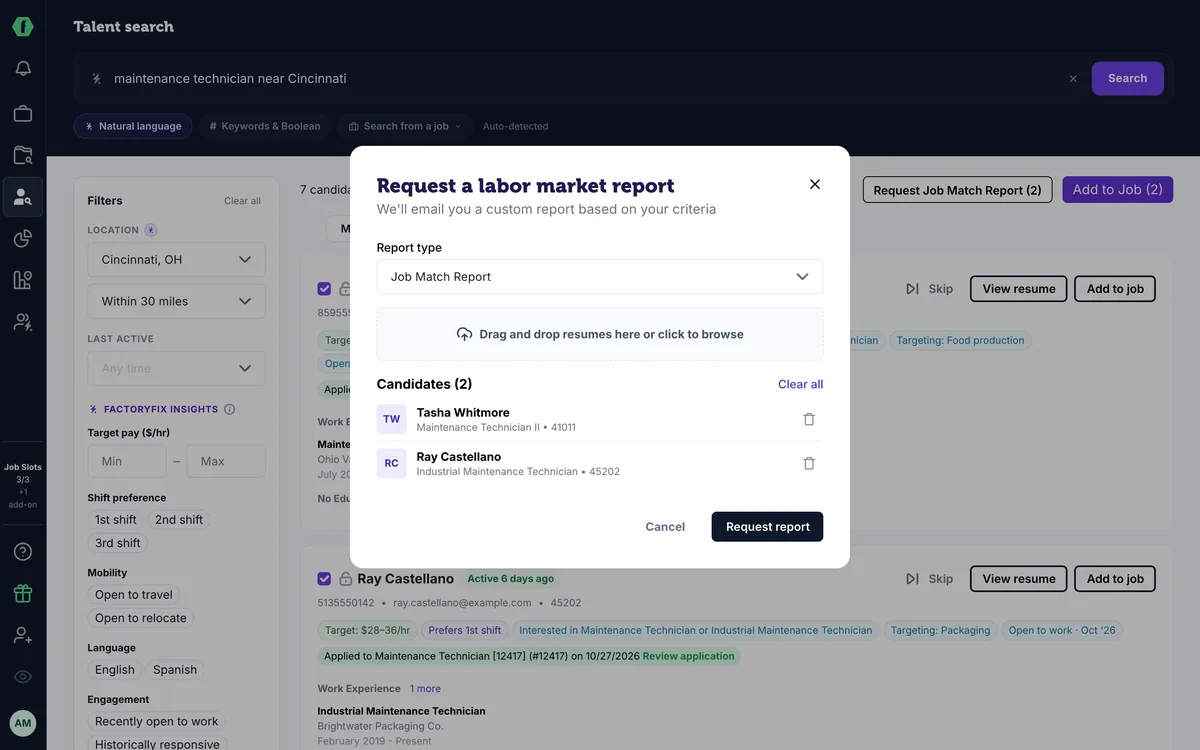
18 For staffing firms: win new business with reports
Summary
Start from New job in Manage Jobs. Use the title candidates search for, always add a pay range, and choose where the work happens. Keep your company name showing: confidential jobs get less visibility. Your AI recruiter answers candidates' questions from the description, so generate a first draft and add what only you know. Keep active and passive candidates on, set a sourcing radius, and choose Optimize visibility. Under interview style, Interview and dig deeper has a real conversation with each candidate, and + Add your own questions lets you add ones it works in naturally; Stick to set questions asks only yours, of people who apply directly. Then Activate job, or Save & exit to keep a draft. Drafts don't use a job slot.
Chapters
- 0:00 Introduction
- 0:05 Start a new job
- 0:13 Pay range
- 0:20 Where the work happens
- 0:26 Keep your company name showing
- 0:34 The job description
- 0:48 Your AI recruiter
- 0:56 Sourcing and radius
- 1:08 Optimize visibility
- 1:17 Interview style and your own questions
- 1:32 Activate or save a draft
Transcript
Here's how to post a job that brings in great candidates.
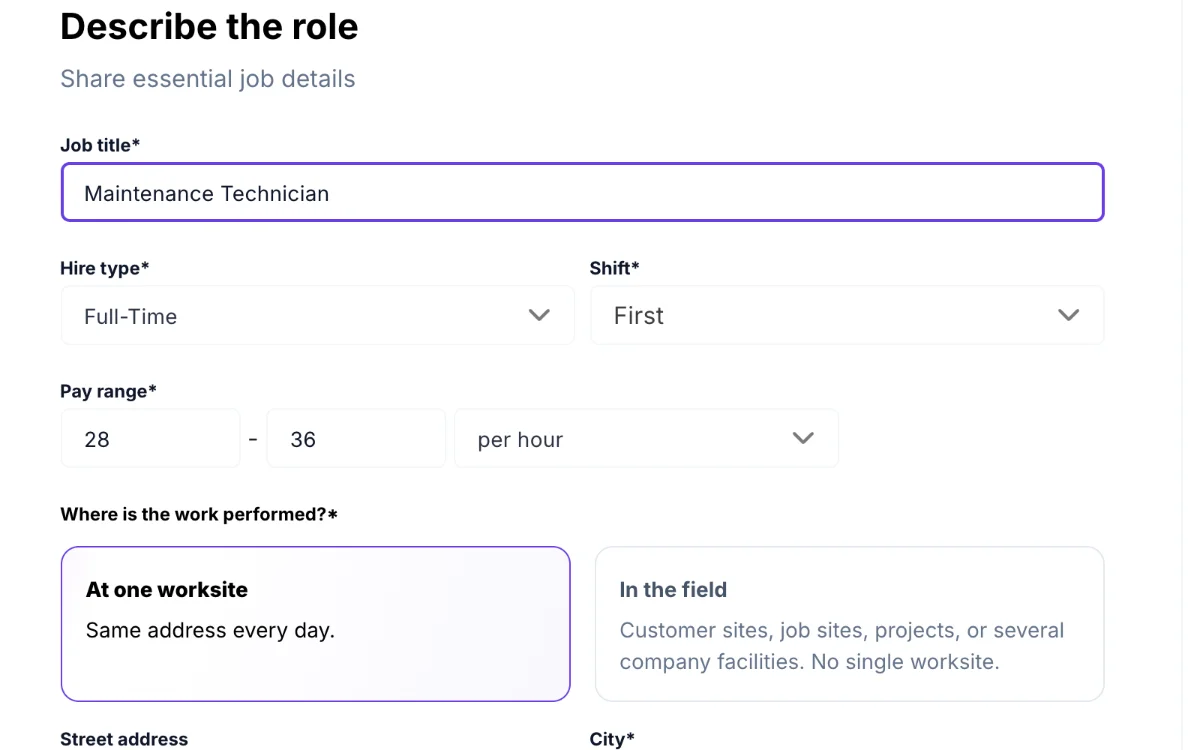
From Manage Jobs, click New job. Start with the title candidates would search for, and leave shifts and bonuses out of it.
Always add a pay range. Pay is the first thing candidates look for, and jobs without it get fewer applicants.
Then choose where the work happens. For one worksite, the city, state and zip are all you need.
Leave your company name showing. Confidential jobs get less visibility on job boards, and candidates are wary of an employer they can't see.
Your AI recruiter answers candidates' questions from the description. Generate my job description writes a first draft. Then add what only you know, like the schedule, overtime and benefits.
Click Continue. We'll set up your AI recruiter, and what it looks for, in episode six.
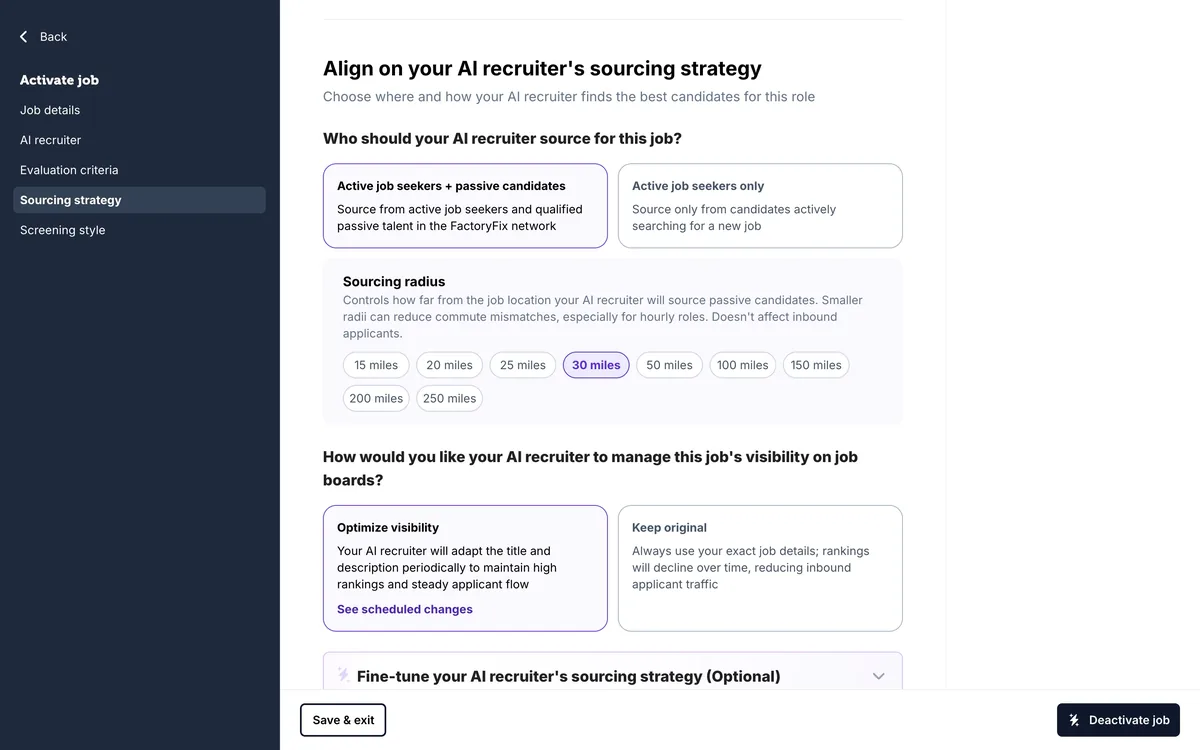
Under sourcing strategy, keep active and passive candidates on, so your AI recruiter also reaches people who aren't job hunting. The sourcing radius is a straight circle around the job, not drive time.
Choose Optimize visibility. About every two weeks, your AI recruiter refreshes the title and description, so your job stays near the top of job boards.
Next, the interview style. Interview and dig deeper has a real conversation with each candidate, and you can add your own questions for it to work in. Prefer a fixed list? Stick to set questions asks only yours, of people who apply directly.
When it's ready, click Activate job. Not ready yet? Save and exit keeps it as a draft, and drafts don't use a job slot.
Up next: what happens after you hit Activate.
Go deeper: watch Build an AI recruiter that recruits like you (7 min), a FactoryFix University session.