
-
 1 min
1 How FactoryFix works
-
 1 min
2 Your first 30 days
-
 1 min
3 Bring your team into FactoryFix
-
 2 min
4 Post a job that gets candidates
-
 1 min
5 What happens after you hit Activate
-
 1 min
6 Make your AI recruiter yours
-
 1 min
7 Your 10-minute daily review
-
 1 min
8 Take over and move candidates forward
-
 1 min
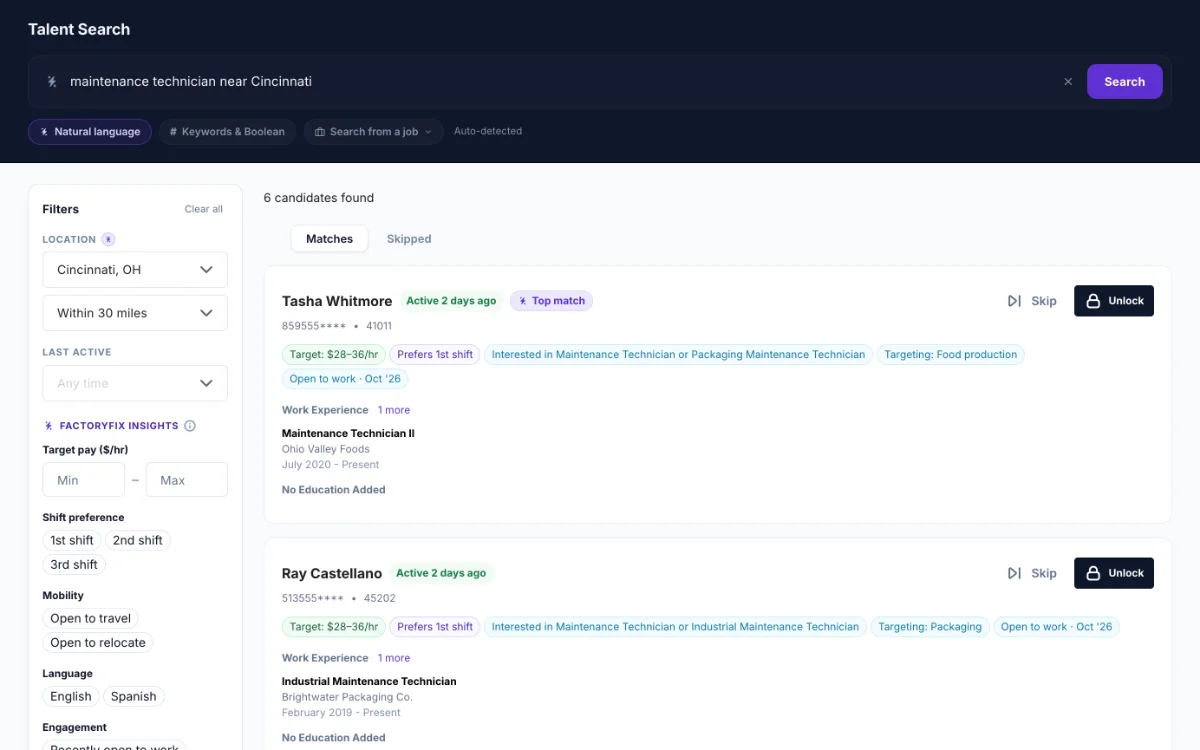
9 Find people yourself (Gold)
-
 1 min
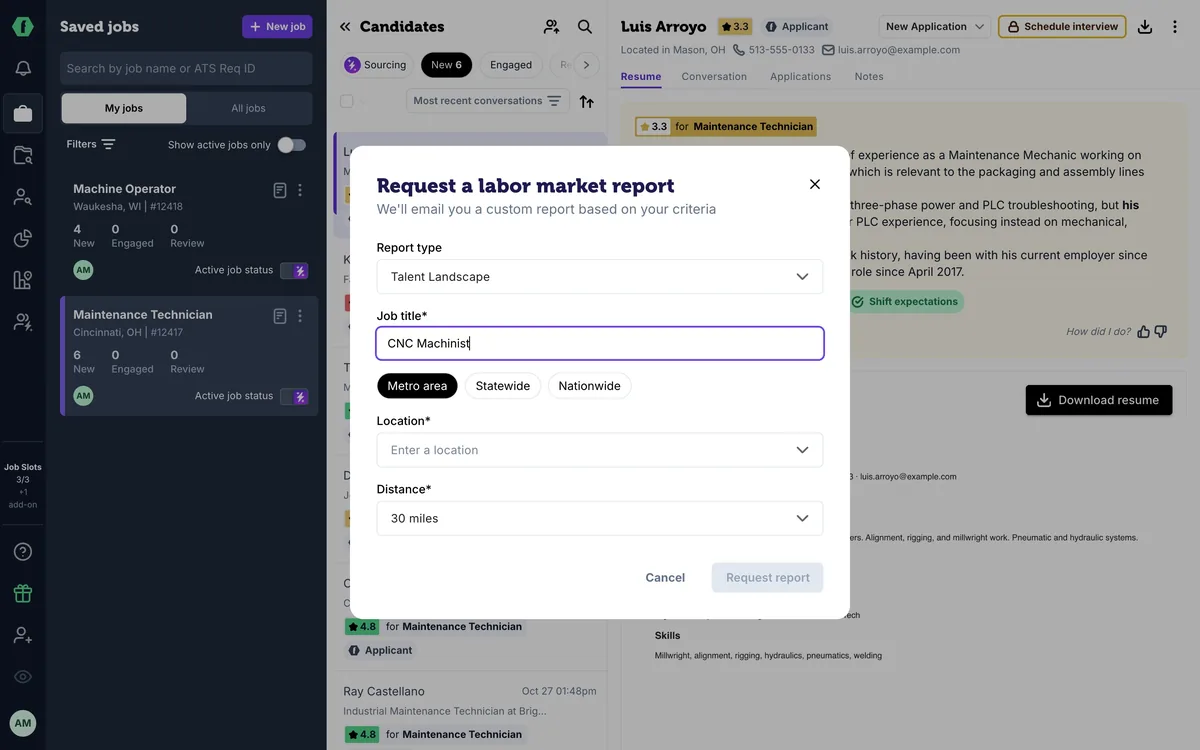
10 Know your market (Gold)
-
 2 min
Now playing
11 Schedule interviews (Gold)
-
 1 min
12 When a job is quiet
-
 1 min
13 Message many candidates at once
-
 1 min
14 Teach your AI recruiter
-
 1 min
15 Slots, drafts, and your plan
-
 1 min
16 Bring back past candidates
-
 1 min
17 For staffing firms: one AI recruiter per client
-
 1 min
18 For staffing firms: win new business with reports
Summary
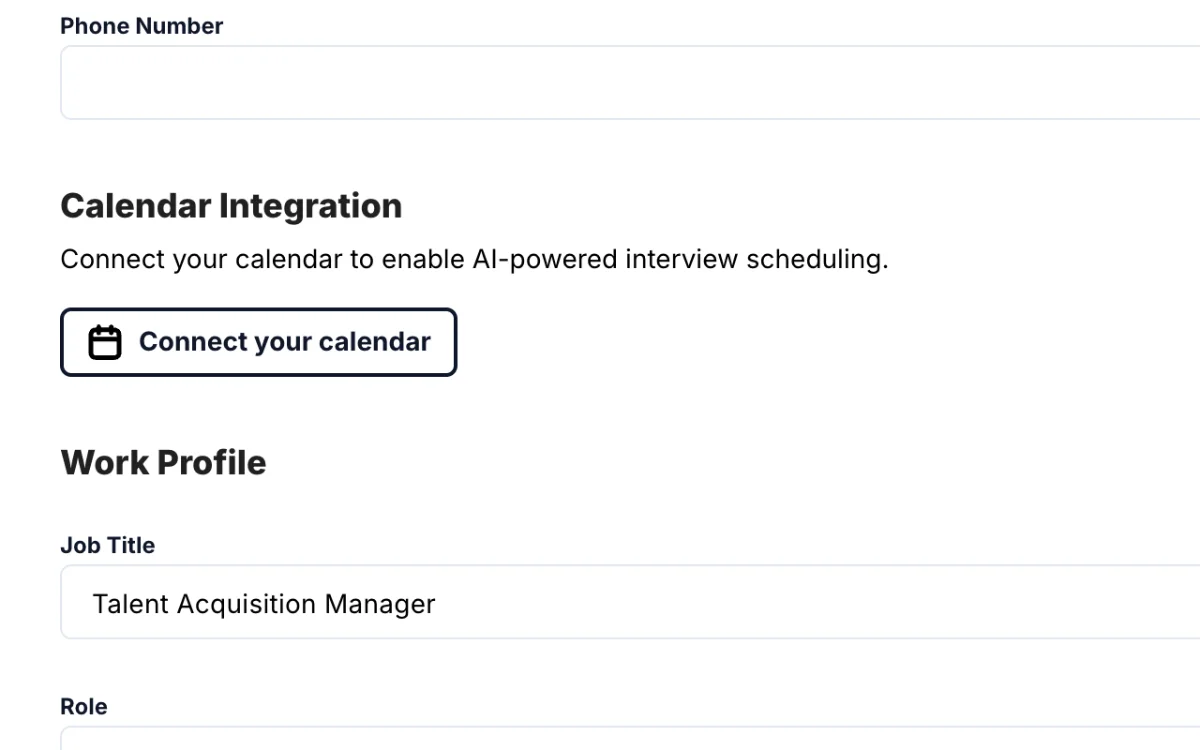
Interview scheduling is a Gold feature, and works best with your calendar connected (Settings > Profile > Connect your calendar). Open a candidate and click Schedule interview: add who should join, the length and type, and any scheduling preferences. Require your confirmation decides who approves the final time: keep it on without a connected calendar, and you reply to an email to approve; with your calendar connected, turn it off and interviews go straight onto your calendar. For the most speed, turn scheduling on for a whole job.
Chapters
- 0:00 Introduction
- 0:04 A Gold feature
- 0:12 Connect your calendar
- 0:26 Schedule an interview
- 0:40 Require your confirmation
- 0:55 Let your AI recruiter schedule
- 1:03 Turn it on for a whole job
Transcript
Here's how to let your AI recruiter schedule interviews for you.
Interview scheduling is a Gold feature. If your plan includes a Gold trial, schedule at least one interview with it.
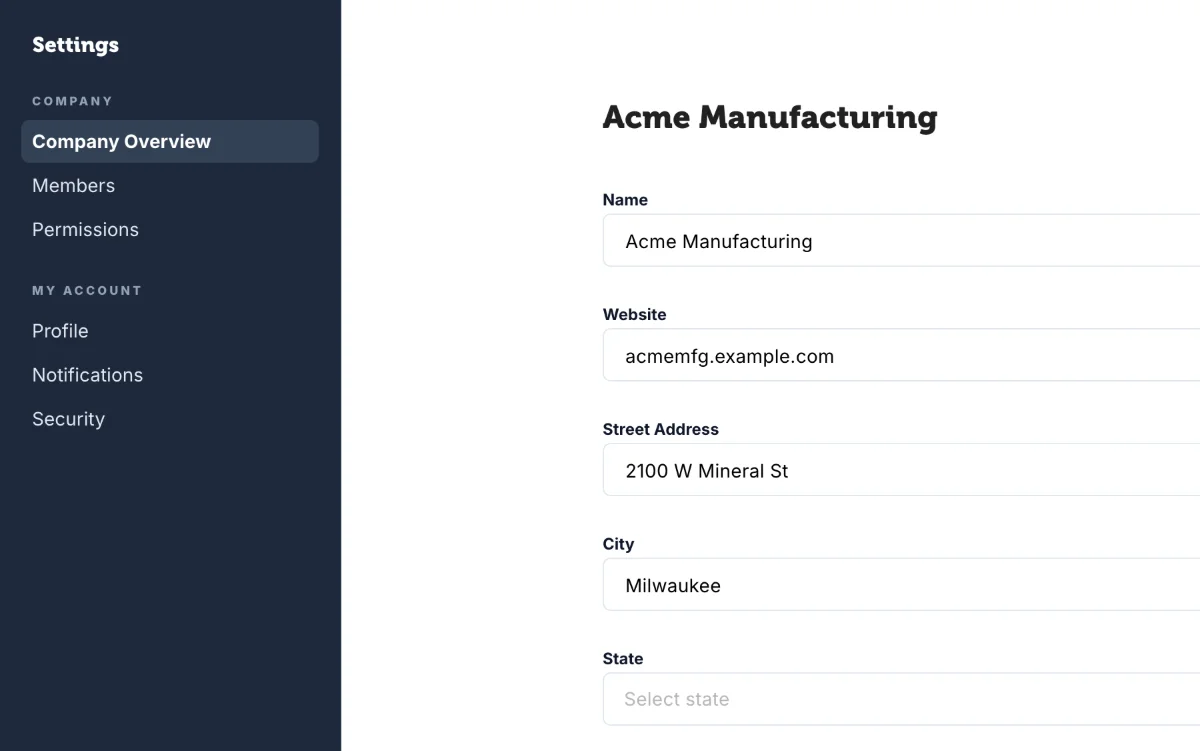
It works best with your calendar connected, so your AI recruiter only offers times you're really free. Open Settings, then Profile, and click Connect your calendar. If your IT team has to approve it first, you can still schedule without it.
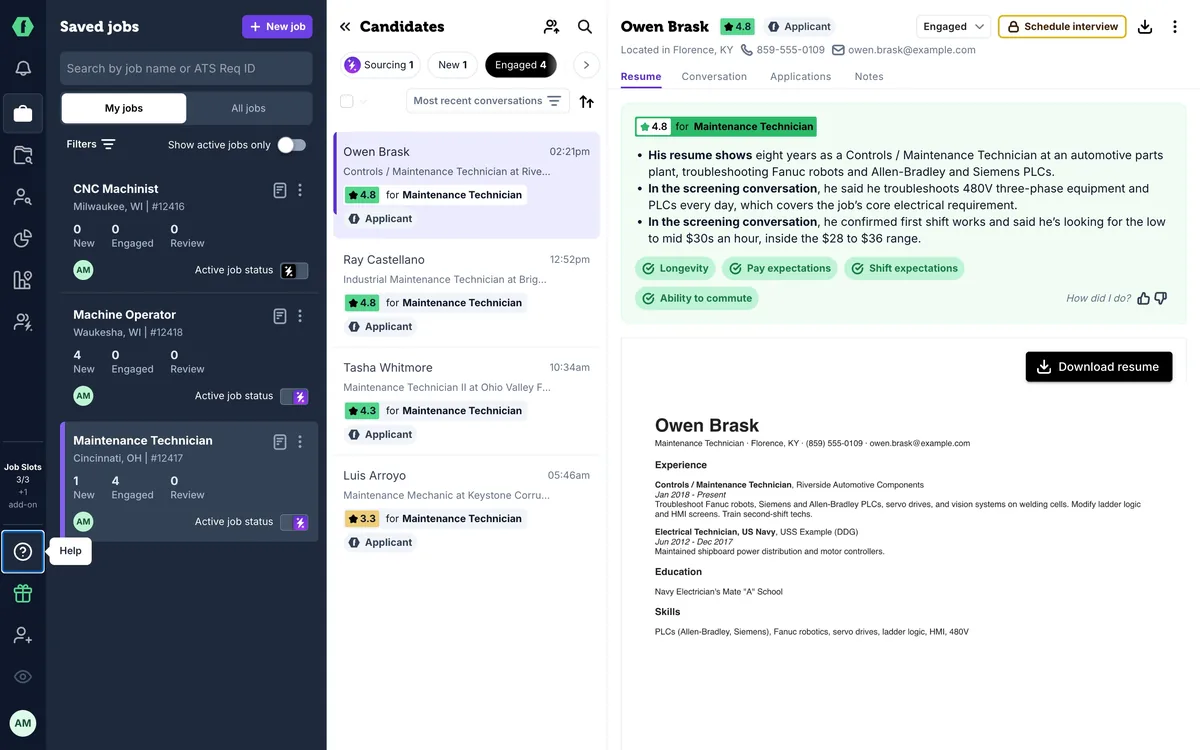
Open a candidate you want to meet, and click Schedule interview. Add who should join, pick the length and the type, and add any scheduling preferences, like weekday mornings.
Require your confirmation decides who approves the final time. Without a connected calendar, keep it on: your AI recruiter emails you the time it found, and you reply to approve. With your calendar connected, turn it off, and interviews go straight onto your calendar.
Then let your AI recruiter schedule. It works out a time with the candidate by text and email, and sends them a reminder two hours before.
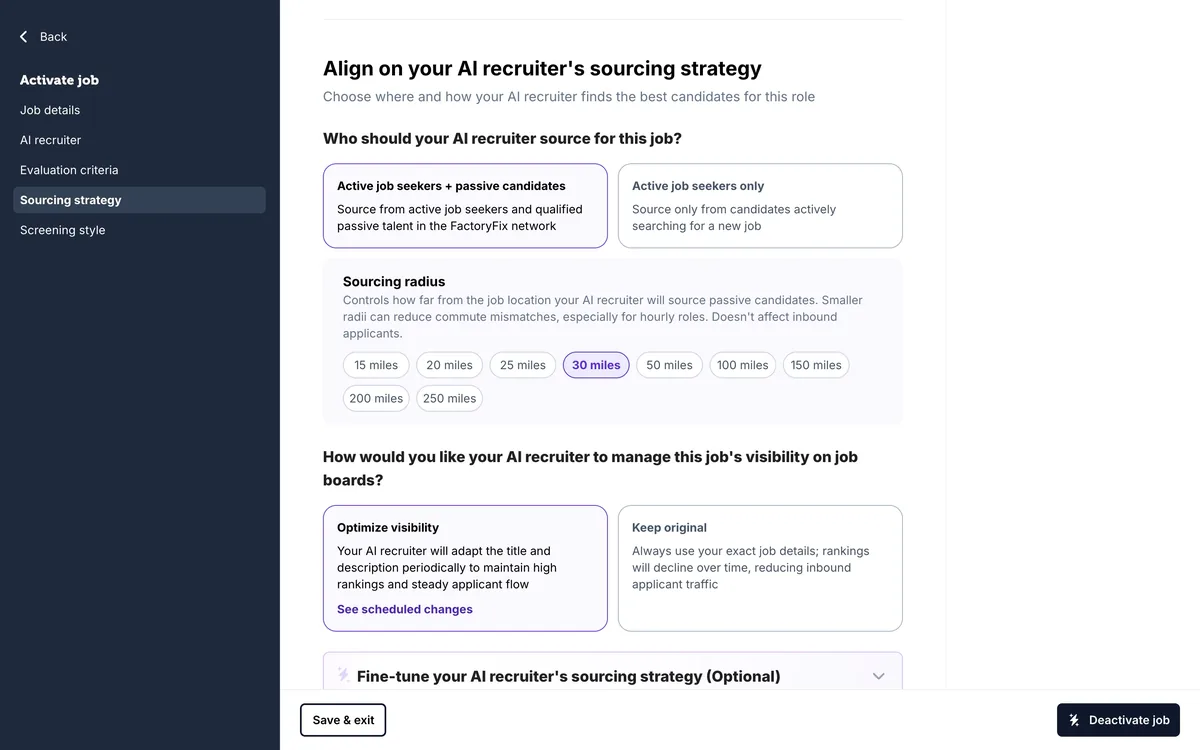
For the most speed, turn it on for a whole job. Edit the job, and under screening style, choose Yes, schedule interviews. Then pick which candidates qualify, like four stars and up. With your calendar connected and confirmation off, your AI recruiter books interviews with screened, high-scoring candidates and drops them right onto your calendar. It's the fastest way from applicant to interview.
Up next: a tune-up checklist for a quiet job.
Go deeper: watch Automated interview scheduling (4 min), a FactoryFix University session.