
-
 1 min
1 How FactoryFix works
-
 1 min
2 Your first 30 days
-
 1 min
Now playing
3 Bring your team into FactoryFix
-
 2 min
4 Post a job that gets candidates
-
 1 min
5 What happens after you hit Activate
-
 1 min
6 Make your AI recruiter yours
-
 1 min
7 Your 10-minute daily review
-
 1 min
8 Take over and move candidates forward
-
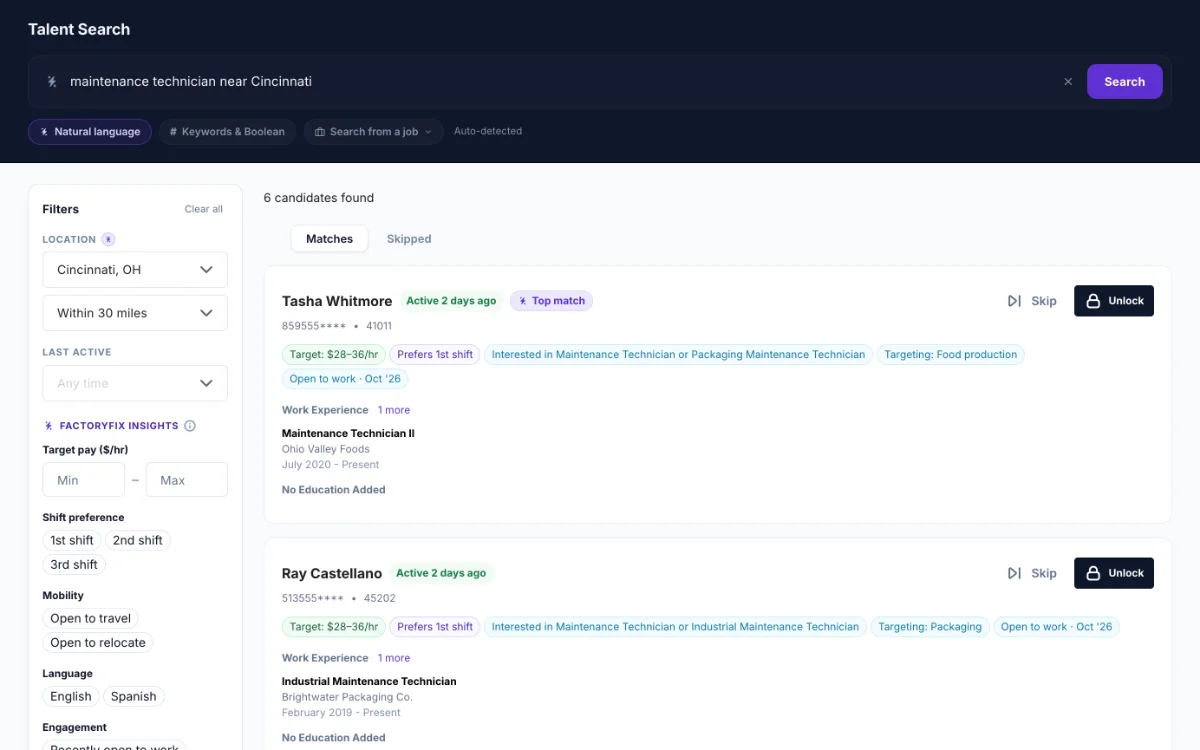 1 min
9 Find people yourself (Gold)
-
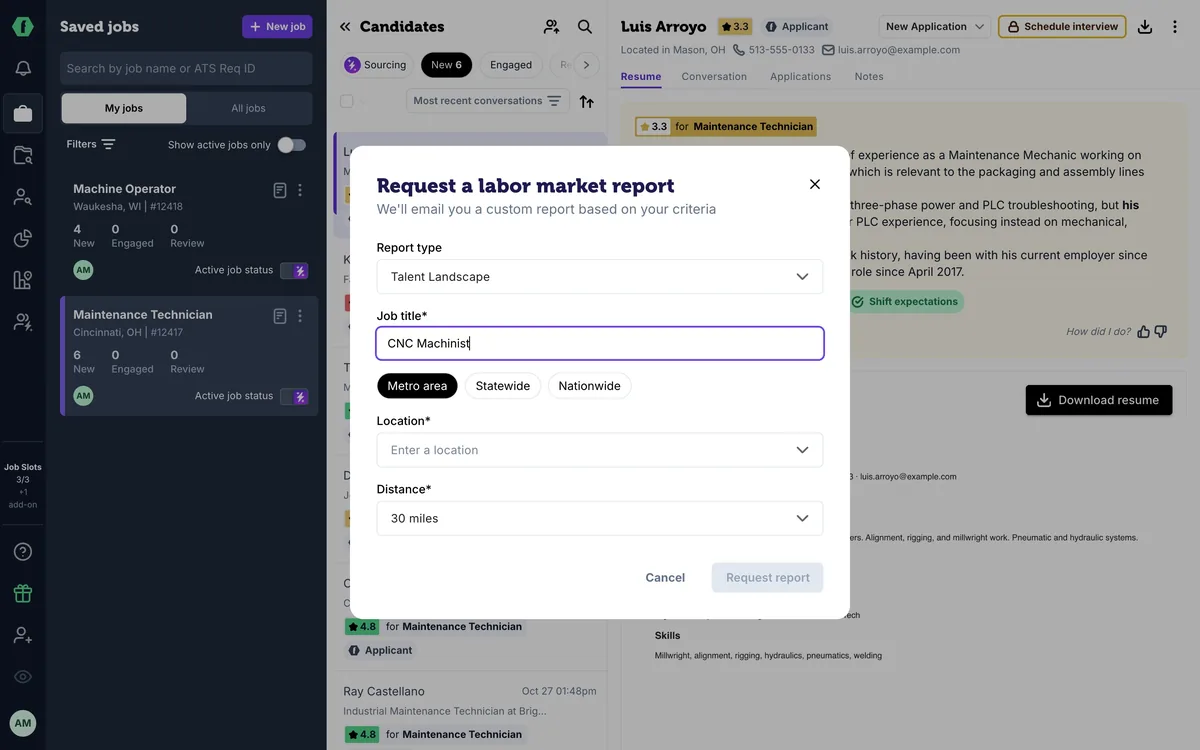 1 min
10 Know your market (Gold)
-
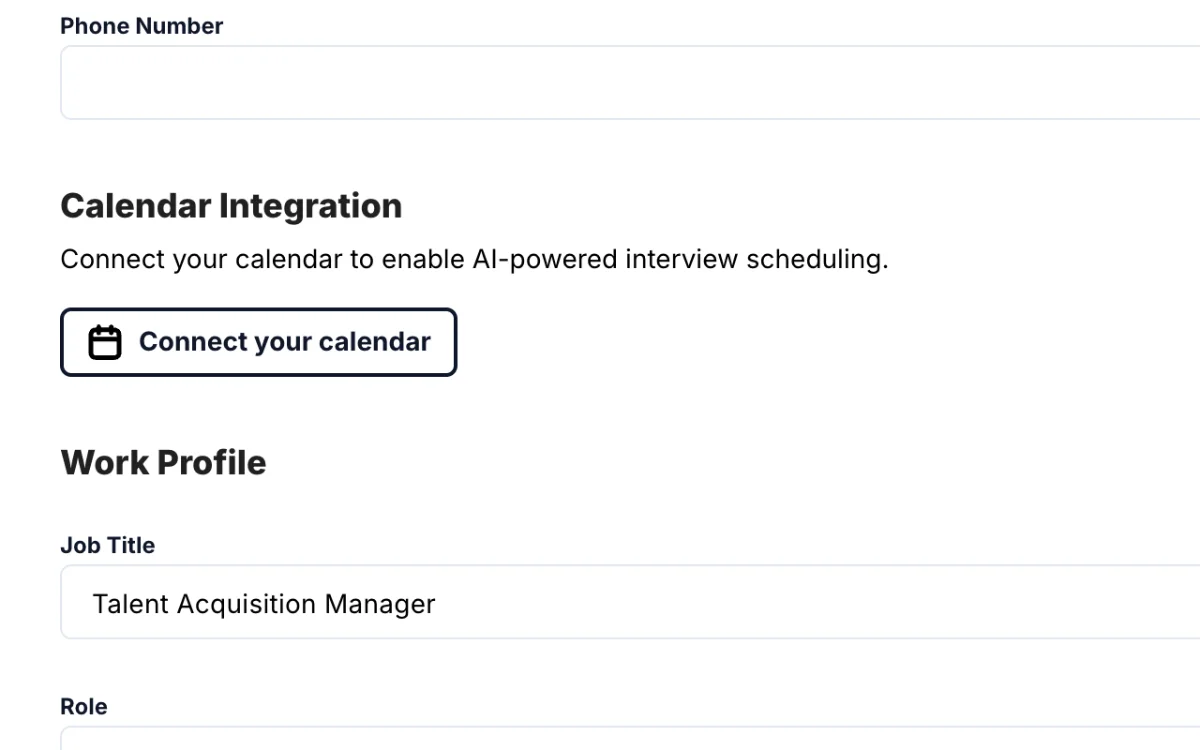 2 min
11 Schedule interviews (Gold)
-
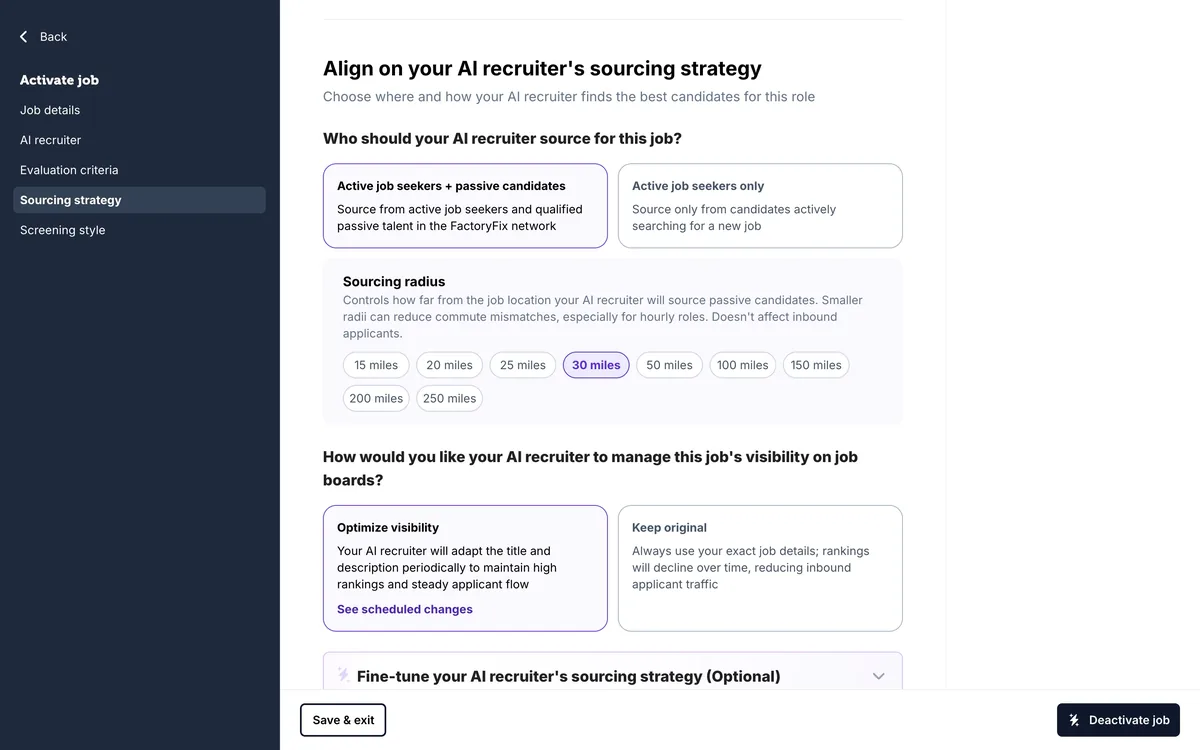 1 min
12 When a job is quiet
-
 1 min
13 Message many candidates at once
-
 1 min
14 Teach your AI recruiter
-
 1 min
15 Slots, drafts, and your plan
-
 1 min
16 Bring back past candidates
-
 1 min
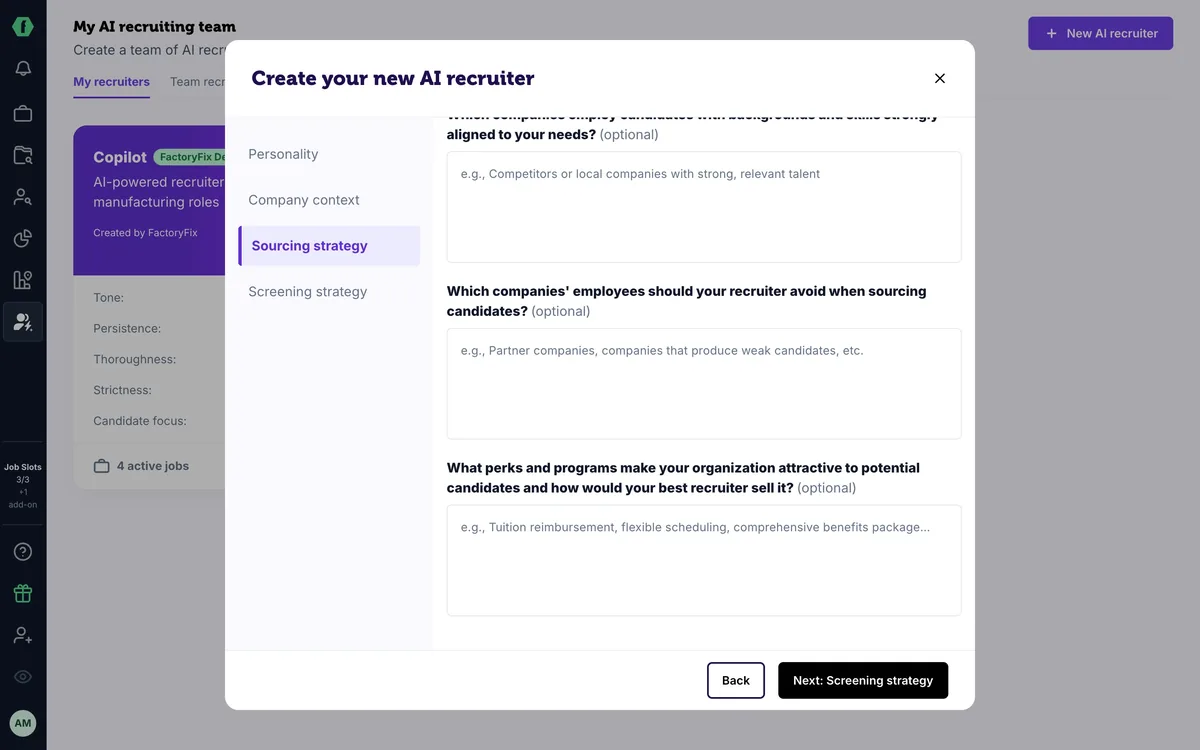
17 For staffing firms: one AI recruiter per client
-
 1 min
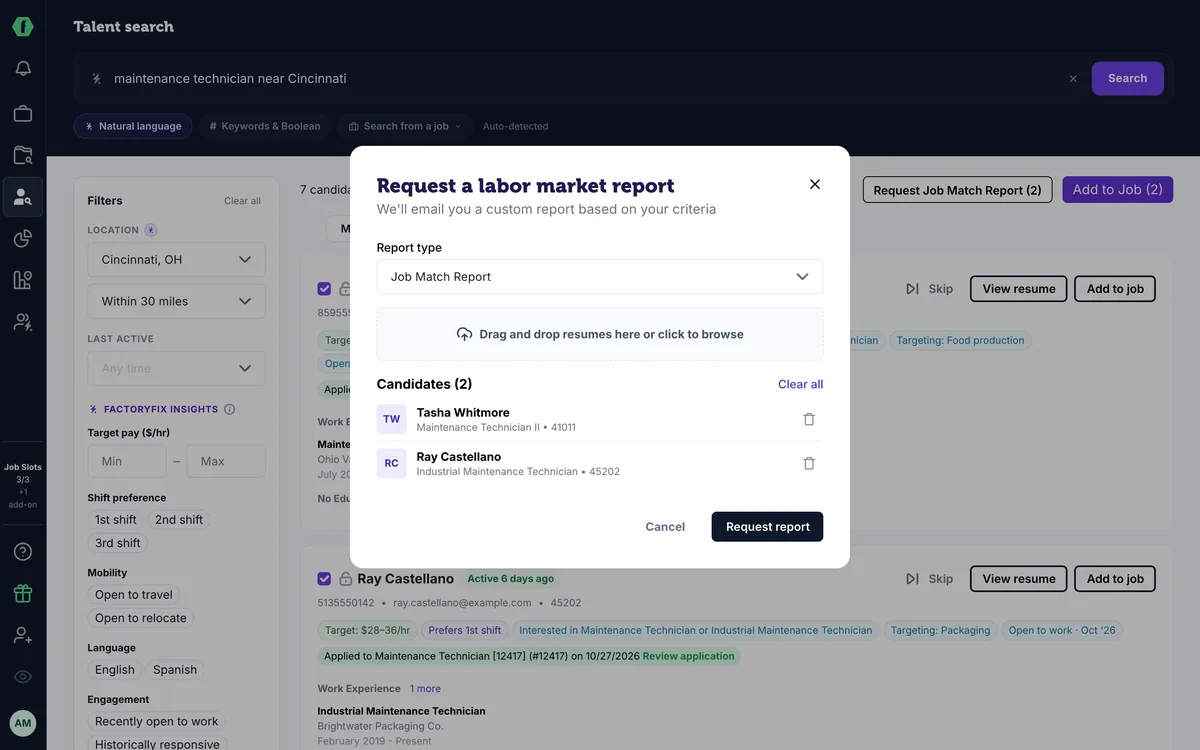
18 For staffing firms: win new business with reports
Summary
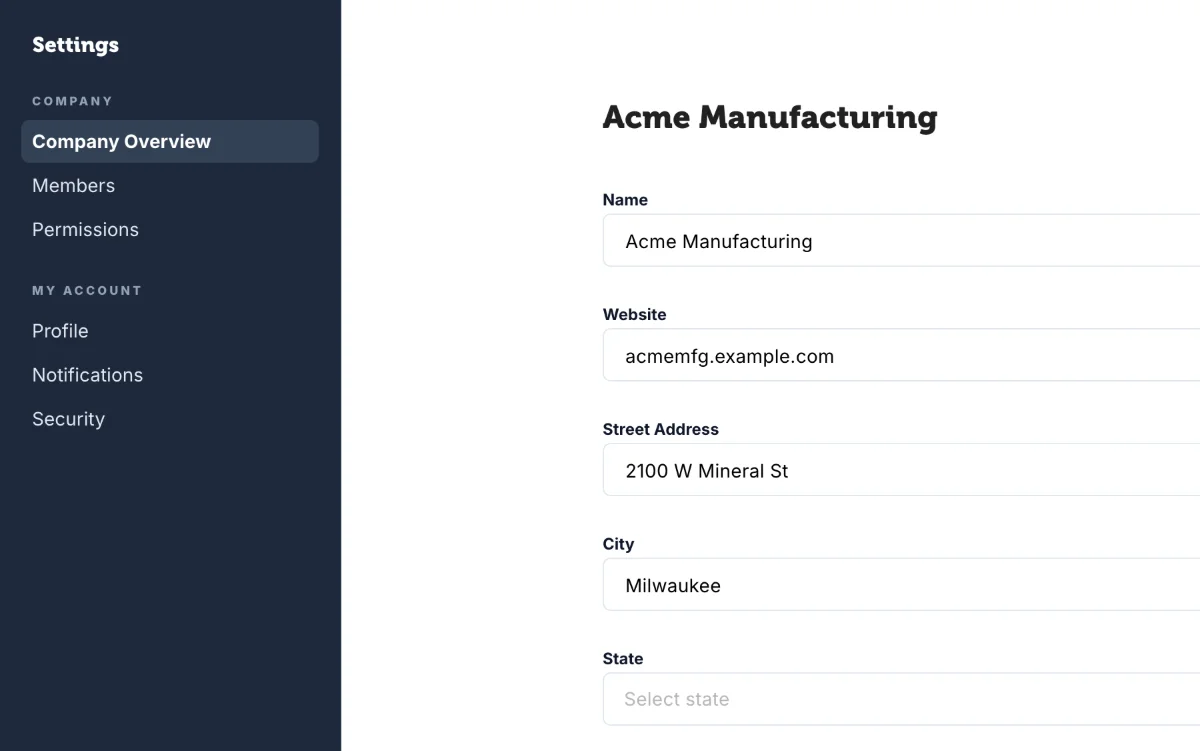
Set a password under Settings > Security so you can always sign back in. Admins invite teammates from Add teammate in the left menu; everyone shows up under Members. Put the right people on each job so they see it in My jobs and hear about its candidates, and choose how you hear about new candidates under Settings > Notifications. Admins should also fill in the Company Overview: your AI recruiters use it when they talk to candidates.
Chapters
- 0:00 Sign in and set up
- 0:05 Set your password
- 0:13 Invite teammates
- 0:20 Users and admins
- 0:31 Put people on each job
- 0:42 Notifications
- 0:51 Company Overview
Transcript
Here's how to sign in, and bring your team into FactoryFix.
First, set a password, so you can always sign back in. Click your initials in the bottom left, choose Settings, then Security.
If you're an admin, add your teammates from the left menu. Click Add teammate, enter their email, and send the invite.
Your team shows up under Members. Users can post jobs, work candidates, and search for talent. Admins can also manage the team, billing, and company settings.
Then put the right people on each job. Hover over the initials on a job card, click the pencil, and check each teammate. Everyone on a job sees it in My jobs, and hears about its candidates.
To choose how you hear about new candidates and replies, open Settings, then Notifications: by email, by text, or both.
Admins, one more thing: fill in your Company Overview. Your AI recruiters use it when they talk to candidates, so give them the details a great recruiter would know.
Up next: posting a job that gets candidates.