
-
 1 min
1 How FactoryFix works
-
 1 min
2 Your first 30 days
-
 1 min
3 Bring your team into FactoryFix
-
 2 min
4 Post a job that gets candidates
-
 1 min
5 What happens after you hit Activate
-
 1 min
6 Make your AI recruiter yours
-
 1 min
7 Your 10-minute daily review
-
 1 min
8 Take over and move candidates forward
-
 1 min
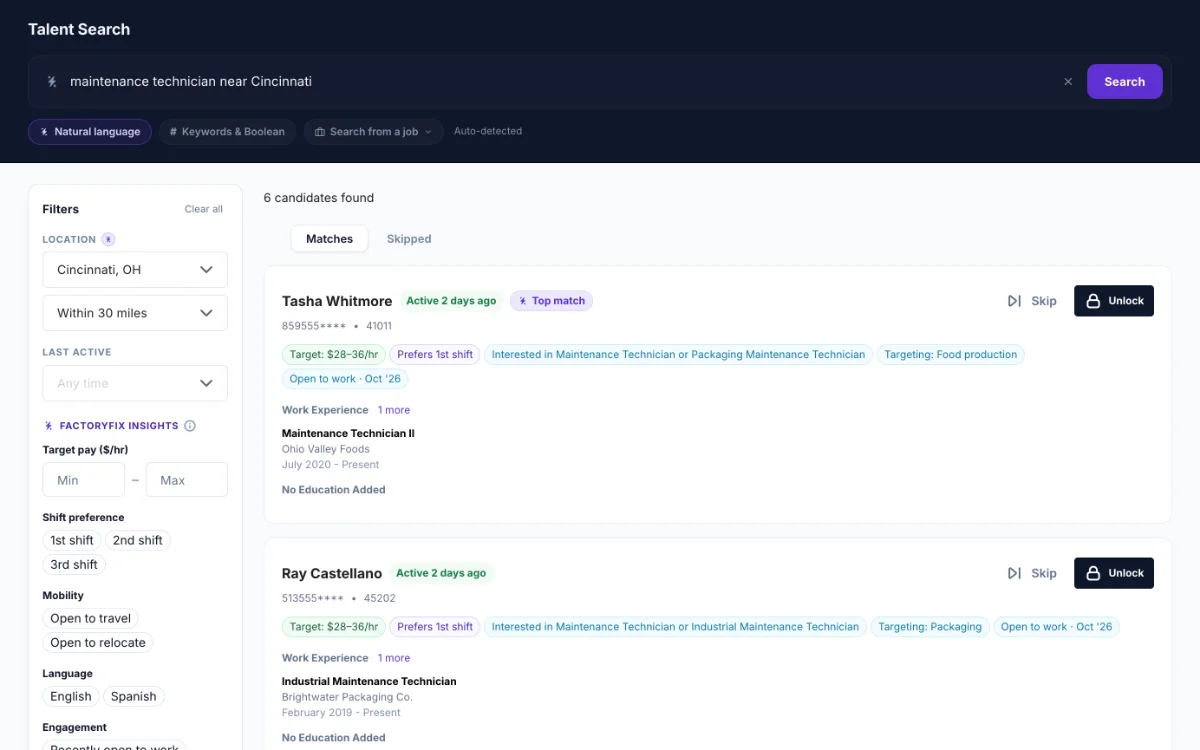
9 Find people yourself (Gold)
-
 1 min
Now playing
10 Know your market (Gold)
-
 2 min
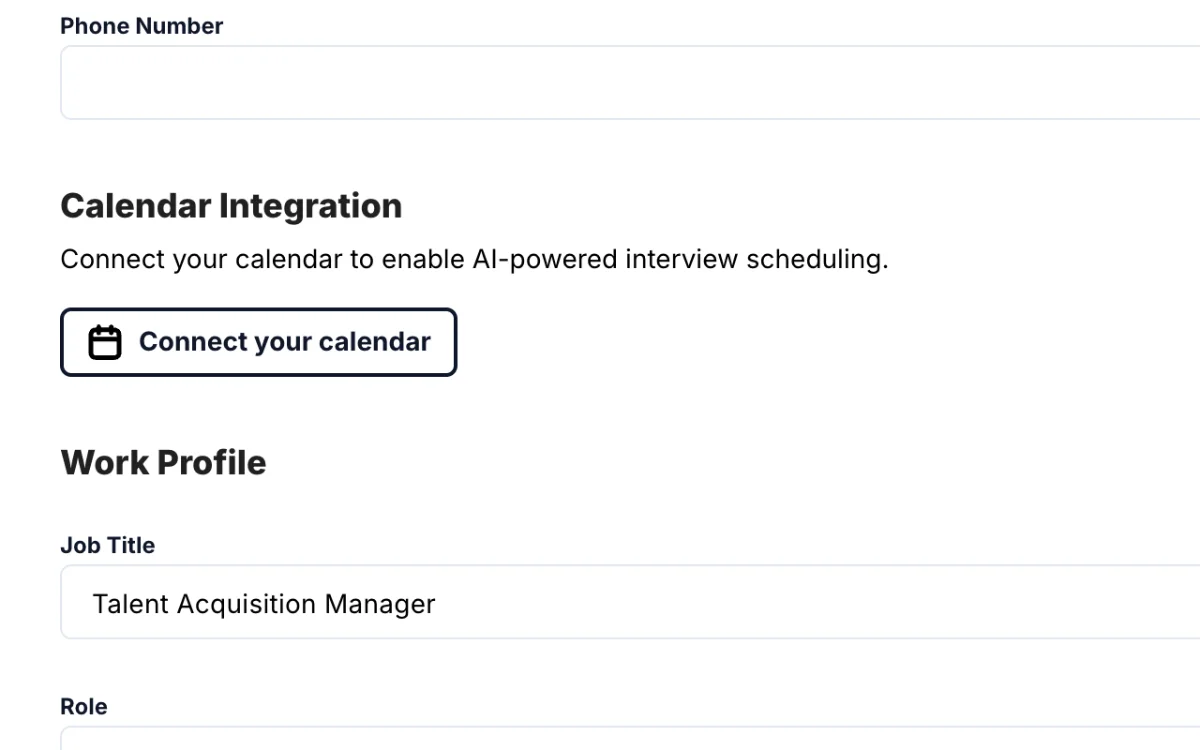
11 Schedule interviews (Gold)
-
 1 min
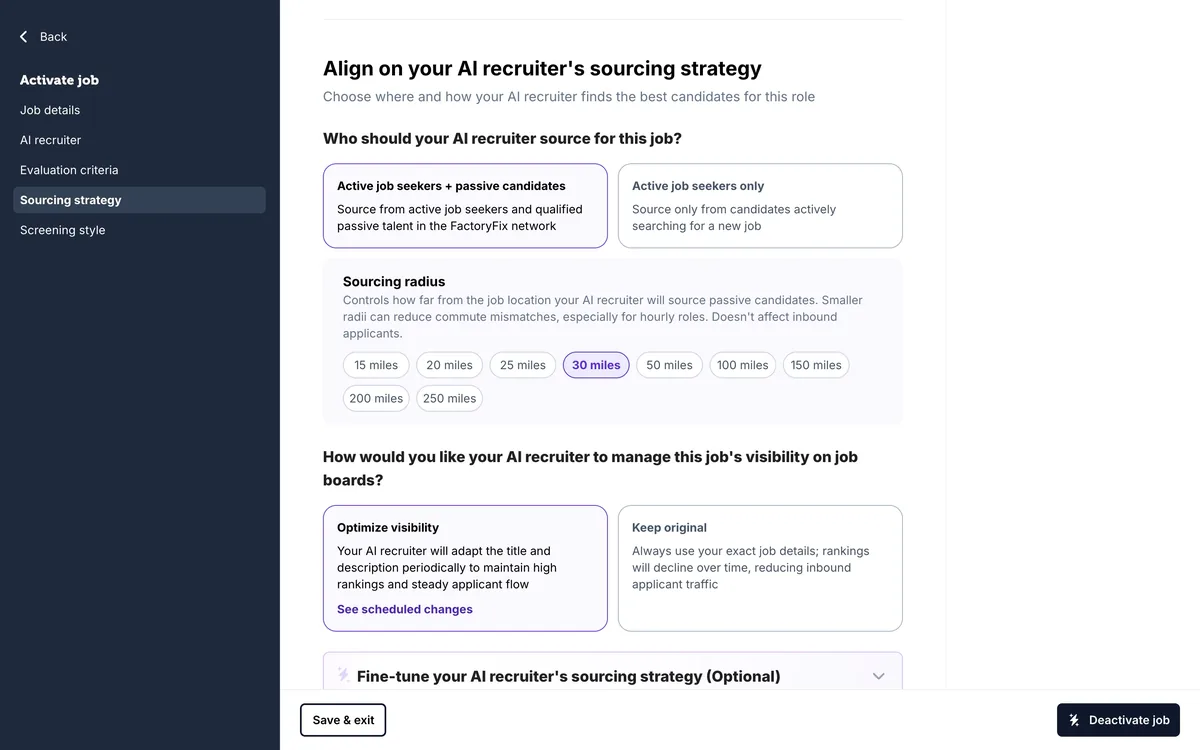
12 When a job is quiet
-
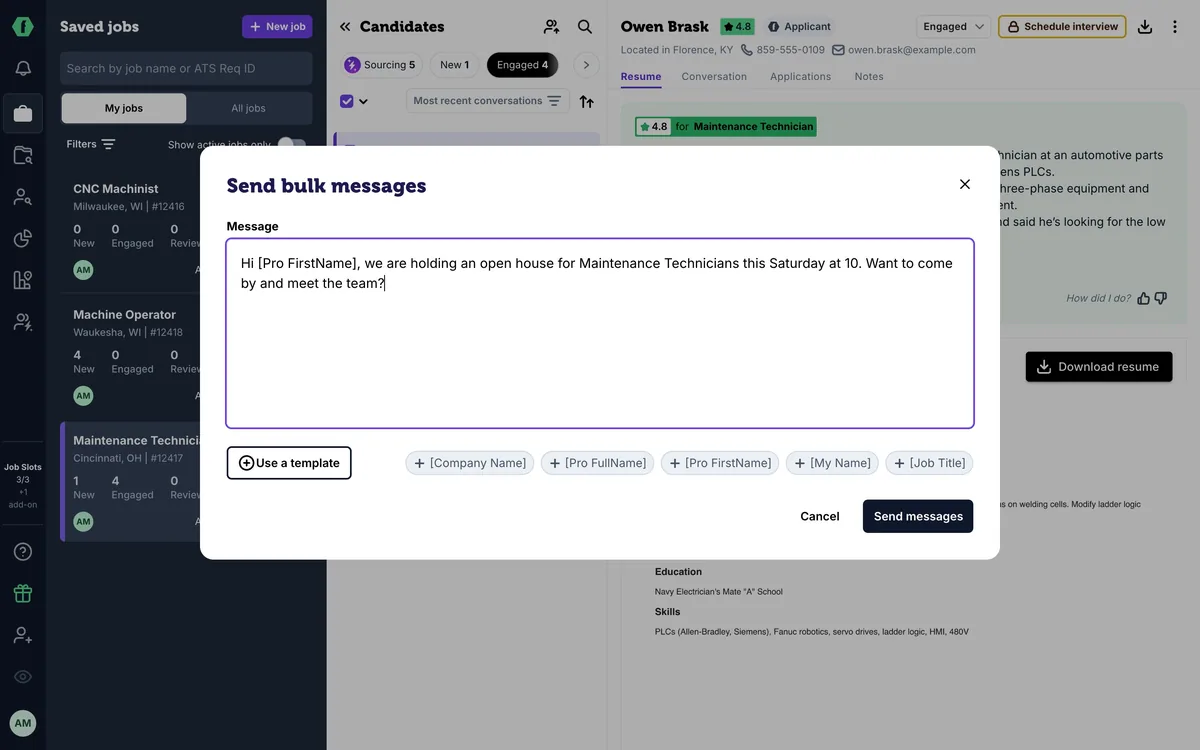 1 min
13 Message many candidates at once
-
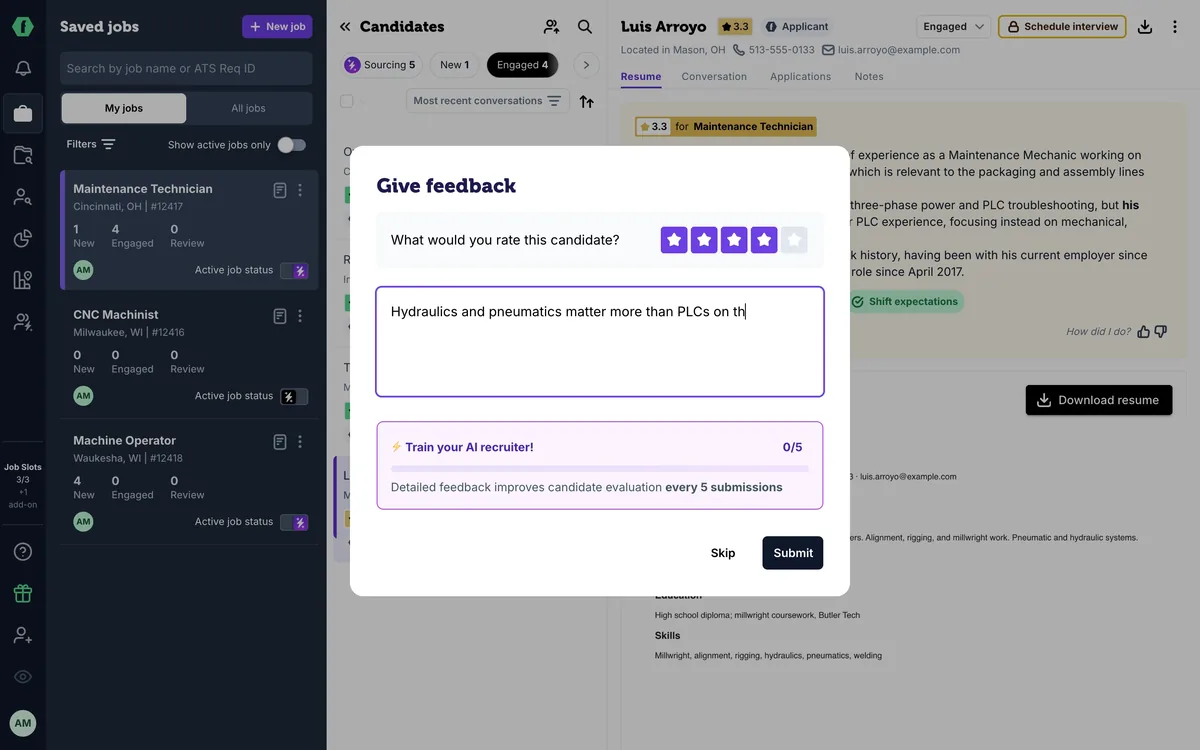 1 min
14 Teach your AI recruiter
-
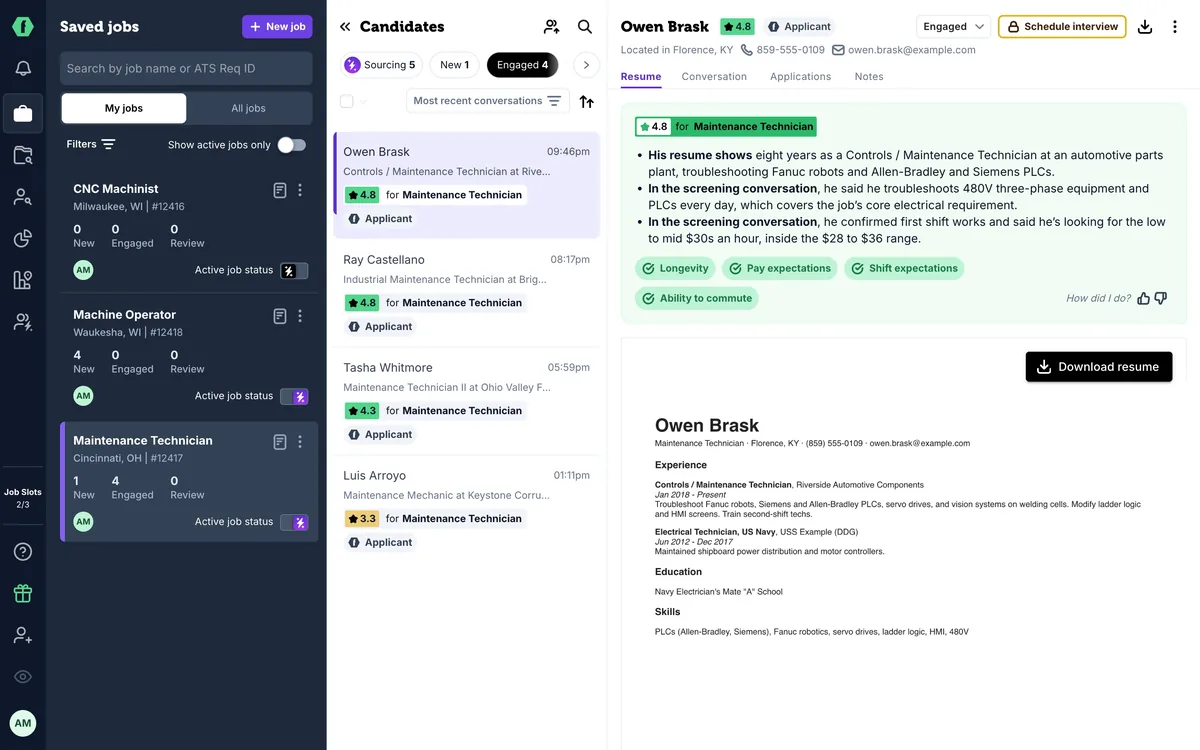 1 min
15 Slots, drafts, and your plan
-
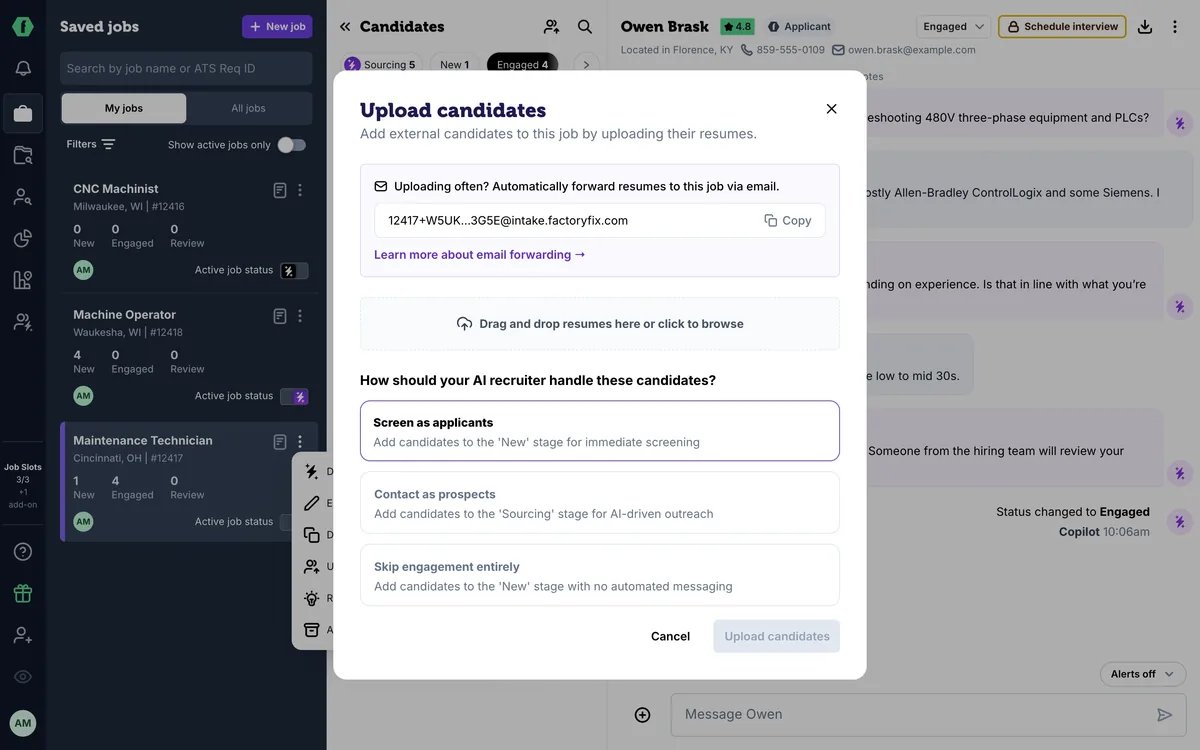 1 min
16 Bring back past candidates
-
 1 min
17 For staffing firms: one AI recruiter per client
-
 1 min
18 For staffing firms: win new business with reports
Summary
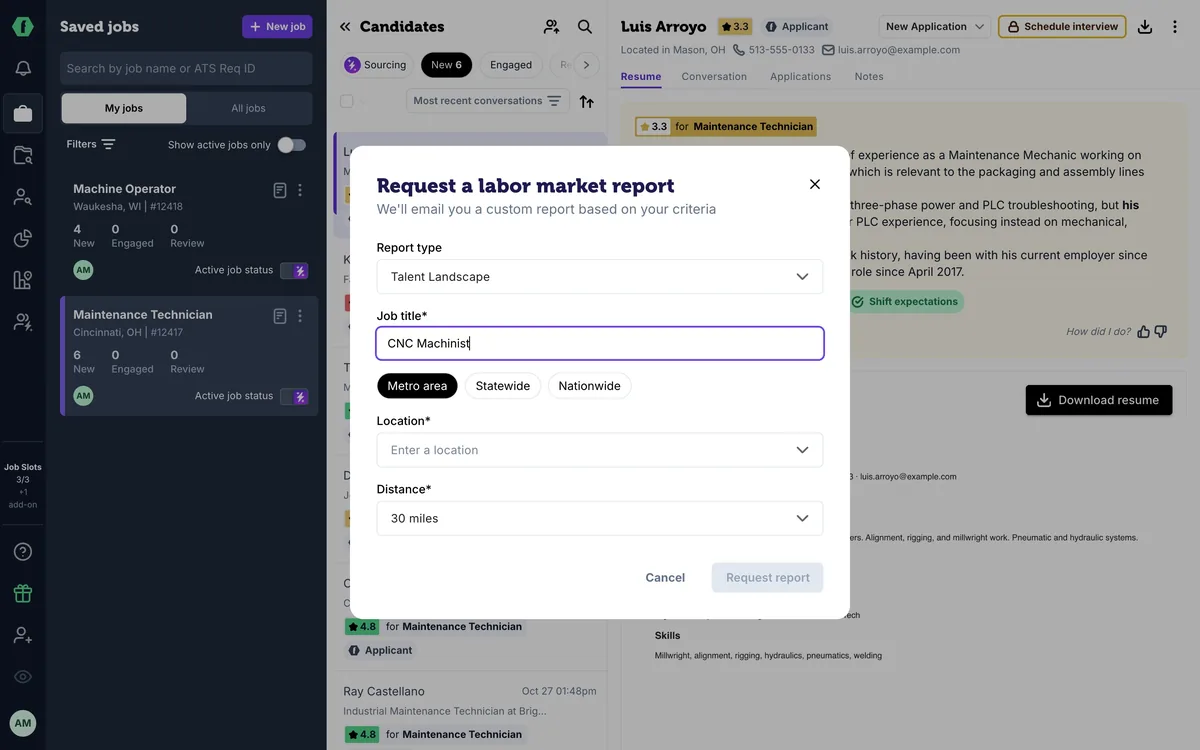
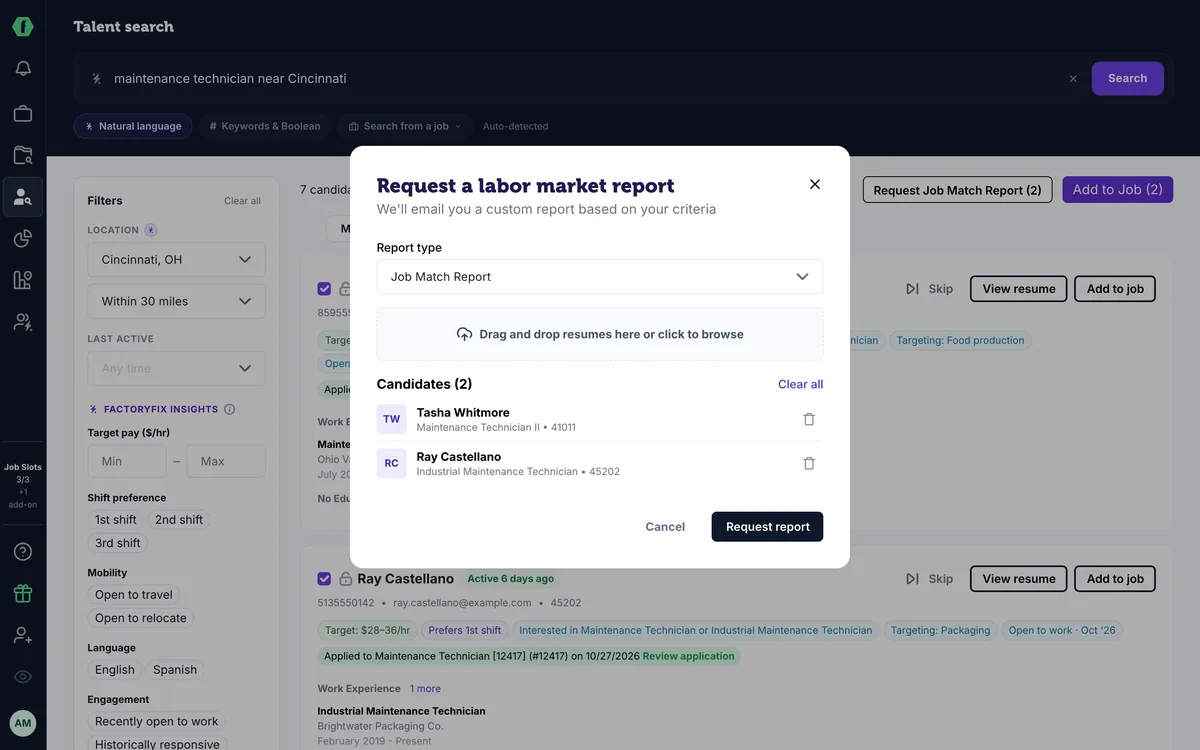
Labor market reports are a Gold feature. Click Labor Market Reports in the left menu, keep Talent Landscape, and enter the job title, location and distance. The report arrives by email, usually within the hour: how many people do this work near you, who else is hiring them, and what they're paid. Use it to set a pay range that competes. For a job that's already quiet, choose Request app flow analysis from the job's menu.
Chapters
- 0:00 Introduction
- 0:06 A Gold feature
- 0:13 Request a report
- 0:24 What's in the report
- 0:34 Make the pay case
- 0:41 App flow analysis
Transcript
Here's how to know your market before you post, and what to do when a job is quiet.
Labor market reports are a Gold feature. If your plan includes a Gold trial, run one on your hardest job.
Click Labor Market Reports in the left menu. Keep Talent Landscape, then enter the job title, the location, and how far out to look.
Request the report, and it arrives by email, usually within the hour. It shows how many people do this work near you, who else is hiring them, and what they're paid.
Use it to set a pay range that competes. And if pay is what's holding a job back, it's the evidence you need to make the case.
Already have a job that's quiet? Open the job's menu and choose Request app flow analysis. It compares the job with your market, and tells you what to change.
Up next: scheduling interviews with your AI recruiter.
Go deeper: watch the FactoryFix University sessions Labor market data for manufacturers (4 min) and Labor market intelligence for staffing firms (5 min).