
-
 1 min
1 How FactoryFix works
-
 1 min
2 Your first 30 days
-
 1 min
3 Bring your team into FactoryFix
-
 2 min
4 Post a job that gets candidates
-
 1 min
5 What happens after you hit Activate
-
 1 min
Now playing
6 Make your AI recruiter yours
-
 1 min
7 Your 10-minute daily review
-
 1 min
8 Take over and move candidates forward
-
 1 min
9 Find people yourself (Gold)
-
 1 min
10 Know your market (Gold)
-
 2 min
11 Schedule interviews (Gold)
-
 1 min
12 When a job is quiet
-
 1 min
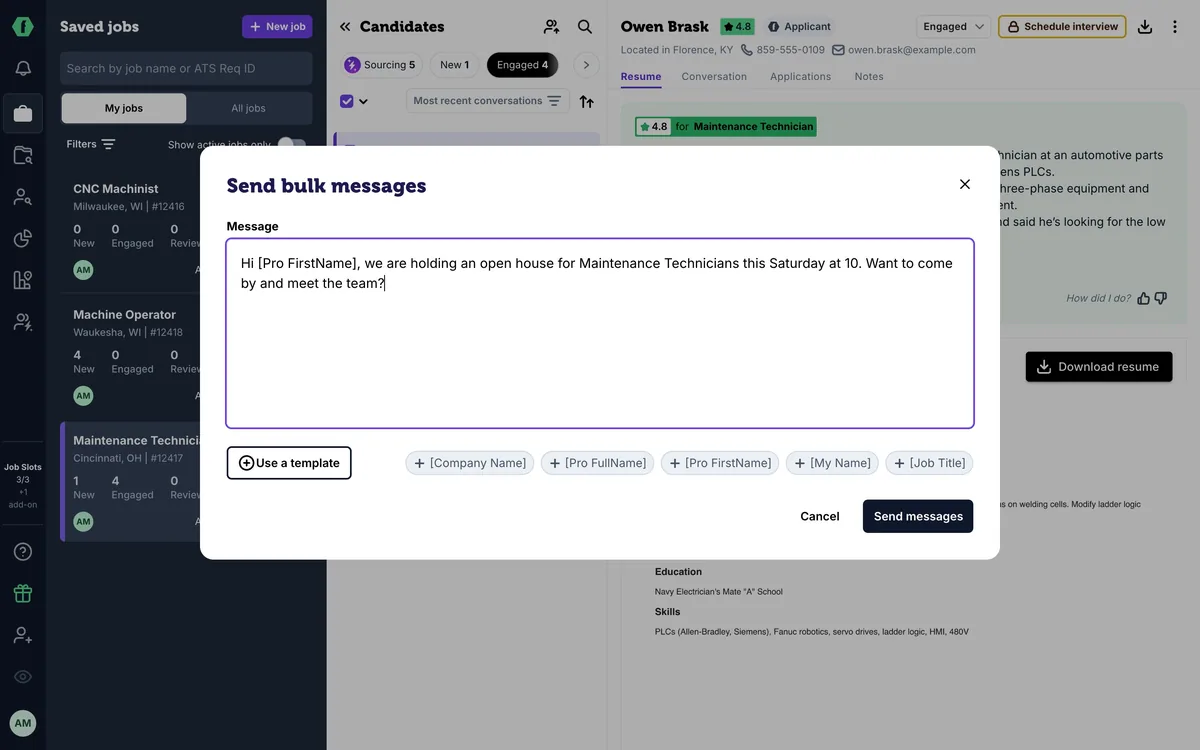
13 Message many candidates at once
-
 1 min
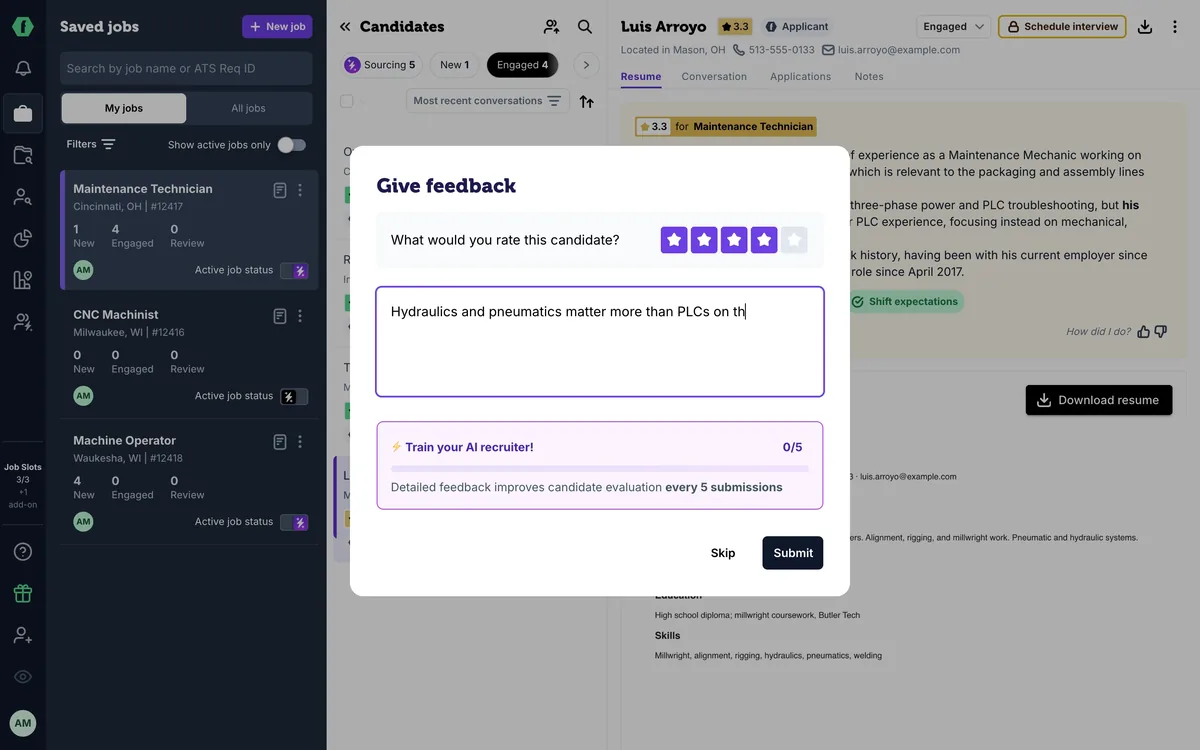
14 Teach your AI recruiter
-
 1 min
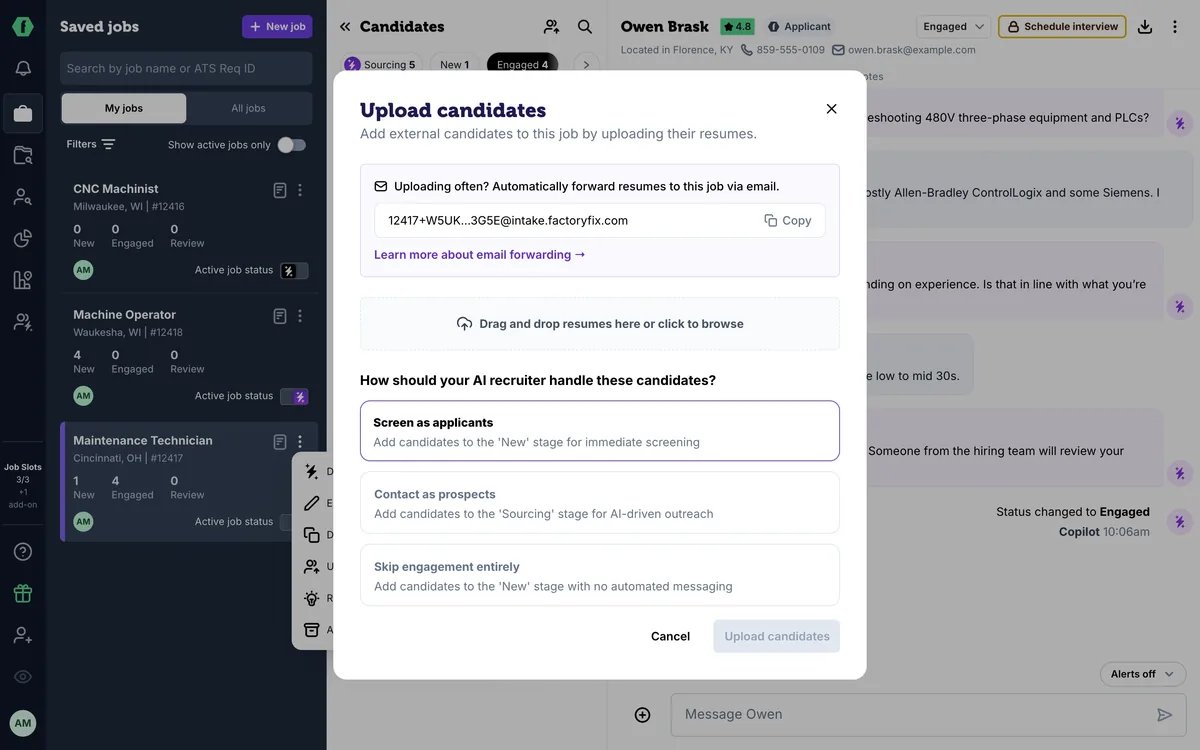
15 Slots, drafts, and your plan
-
 1 min
16 Bring back past candidates
-
 1 min
17 For staffing firms: one AI recruiter per client
-
 1 min
18 For staffing firms: win new business with reports
Summary
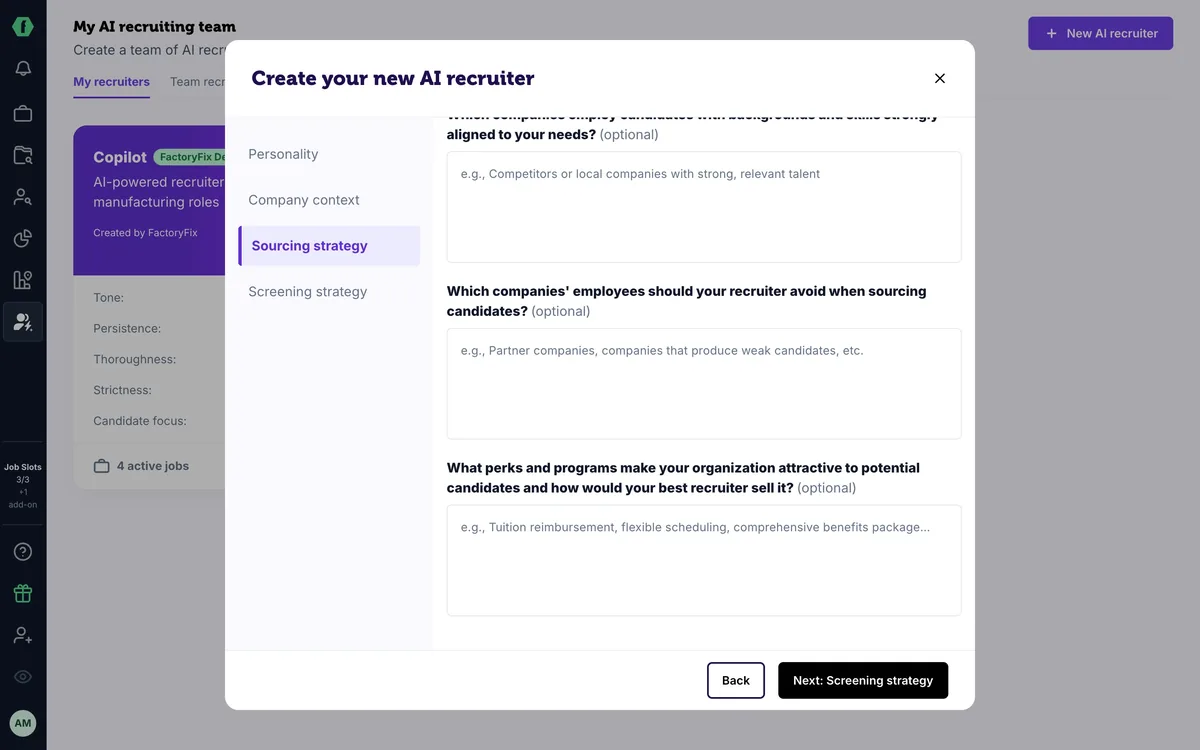
Copilot is your generalist; an AI recruiter you set up yourself is a specialist. In My AI Recruiting Team, click New AI recruiter, give it a simple first name, and choose its tone, persistence, strictness and messaging hours. Add company context it can use to sell the job, keep Interview and dig deeper, and answer the three questions about what makes a candidate special, what you'd overlook, and what isn't a fit. It uses these to score and screen, but never rejects anyone for you. Then pick it when you post a job.
Chapters
- 0:00 Introduction
- 0:05 Generalist or specialist
- 0:15 Create an AI recruiter
- 0:24 Tone, persistence and hours
- 0:33 Company context
- 0:43 Screening strategy
- 0:51 What great looks like
- 1:04 Put it to work
Transcript
Here's how to make your AI recruiter work like one of your own.
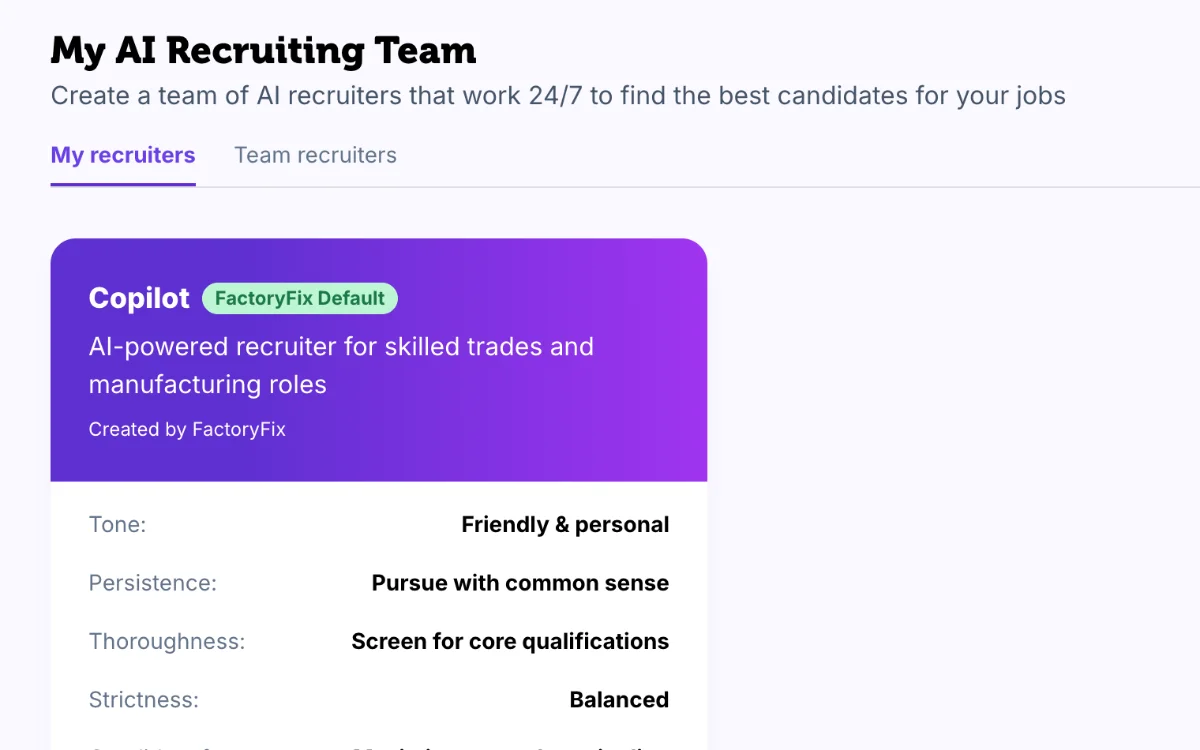
Copilot is your generalist. An AI recruiter you set up yourself is a specialist: it knows your company, your kind of roles, and what a great hire looks like.
In My AI Recruiting Team, click New AI recruiter. Give it a simple first name, like Sarah, since candidates may ask who they're talking to.
Choose its tone, how hard it follows up with hesitant candidates, how strict it should be, and when it can send messages.
Next, company context. Tell it what you make, and why people like working for you. It uses this to sell the job.
Under screening strategy, keep Interview and dig deeper, so it asks follow-up questions the way a good recruiter would.
Then answer three questions: what makes a candidate special, what you'd overlook, and what tells you someone isn't a fit. It uses these to score and screen, but it never rejects anyone for you.
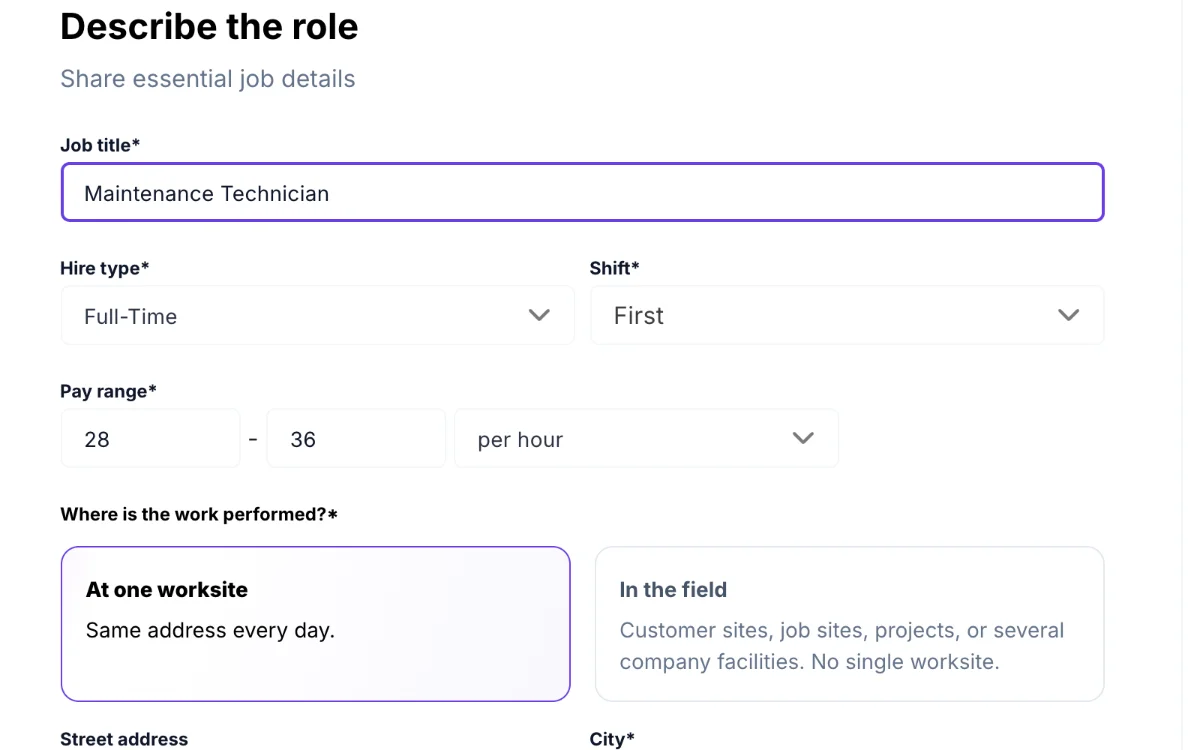
Create your AI recruiter, then pick it when you post a job, and its settings fill in for you.
Up next: your ten-minute daily review.
Go deeper: watch Build an AI recruiter that recruits like you (7 min), a FactoryFix University session.