
-
 1 min
1 How FactoryFix works
-
 1 min
2 Your first 30 days
-
 1 min
3 Bring your team into FactoryFix
-
 2 min
4 Post a job that gets candidates
-
 1 min
5 What happens after you hit Activate
-
 1 min
6 Make your AI recruiter yours
-
 1 min
7 Your 10-minute daily review
-
 1 min
8 Take over and move candidates forward
-
 1 min
9 Find people yourself (Gold)
-
 1 min
10 Know your market (Gold)
-
 2 min
11 Schedule interviews (Gold)
-
 1 min
12 When a job is quiet
-
 1 min
13 Message many candidates at once
-
 1 min
14 Teach your AI recruiter
-
 1 min
Now playing
15 Slots, drafts, and your plan
-
 1 min
16 Bring back past candidates
-
 1 min
17 For staffing firms: one AI recruiter per client
-
 1 min
18 For staffing firms: win new business with reports
Summary
A job slot is one live job with your AI recruiter working on it, not a hire. The switch on each job shows its status: purple is live, dark is off. When you fill a role, switch the job off: your AI recruiter ends its conversations for that job, you keep every candidate, and the slot is free. Drafts don't use a slot. If you need more live jobs than your plan includes, the app tells you before an extra slot adds to your bill.
Chapters
- 0:00 Introduction
- 0:05 A slot is a live job
- 0:22 Live or off
- 0:30 Filled? Switch it off
- 0:42 Drafts
- 0:53 More jobs than your plan
Transcript
Here's how job slots work, and how to get the most from them.
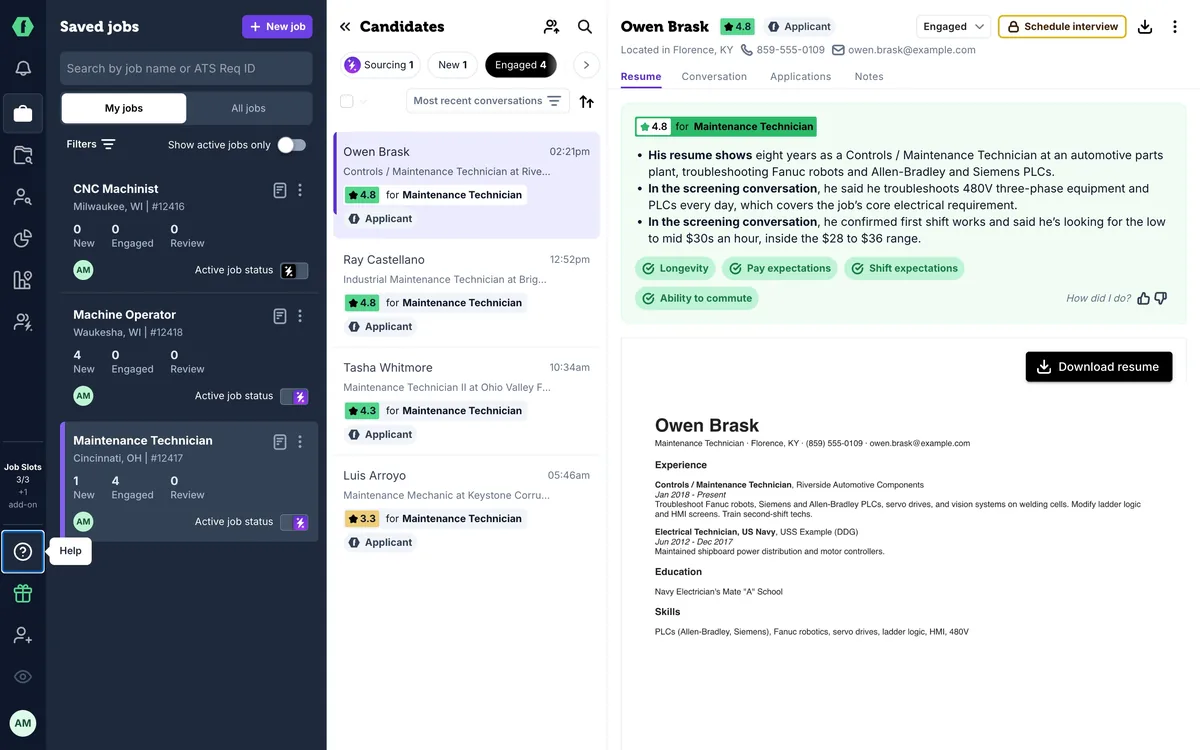
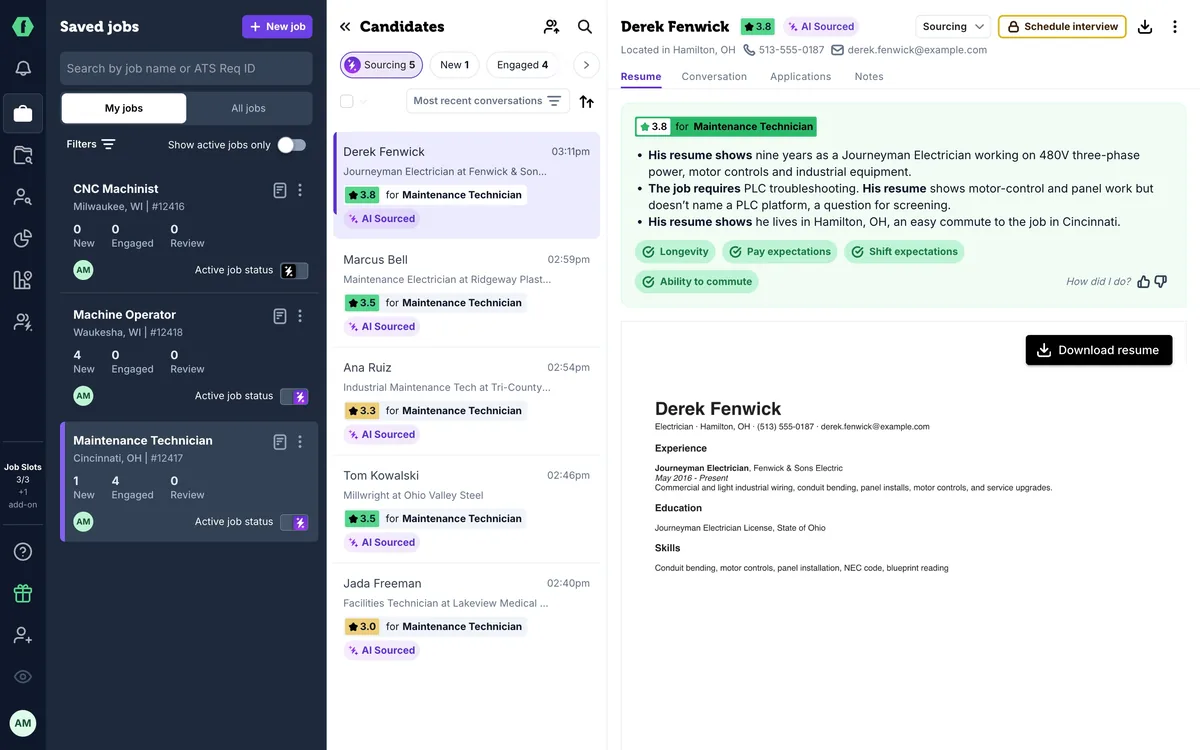
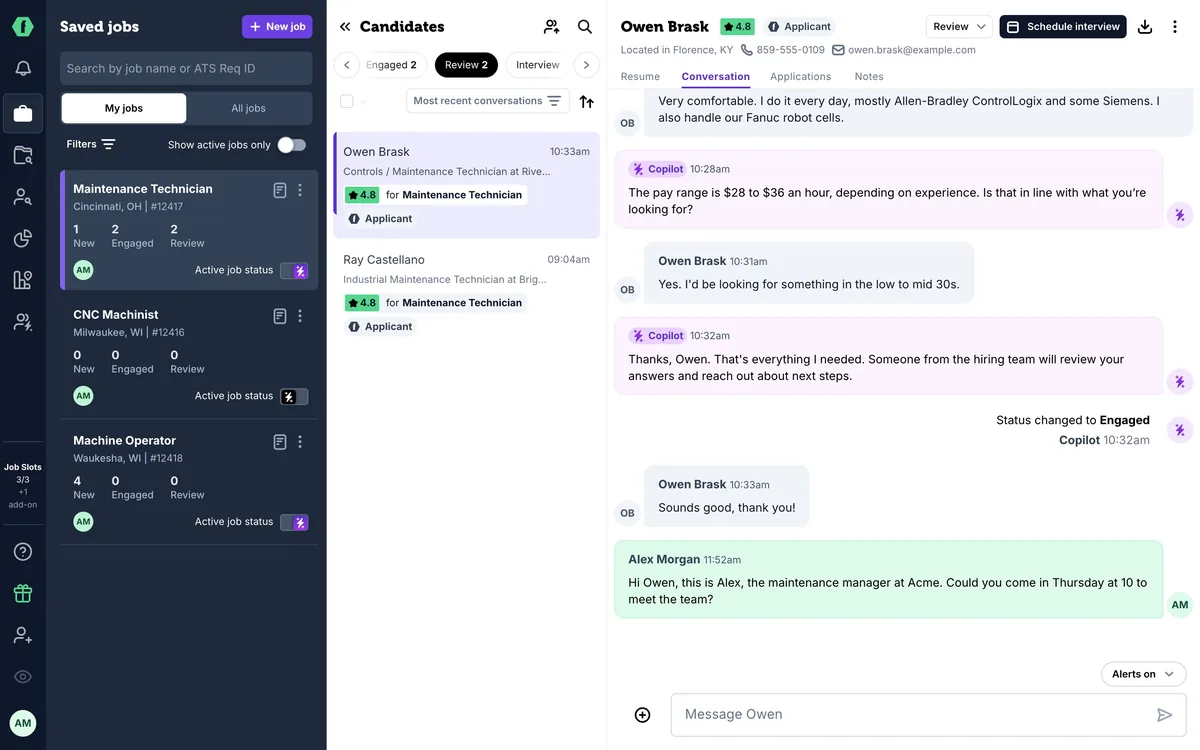
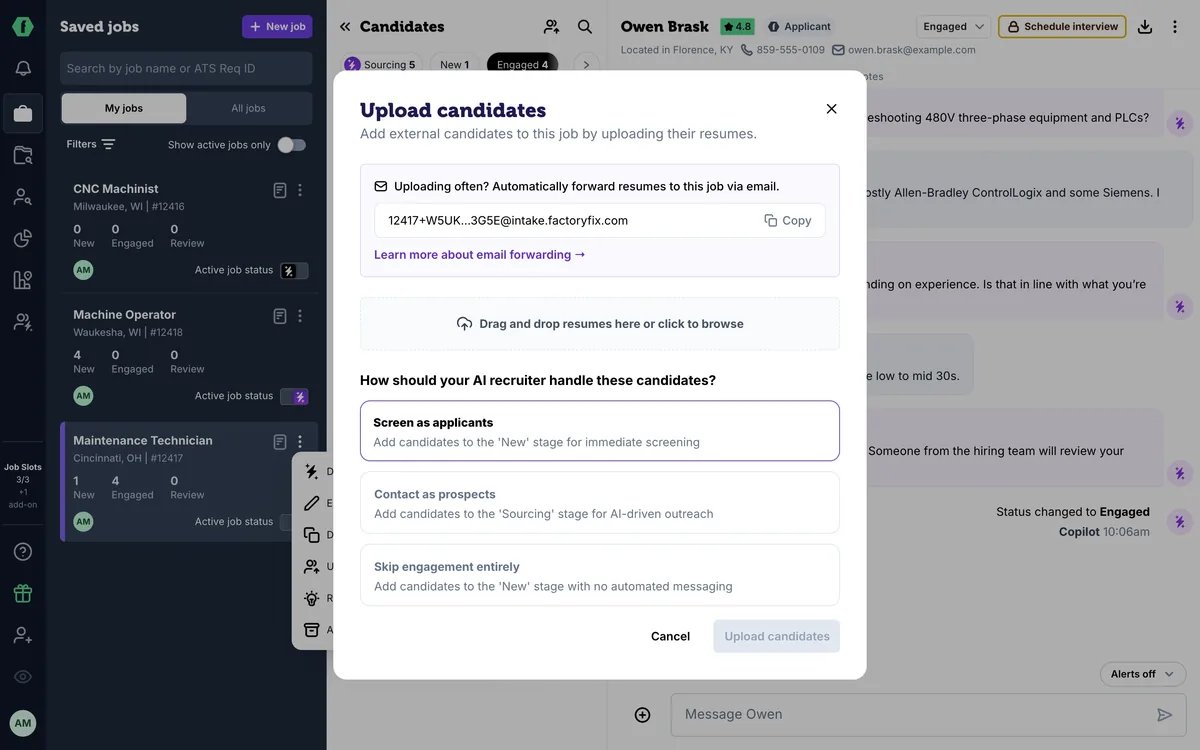
Your plan comes with job slots. A slot is one live job with your AI recruiter working on it. It isn't a hire, so you can hire as many people from that job as you need. Think of slots like parking spaces. Any job can use one, and here, two of three are taken.
The switch on each job shows its status. Purple means live. Dark means it's off, and it isn't using a slot.
Filled a role? Switch the job off. Your AI recruiter ends its conversations for that job, but you keep every candidate, and the slot is free for your next job.
Not ready to go live? Save a job as a draft, like this one. Drafts don't use a slot, so they're handy for planning ahead, or for saving people you find in Talent Search.
Need more live jobs than your plan includes? The app tells you before an extra slot adds to your bill. Admins can see invoices under Billing, and your account manager can answer any plan questions.
Up next: bringing back past candidates.