
Need to start hiring for a role again? You can easily reactivate any previously deactivated job posting. This will put your AI recruiter back to work, marketing your job on job boards and sourcing candidates from the FactoryFix talent network.
Steps to Reactivate a Job
- Navigate to the Manage Jobs tab.
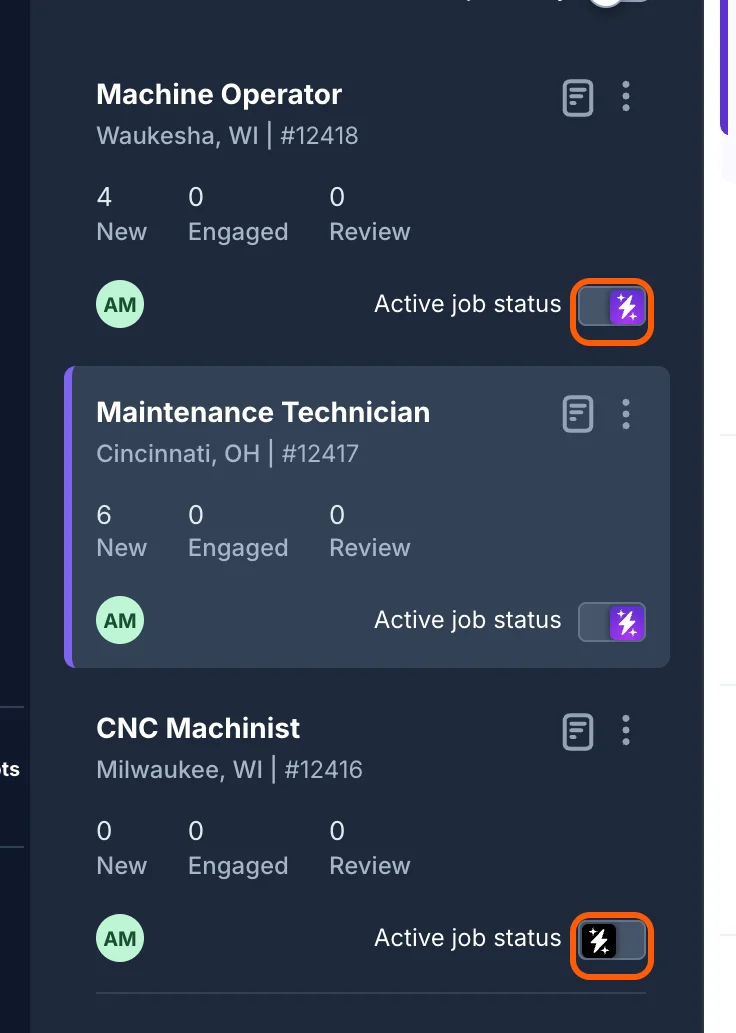
- Find the job you want to reactivate. You may need to use the search bar or adjust your filters to view inactive jobs (turn off the "Show active jobs only" toggle). Inactive jobs have a dark, left-aligned toggle switch.
- Before reactivating, we recommend you verify the job details. Click the three-dot menu on the job card and select Edit job.
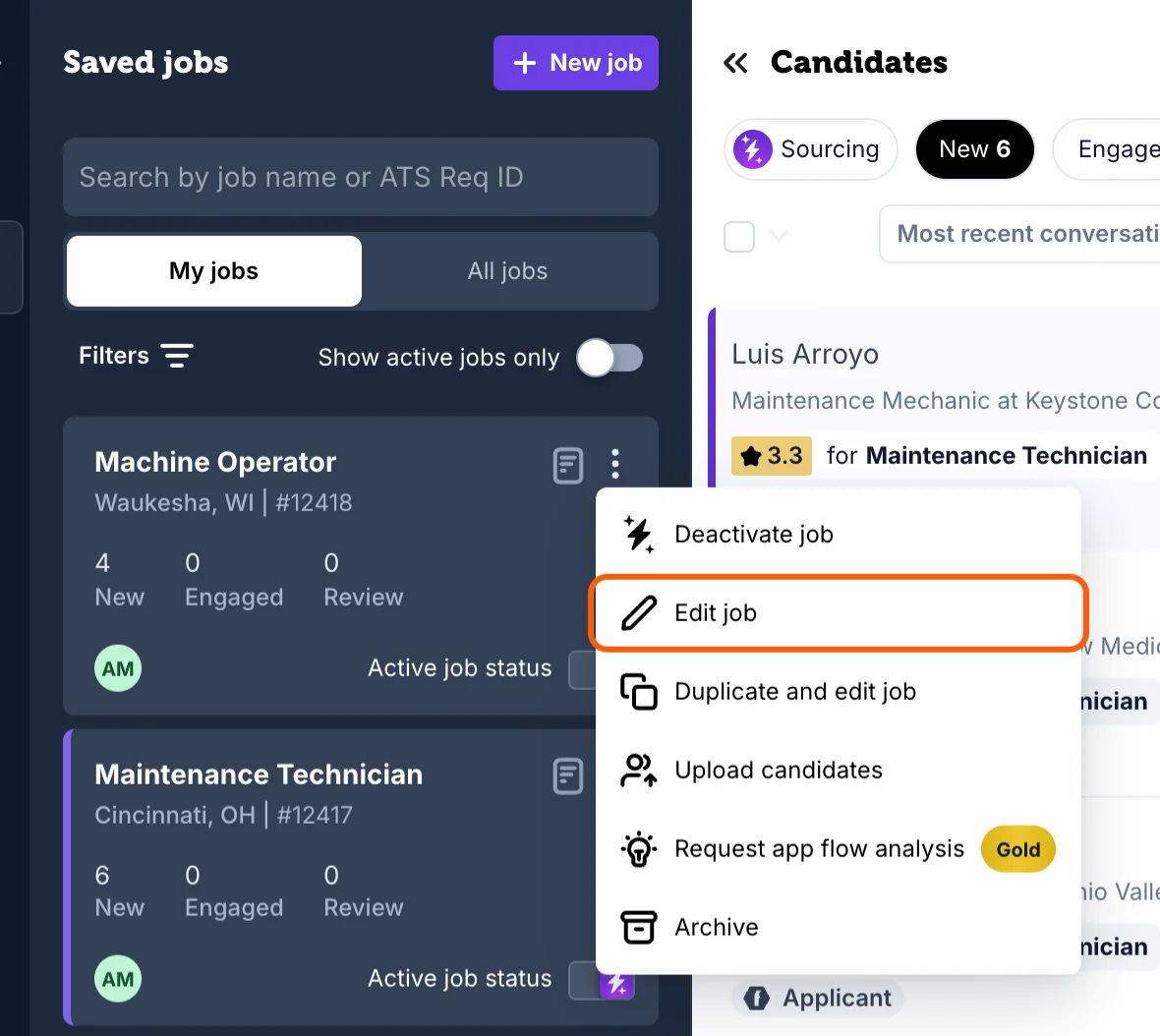
- Review all the details (pay, description, AI recruiter settings) to ensure they are still accurate.
- On the final screen of the workflow, click Activate job.

Alternatively, if you are confident all the details are correct, you can simply click the job status toggle on the job card from the "Manage Jobs" list to reactivate the job immediately.
Your job is now live again, and your AI recruiter will resume sourcing and screening candidates for the role.