
-
 1 min
1 How FactoryFix works
-
 1 min
2 Your first 30 days
-
 1 min
3 Bring your team into FactoryFix
-
 2 min
4 Post a job that gets candidates
-
 1 min
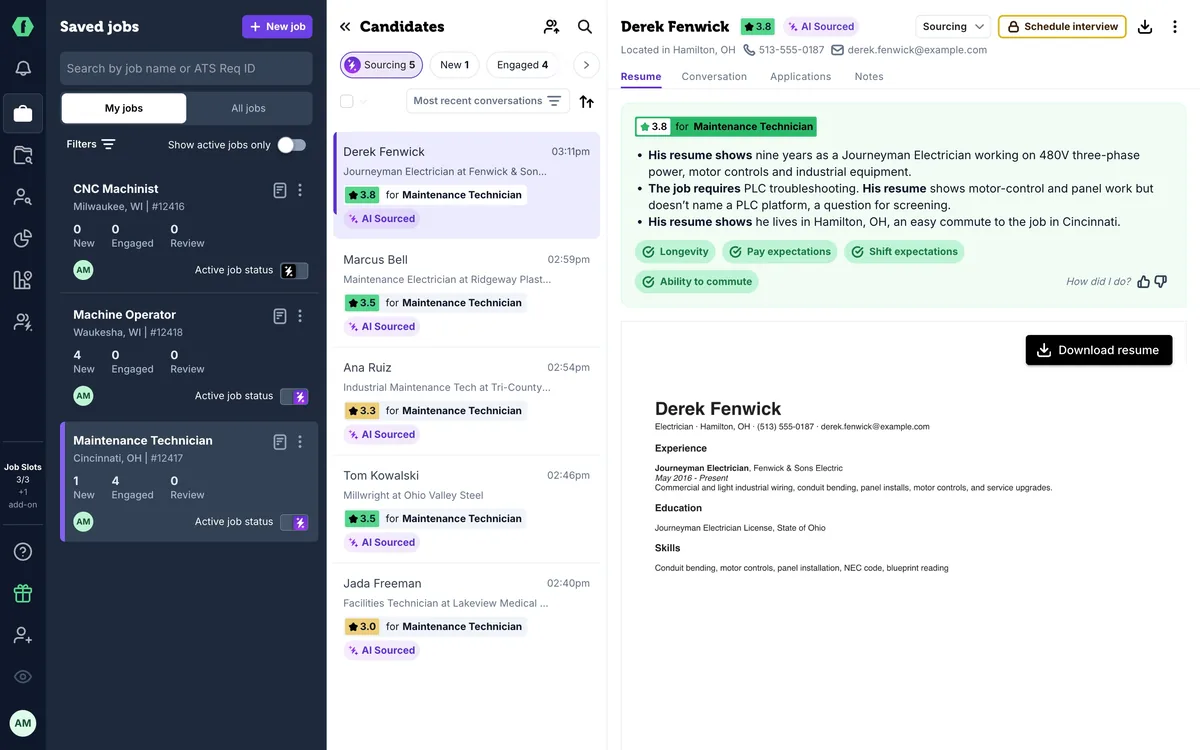
5 What happens after you hit Activate
-
 1 min
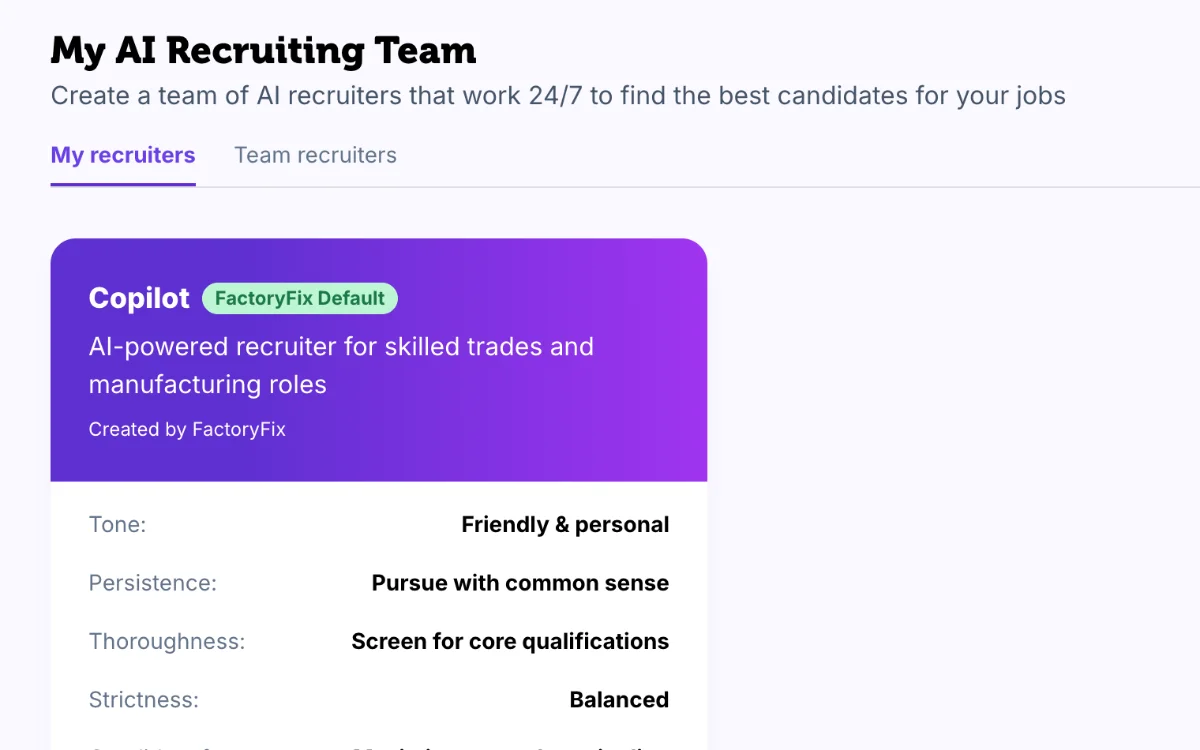
6 Make your AI recruiter yours
-
 1 min
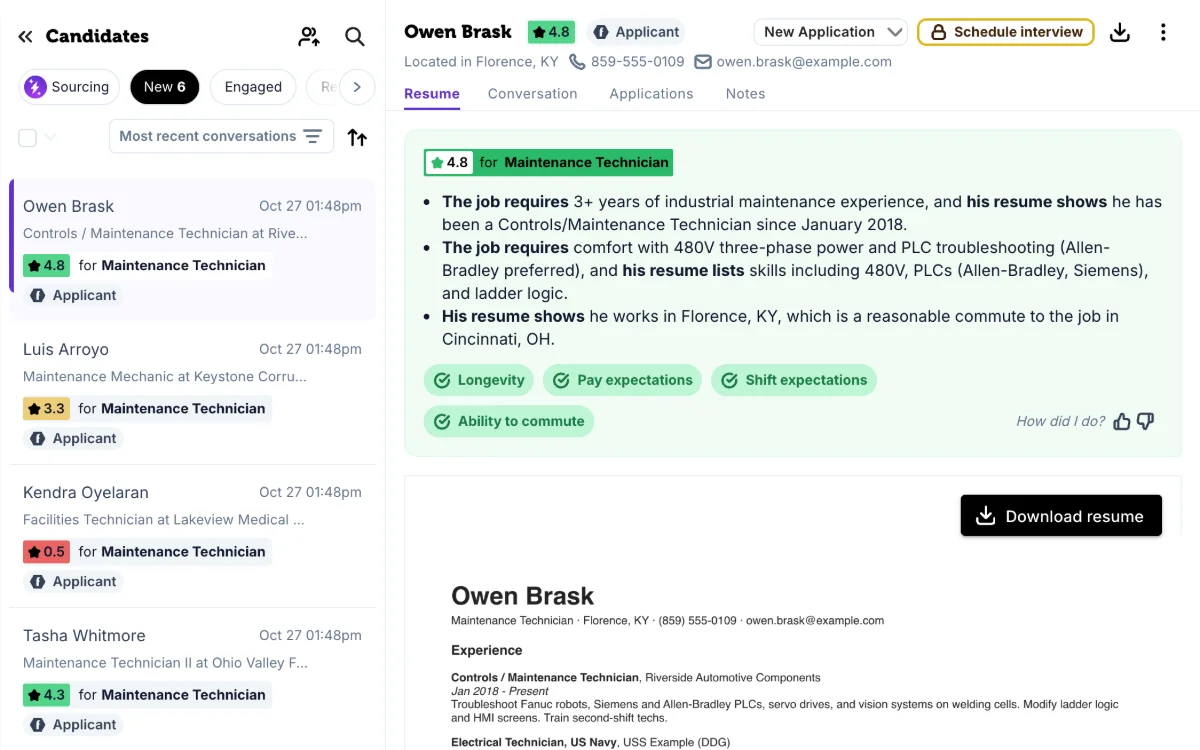
7 Your 10-minute daily review
-
 1 min
Now playing
8 Take over and move candidates forward
-
 1 min
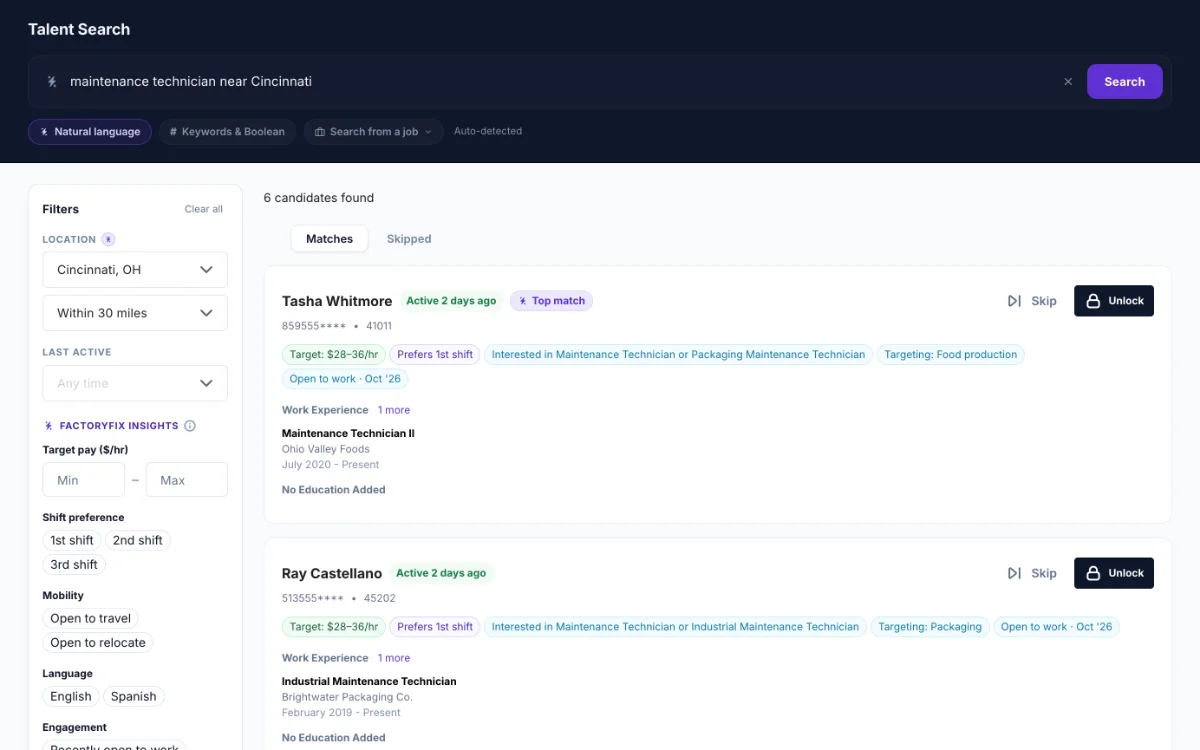
9 Find people yourself (Gold)
-
 1 min
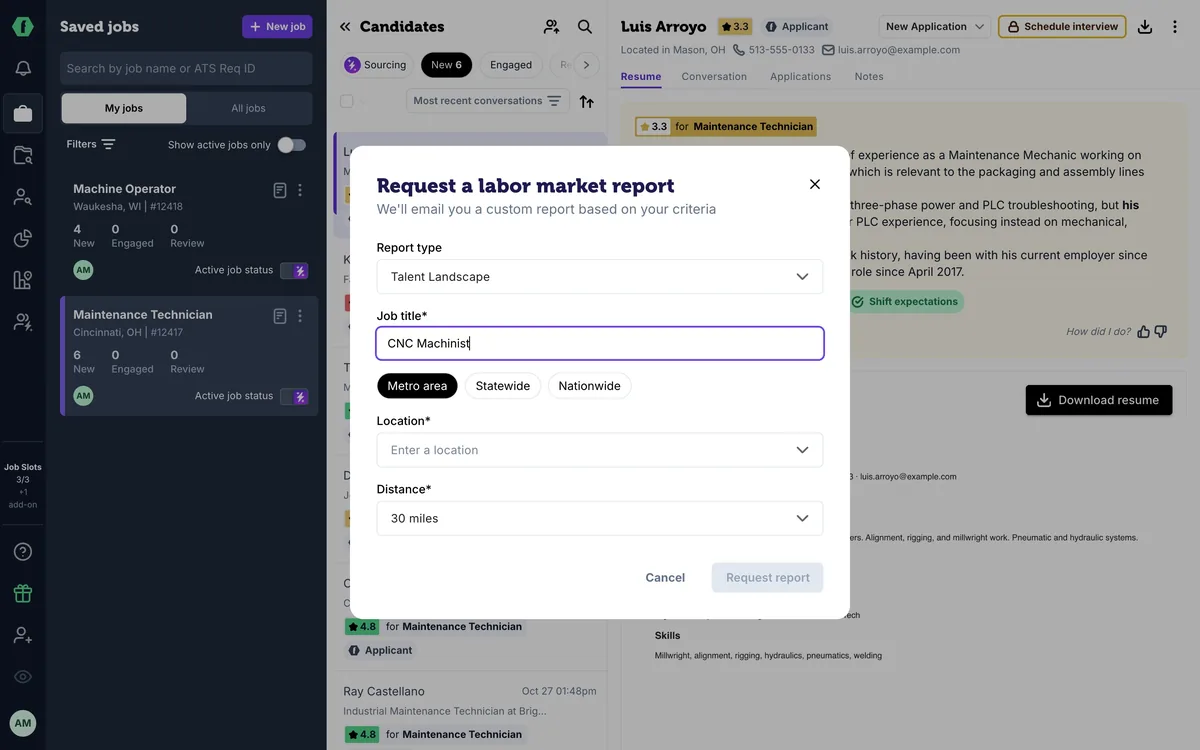
10 Know your market (Gold)
-
 2 min
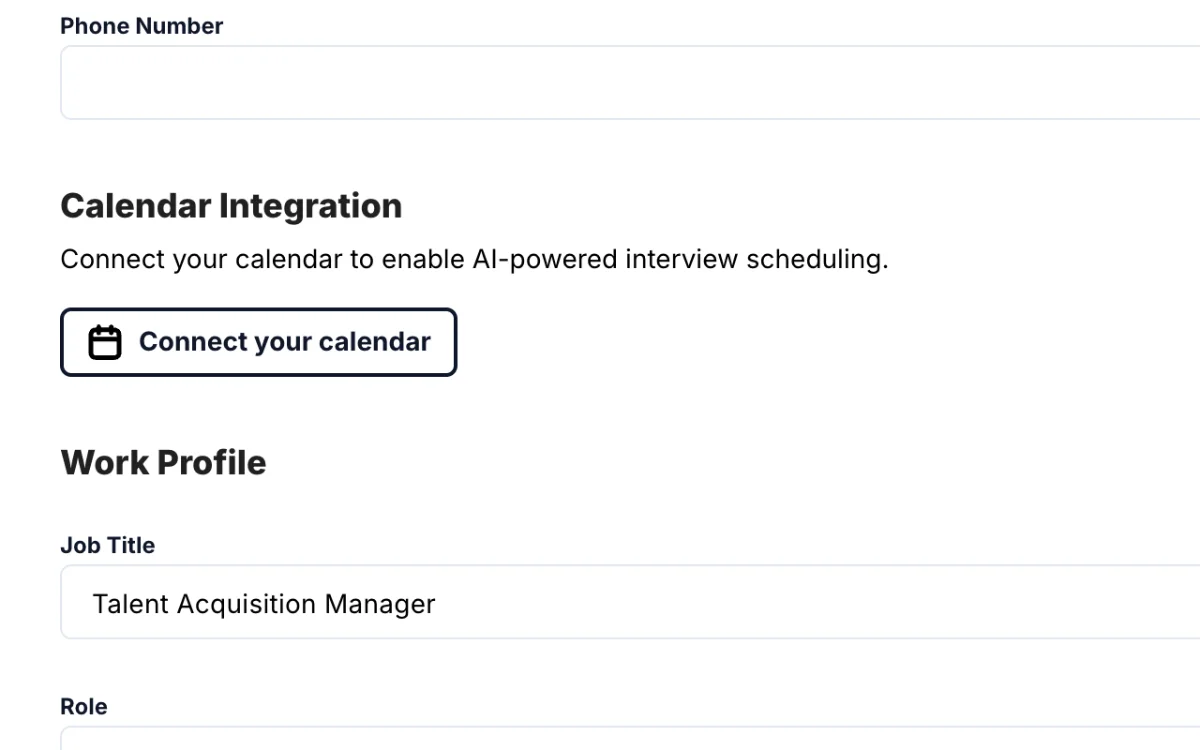
11 Schedule interviews (Gold)
-
 1 min
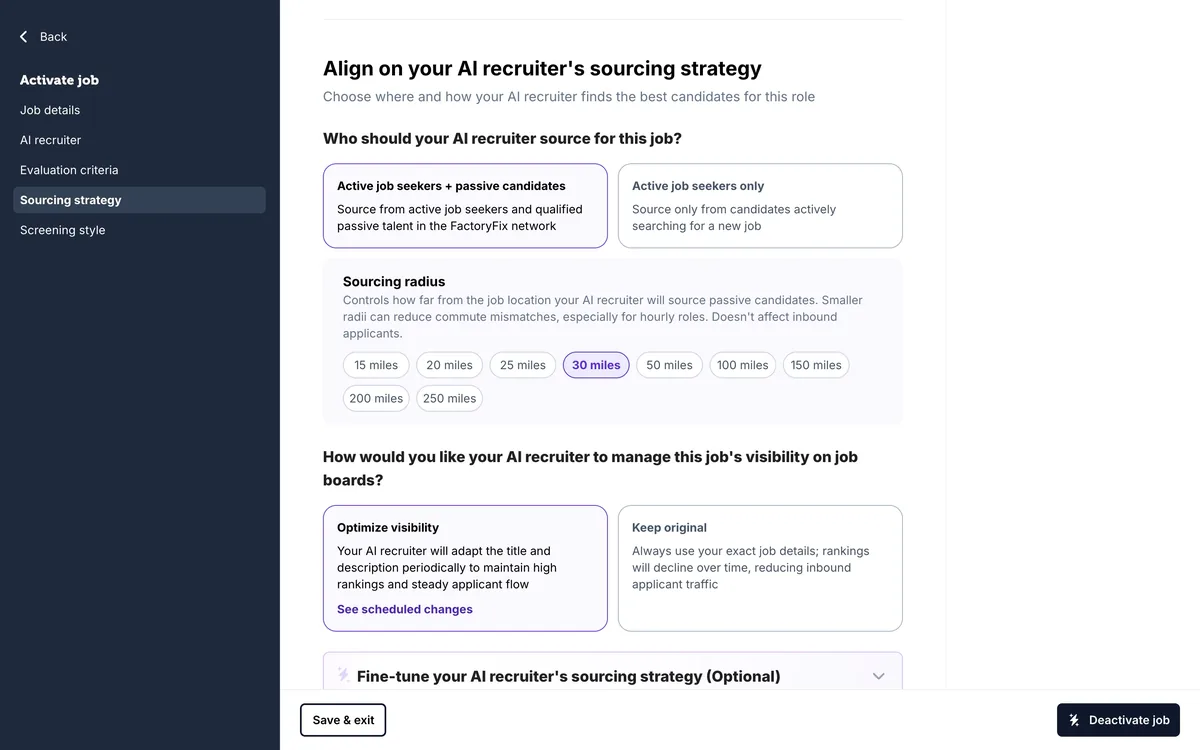
12 When a job is quiet
-
 1 min
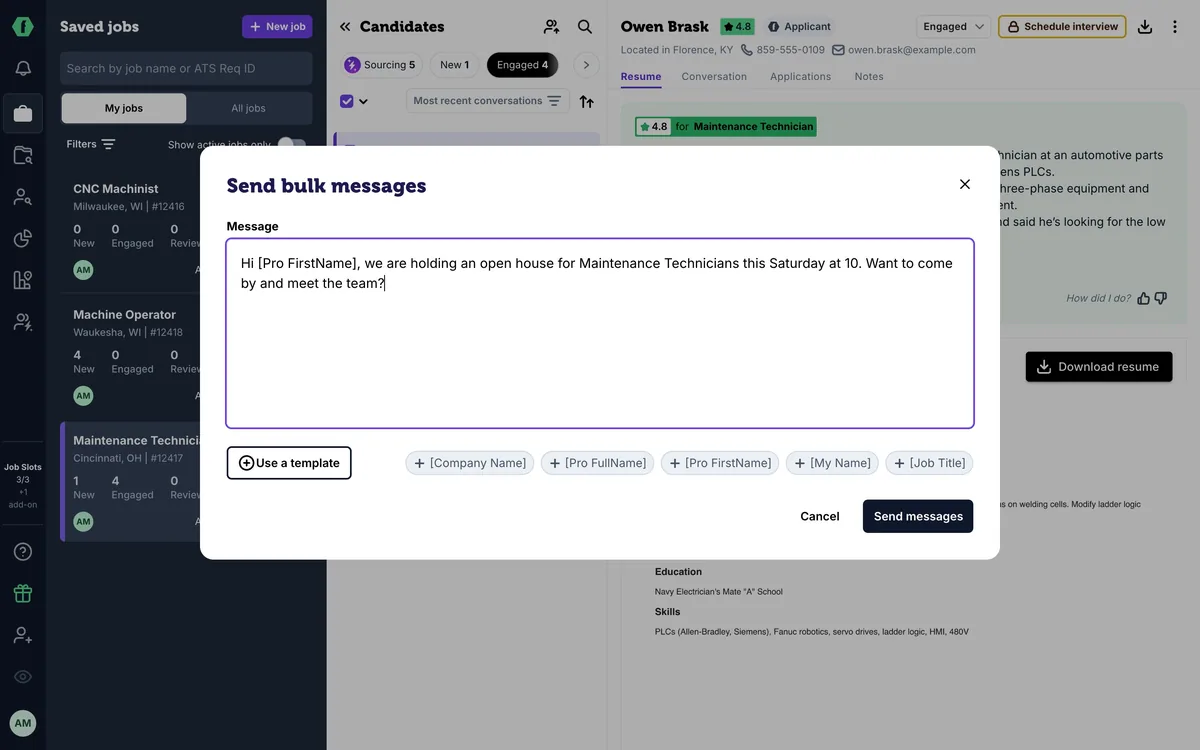
13 Message many candidates at once
-
 1 min
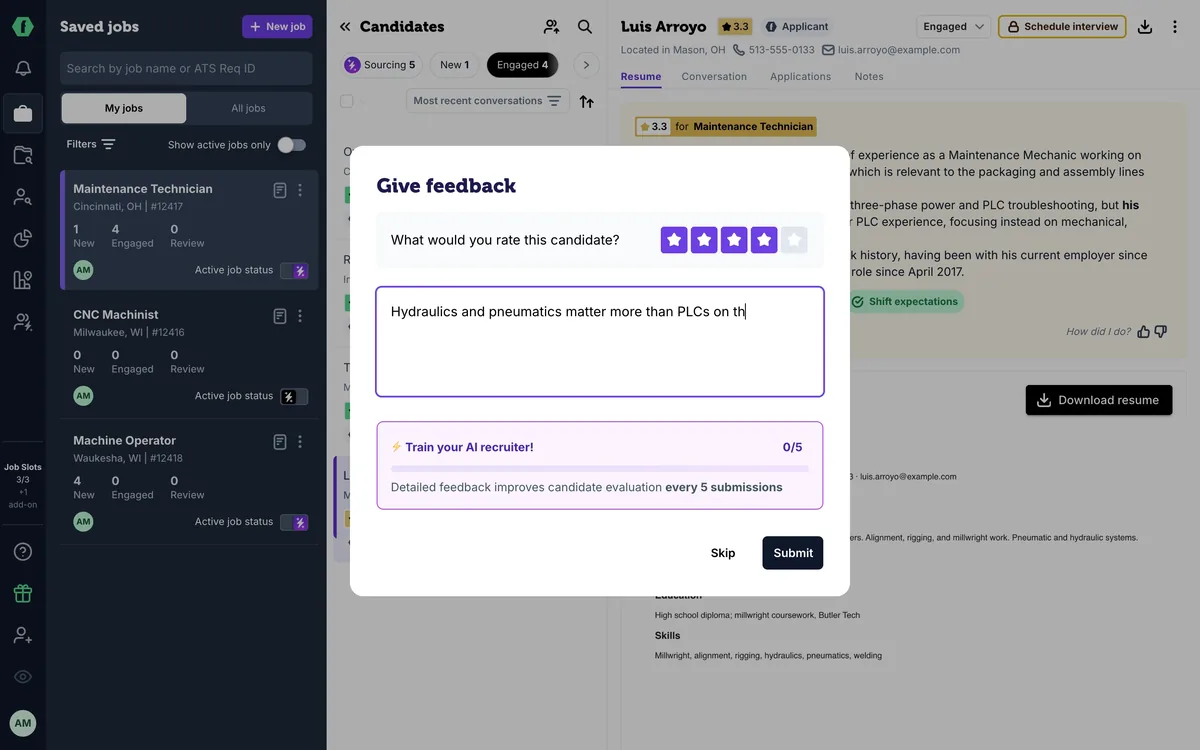
14 Teach your AI recruiter
-
 1 min
15 Slots, drafts, and your plan
-
 1 min
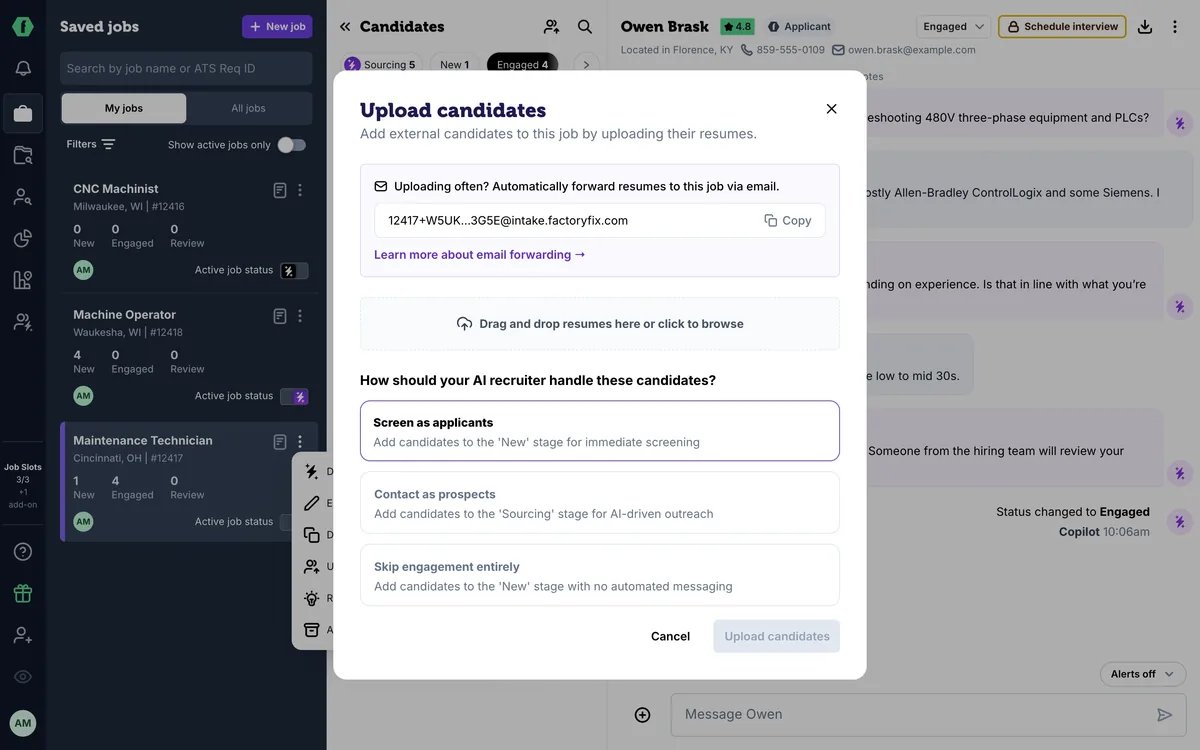
16 Bring back past candidates
-
 1 min
17 For staffing firms: one AI recruiter per client
-
 1 min
18 For staffing firms: win new business with reports
Summary
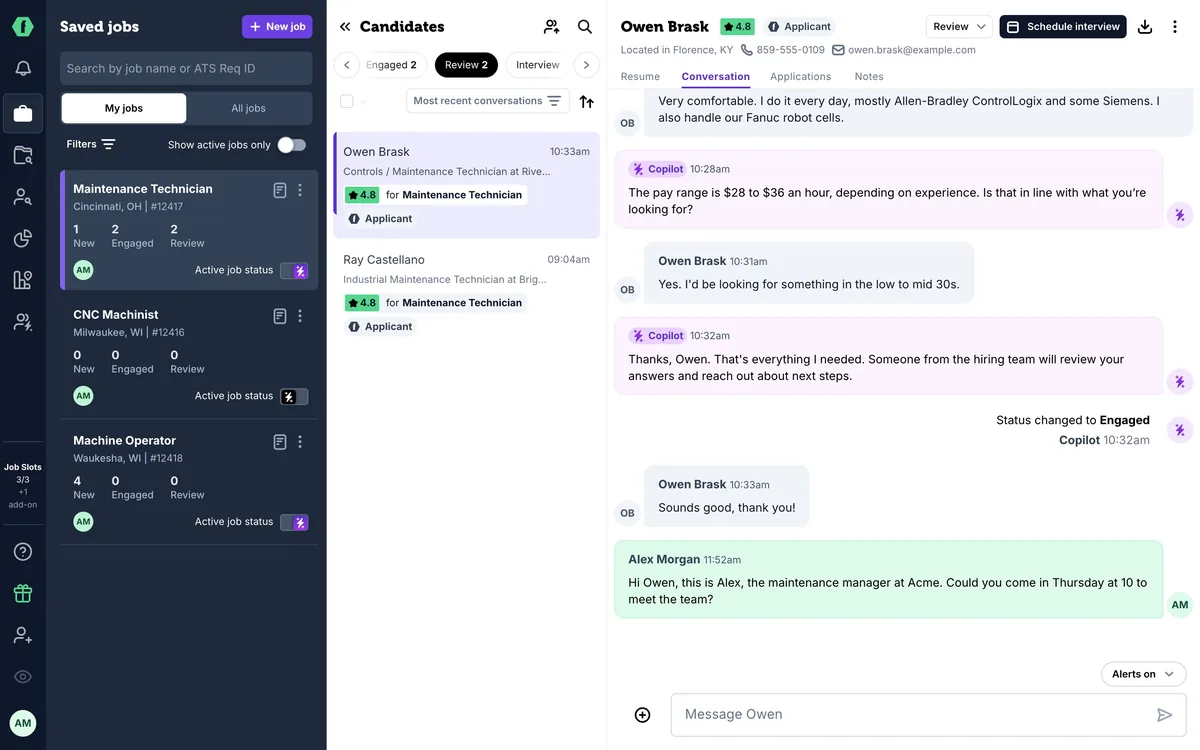
Start in Review, your shortlist. Open a candidate and introduce yourself in the conversation: your message goes out by text and email, and your AI recruiter stops messaging them. Or click Schedule interview and let your AI recruiter work out a time. As things move, update the stage to Interview, then Offer, and mark the hire as Hired so your team can see what FactoryFix is delivering.
Chapters
- 0:00 Introduction
- 0:06 Start in Review
- 0:13 Introduce yourself
- 0:24 Or schedule an interview
- 0:33 Interview and Offer
- 0:47 Mark the hire
Transcript
Here's how to take over from your AI recruiter, and move your best candidates all the way to Hired.
Start in Review, your shortlist. Open a candidate, and go to the conversation.
Introduce yourself, and suggest a next step, like an interview time. Your message goes out by text and email, and your AI recruiter stops messaging them. From here, the conversation is yours.
Or skip the back-and-forth: click Schedule interview, and your AI recruiter works out a time with them for you. Episode eleven shows how.
As things move, update the stage. When the interview is booked, move them to Interview, and click View there to follow them. After the interview goes well, move them to Offer.
When they accept, mark them Hired. It's how you and your team see what FactoryFix is delivering, and it keeps your reports accurate. Do this for every candidate you move forward, and nobody falls through the cracks.
Up next: finding people yourself with Talent Search.