
-
 1 min
1 How FactoryFix works
-
 1 min
2 Your first 30 days
-
 1 min
3 Bring your team into FactoryFix
-
 2 min
4 Post a job that gets candidates
-
 1 min
5 What happens after you hit Activate
-
 1 min
6 Make your AI recruiter yours
-
 1 min
7 Your 10-minute daily review
-
 1 min
8 Take over and move candidates forward
-
 1 min
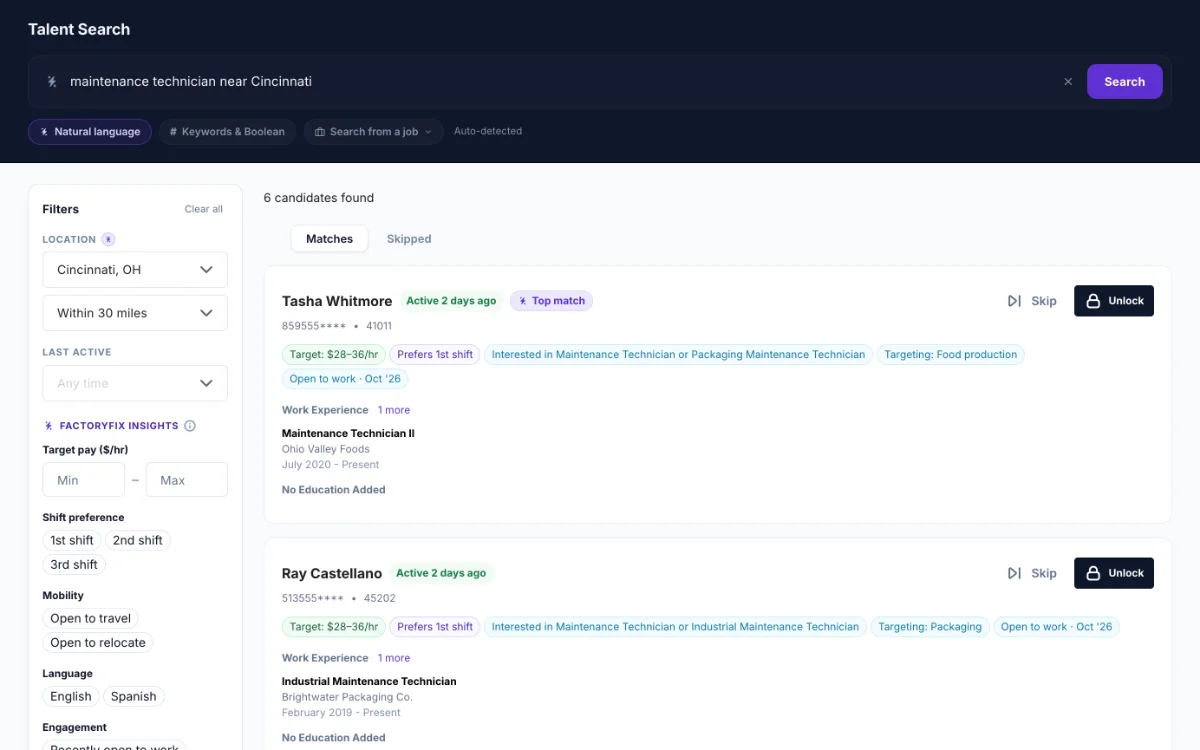
9 Find people yourself (Gold)
-
 1 min
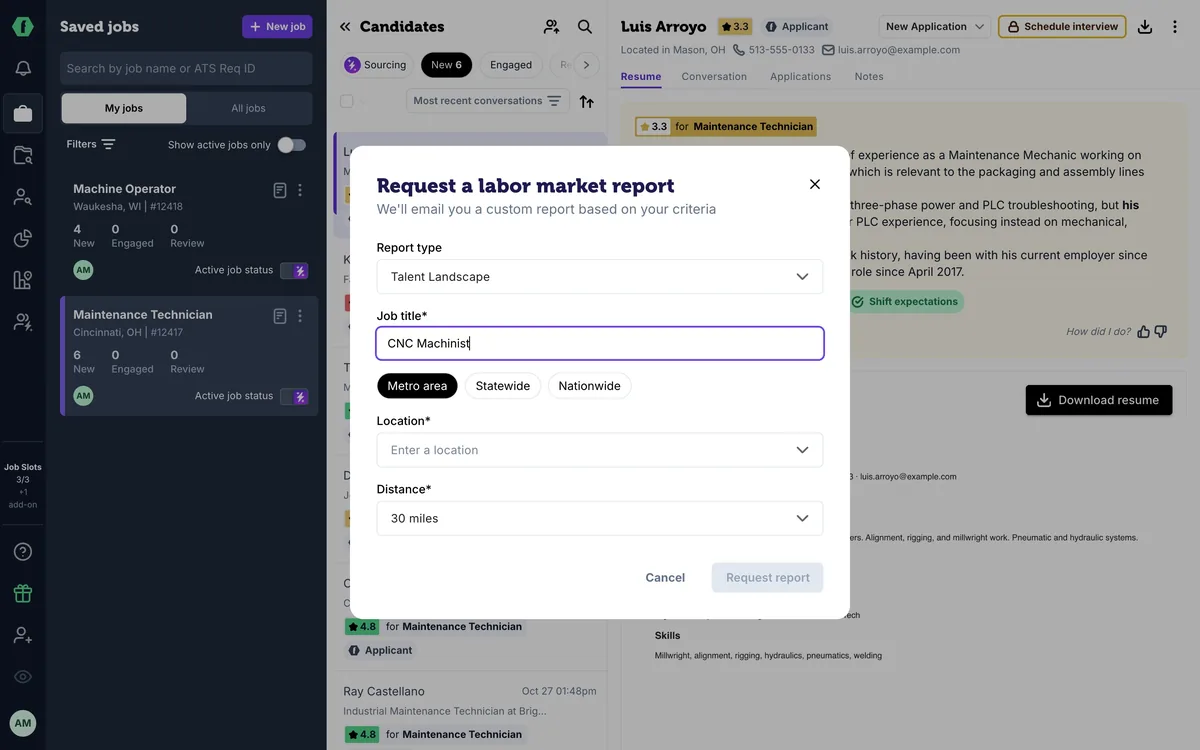
10 Know your market (Gold)
-
 2 min
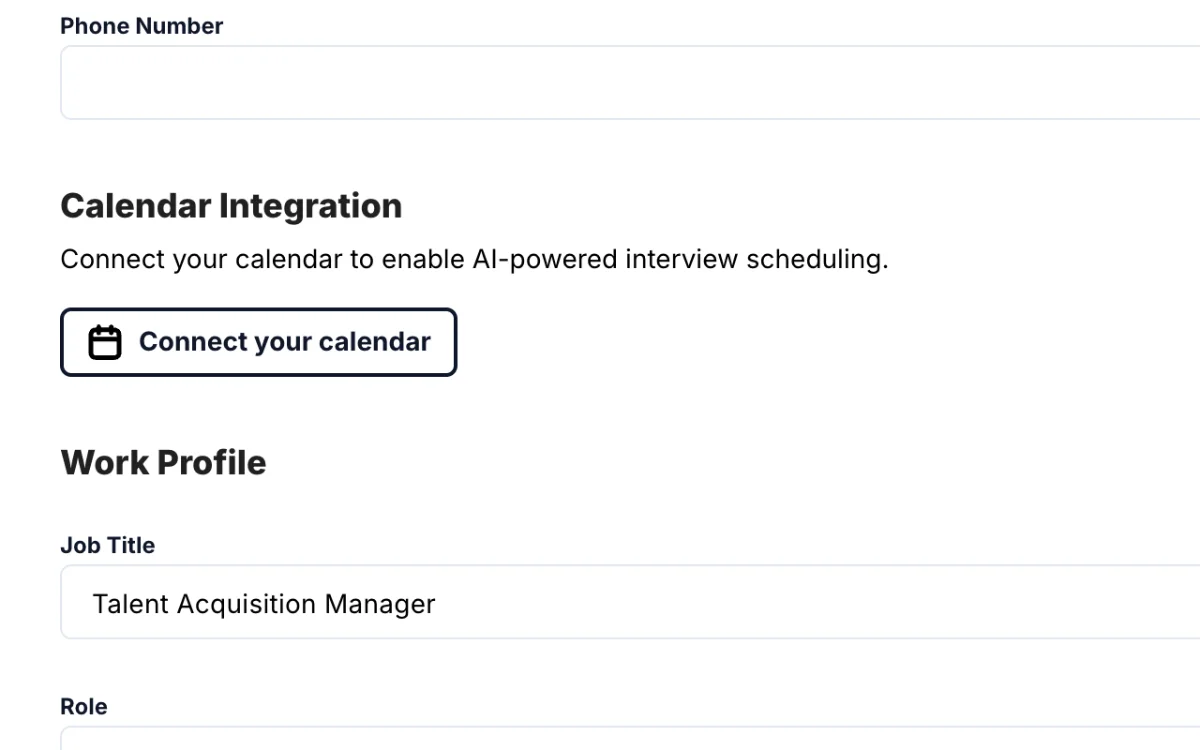
11 Schedule interviews (Gold)
-
 1 min
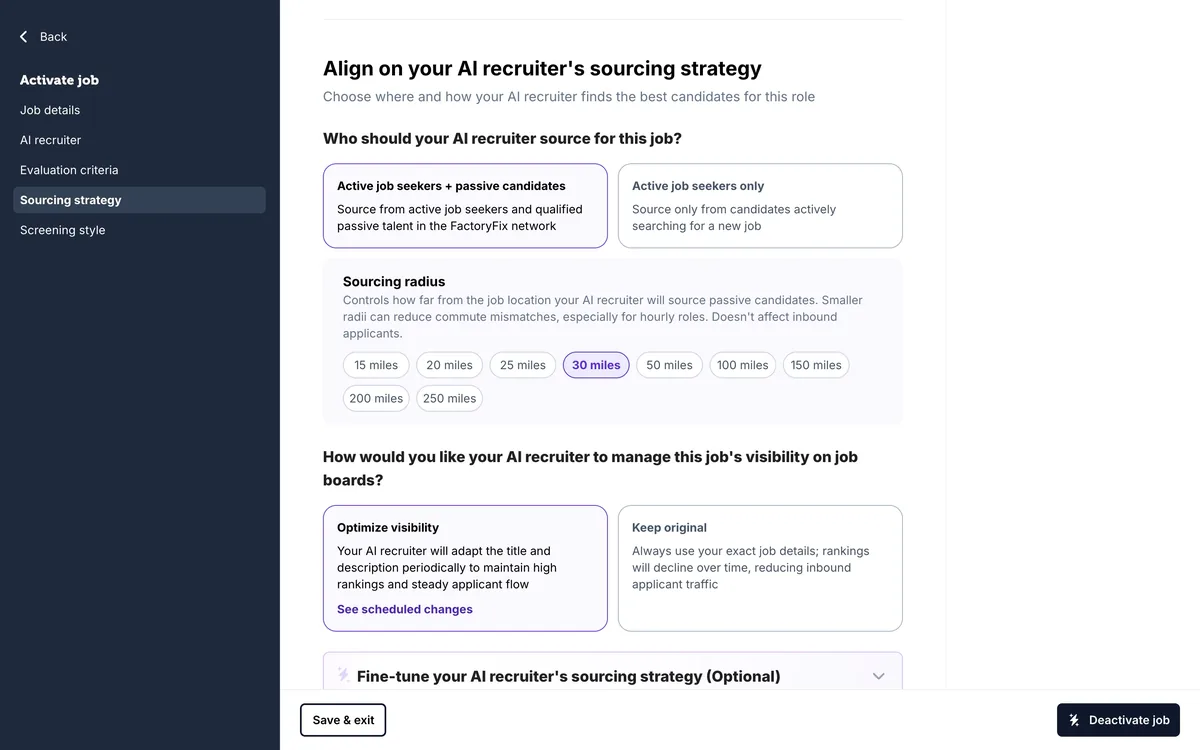
12 When a job is quiet
-
 1 min
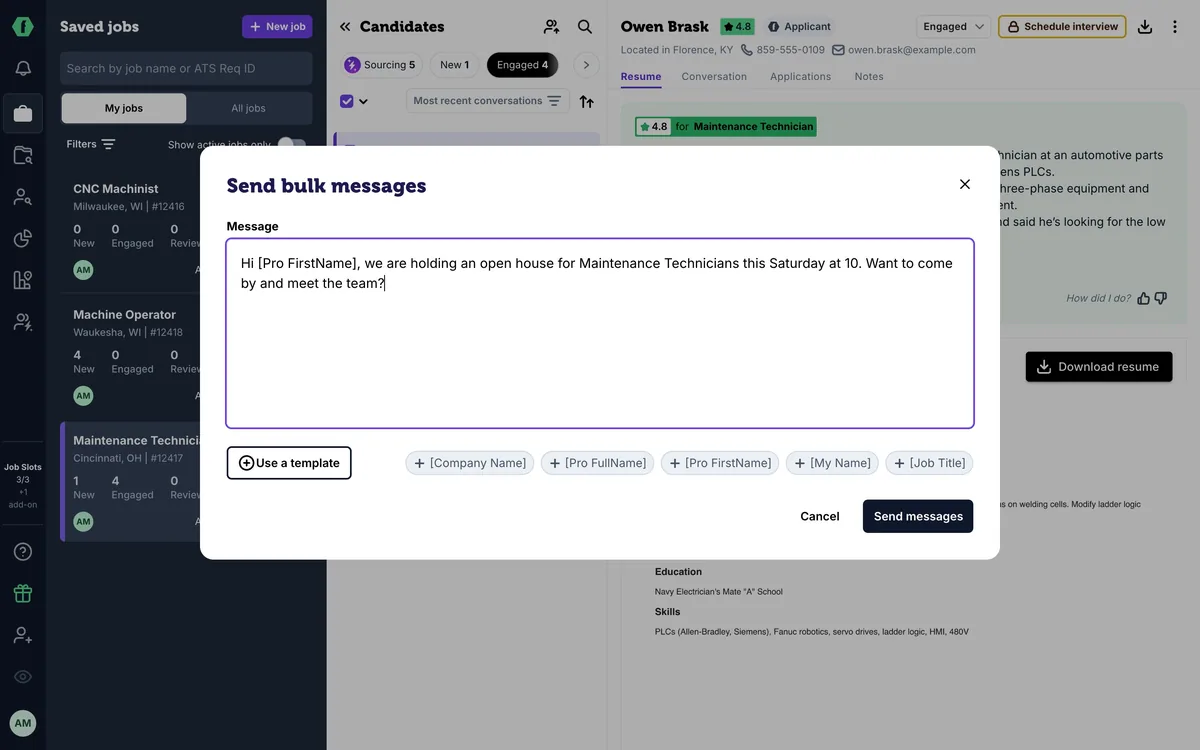
13 Message many candidates at once
-
 1 min
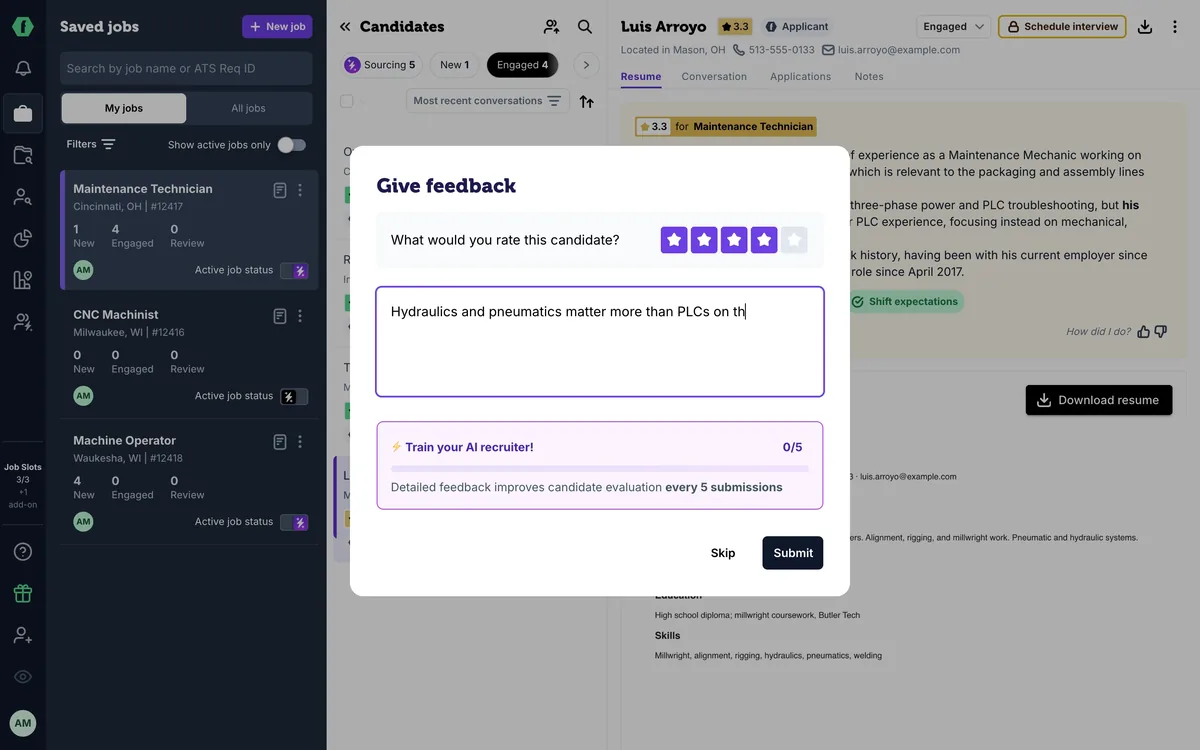
14 Teach your AI recruiter
-
 1 min
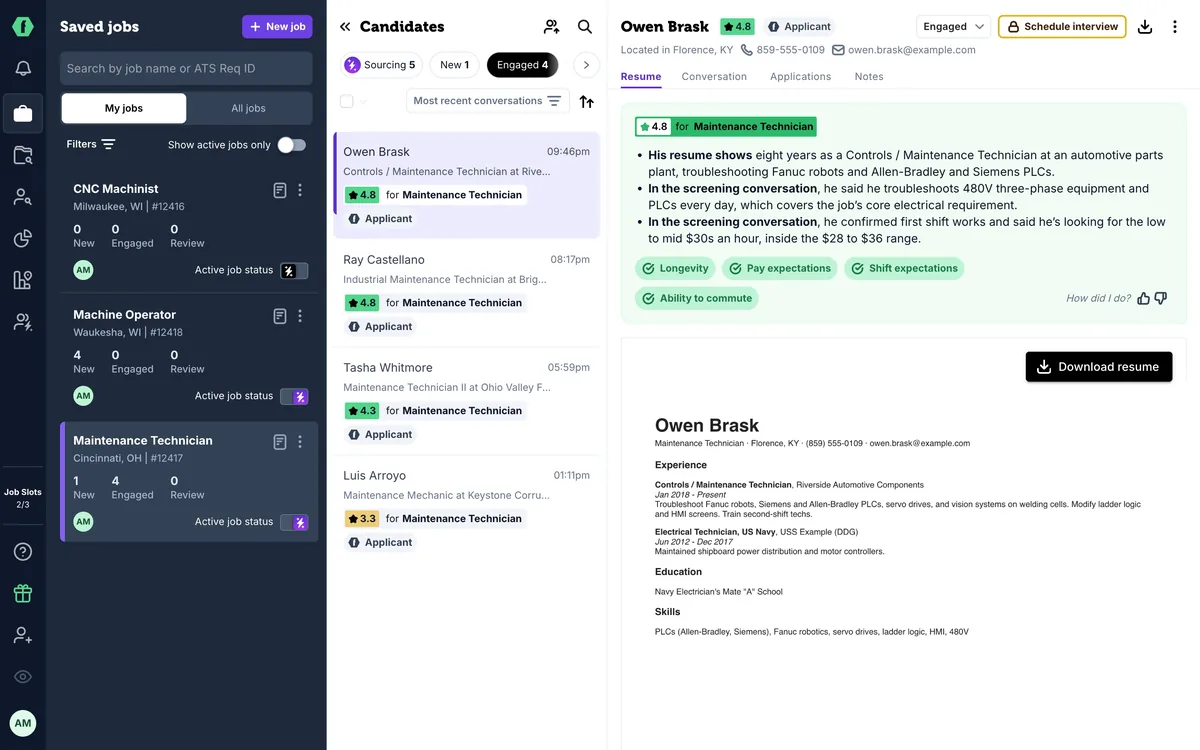
15 Slots, drafts, and your plan
-
 1 min
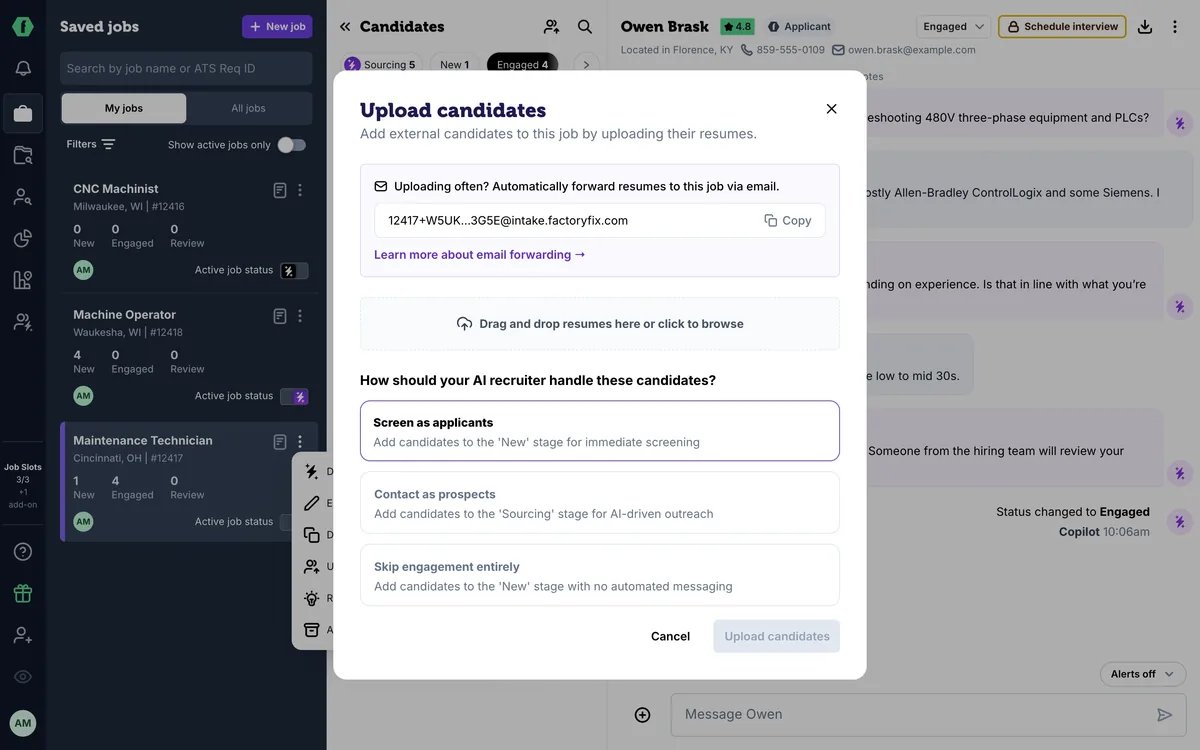
16 Bring back past candidates
-
 1 min
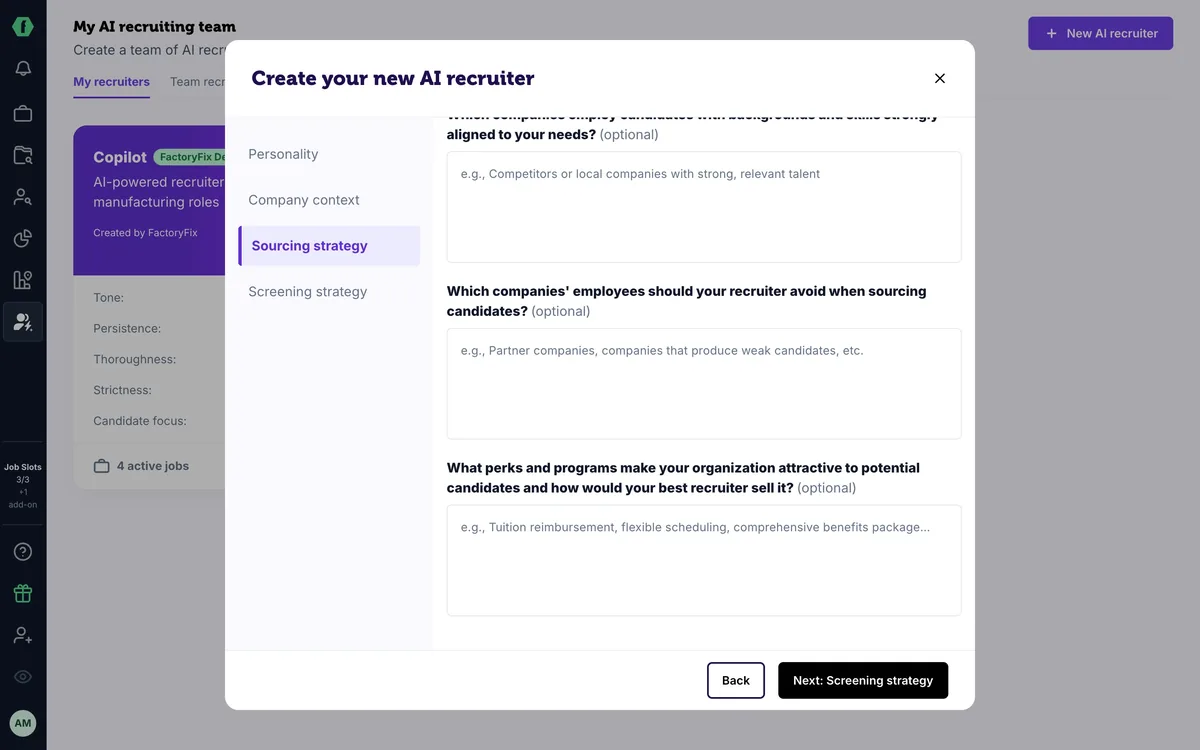
17 For staffing firms: one AI recruiter per client
-
 1 min
Now playing
18 For staffing firms: win new business with reports
Summary
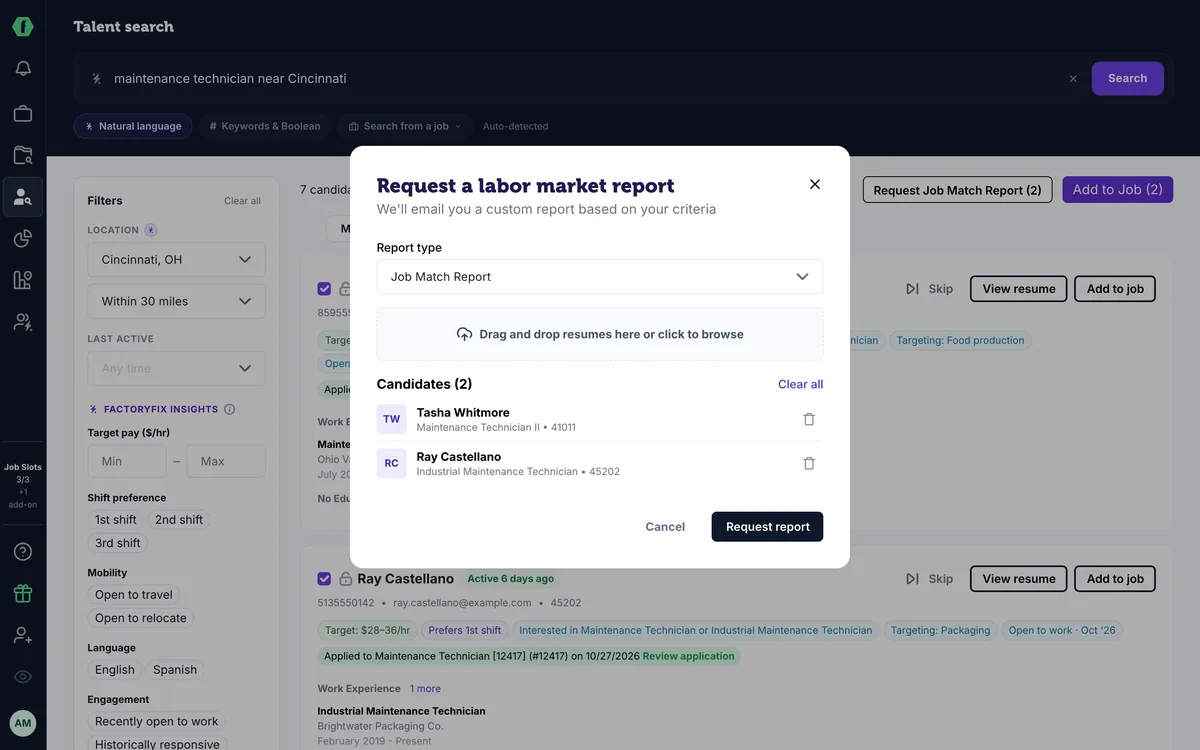
Start with a great candidate: select them in Talent Search or the Candidate Archive and click Request Job Match Report (a Gold feature). FactoryFix finds direct employers near each candidate who are hiring for roles that fit, with the reasons for each match. Bring labor market reports to client conversations, and watch for the Most Placeable Candidates report every Monday.
Chapters
- 0:00 Introduction
- 0:05 Start with a great candidate
- 0:14 Request a Job Match Report
- 0:24 What's in the report
- 0:35 Labor market reports for clients
- 0:43 Most Placeable Candidates
Transcript
Staffing firm? Here's how to use our reports to win new business.
Start with a great candidate. In Talent Search or your Candidate Archive, check the people you want to place.
Then click Request Job Match Report. It's a Gold feature. FactoryFix finds direct employers near each candidate who are hiring for roles that fit.
Each report arrives by email, with the reasons the candidate is a match. Use it as your call list, and lead every call with a real, placeable person.
For client conversations, request a labor market report. Show a client what the market pays, and how much talent is nearby.
And if you're an admin, watch for the Most Placeable Candidates report every Monday. It lists strong candidates from the past week who may need a follow-up. You can turn it off in your notification settings.
That's the Getting Started series. Whenever you need help, click the question mark on any screen.