
-
 1 min
1 How FactoryFix works
-
 1 min
2 Your first 30 days
-
 1 min
3 Bring your team into FactoryFix
-
 2 min
4 Post a job that gets candidates
-
 1 min
5 What happens after you hit Activate
-
 1 min
6 Make your AI recruiter yours
-
 1 min
7 Your 10-minute daily review
-
 1 min
8 Take over and move candidates forward
-
 1 min
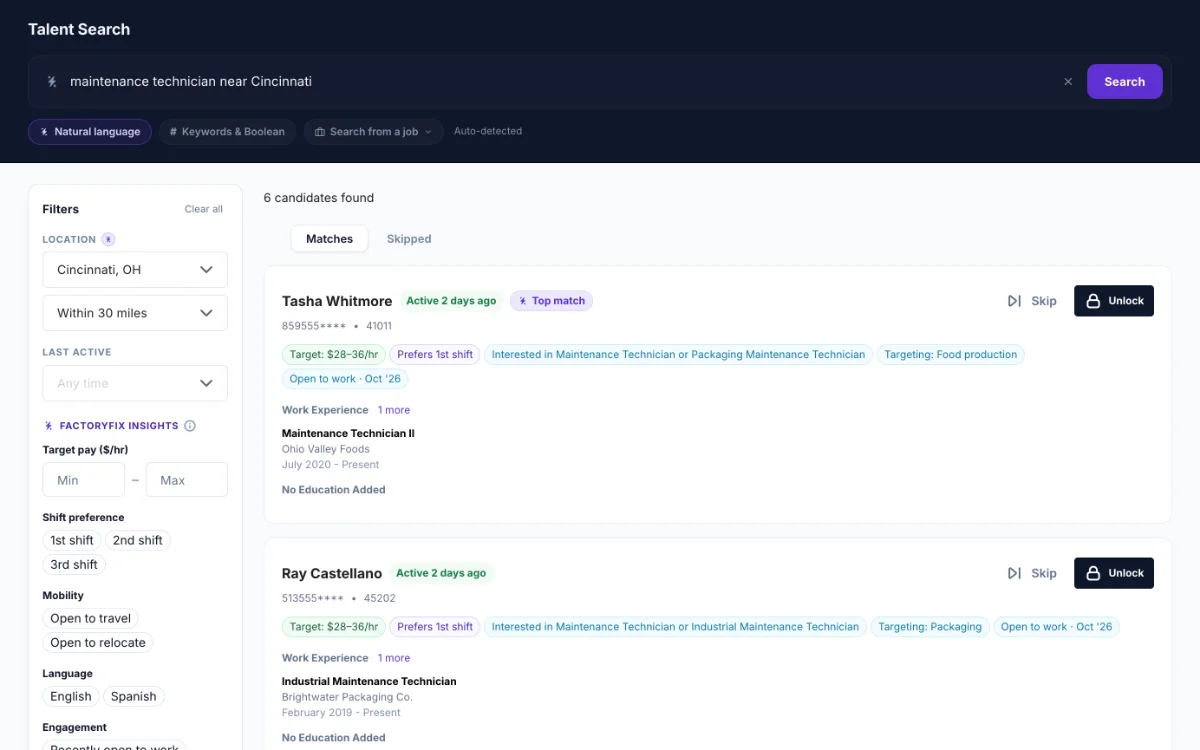
9 Find people yourself (Gold)
-
 1 min
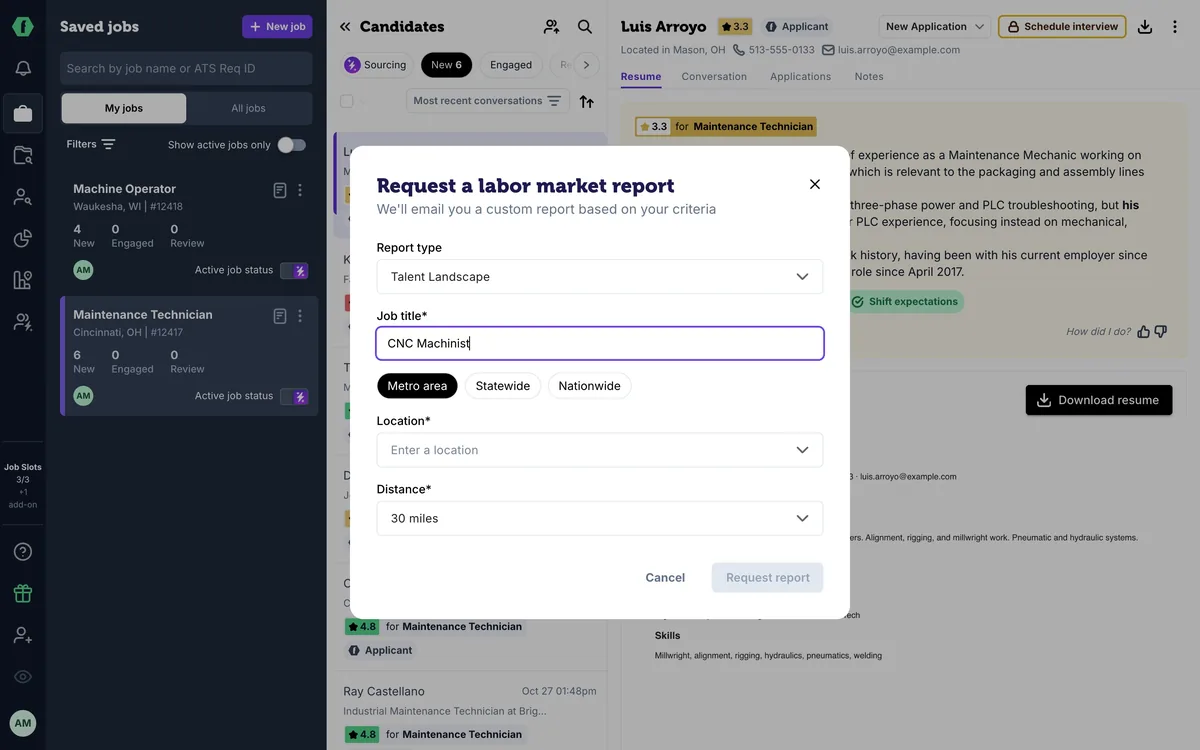
10 Know your market (Gold)
-
 2 min
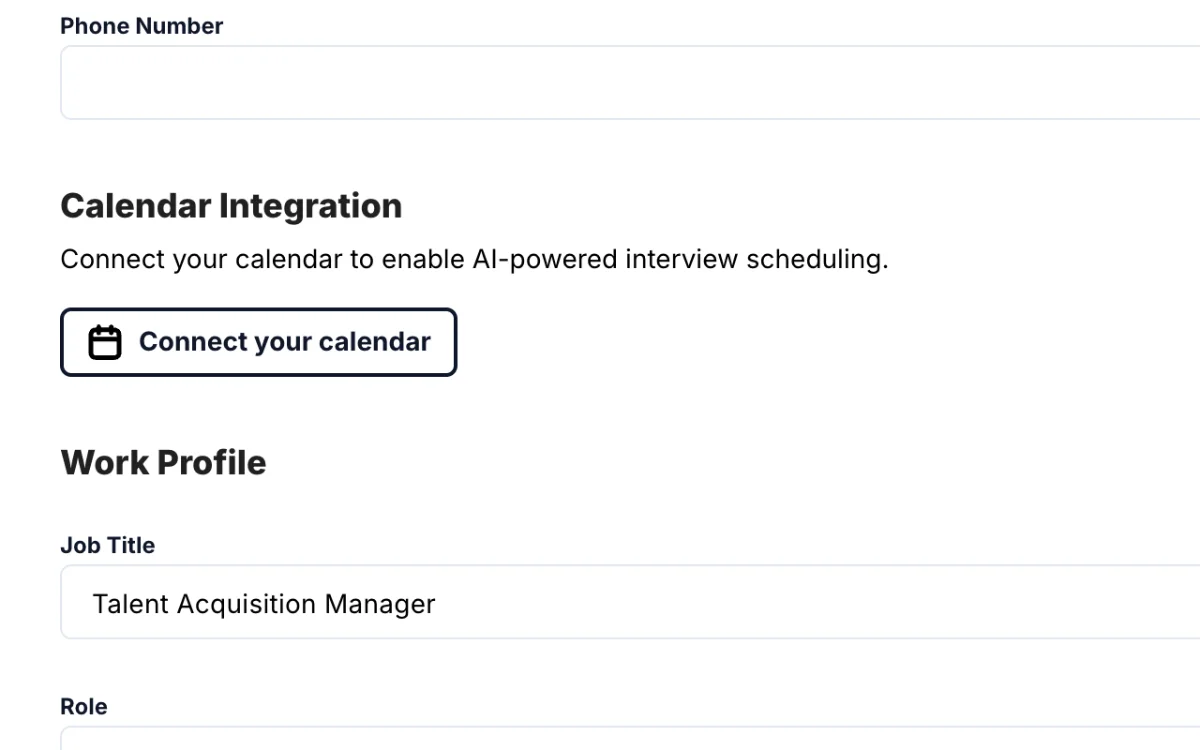
11 Schedule interviews (Gold)
-
 1 min
12 When a job is quiet
-
 1 min
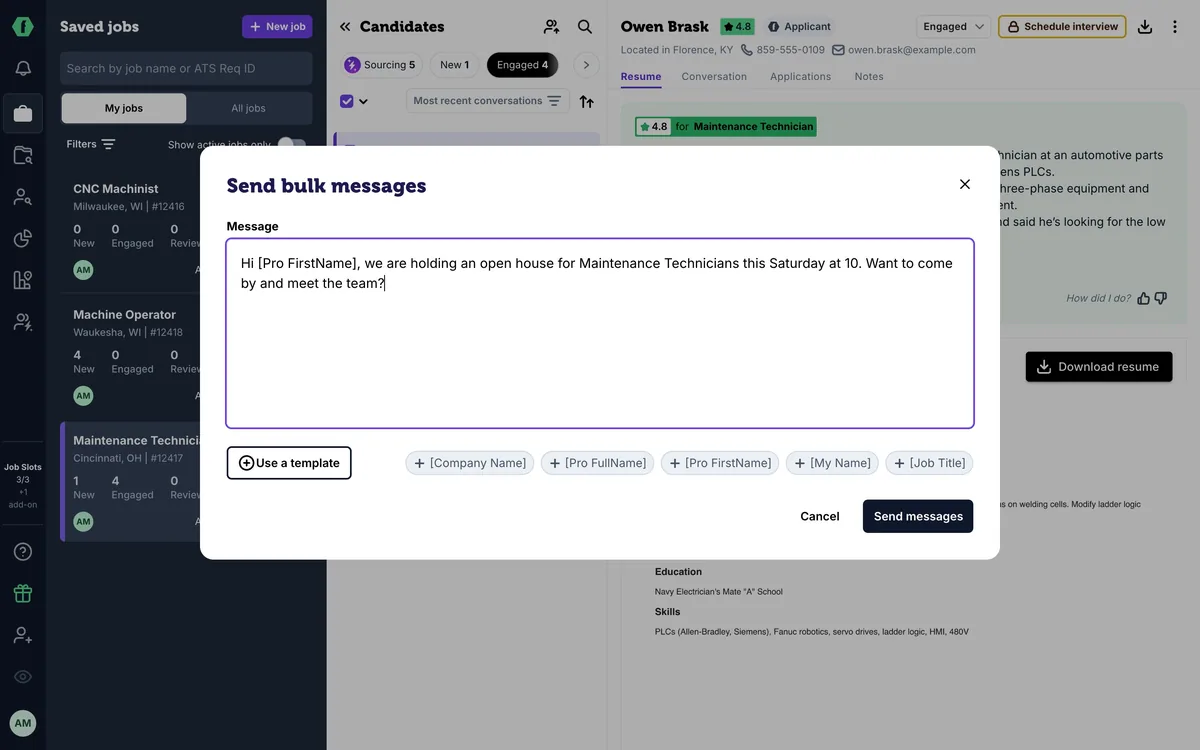
13 Message many candidates at once
-
 1 min
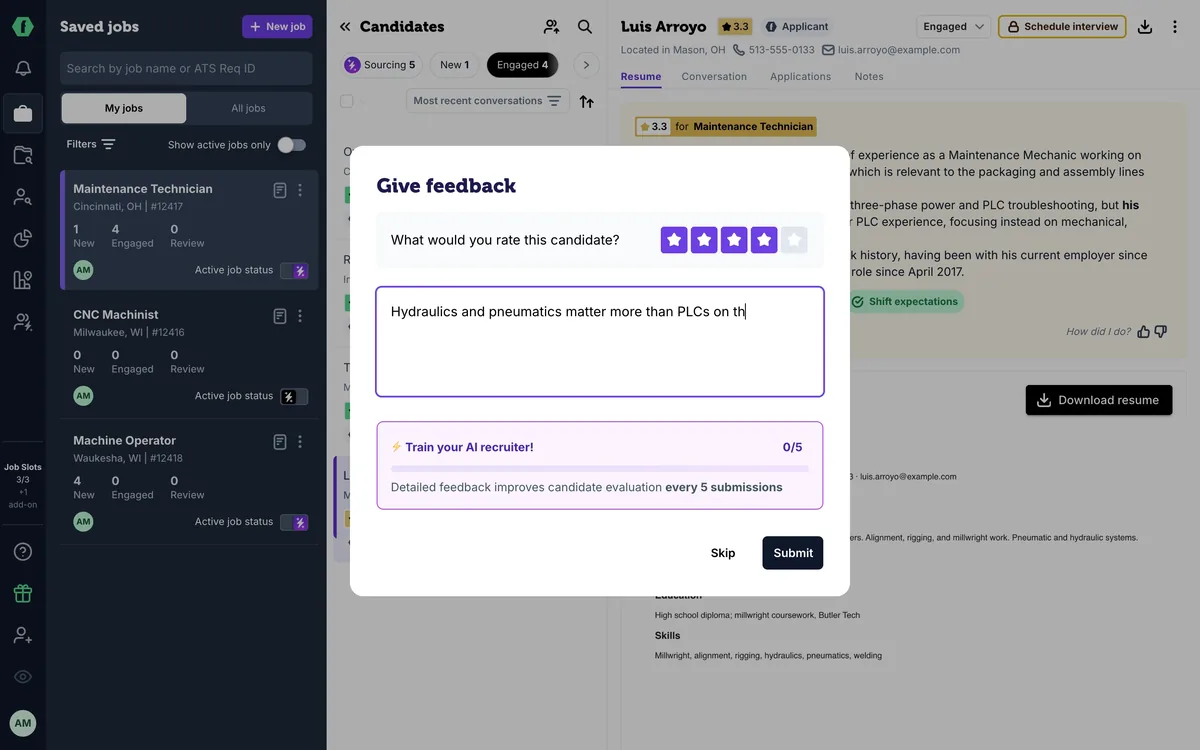
14 Teach your AI recruiter
-
 1 min
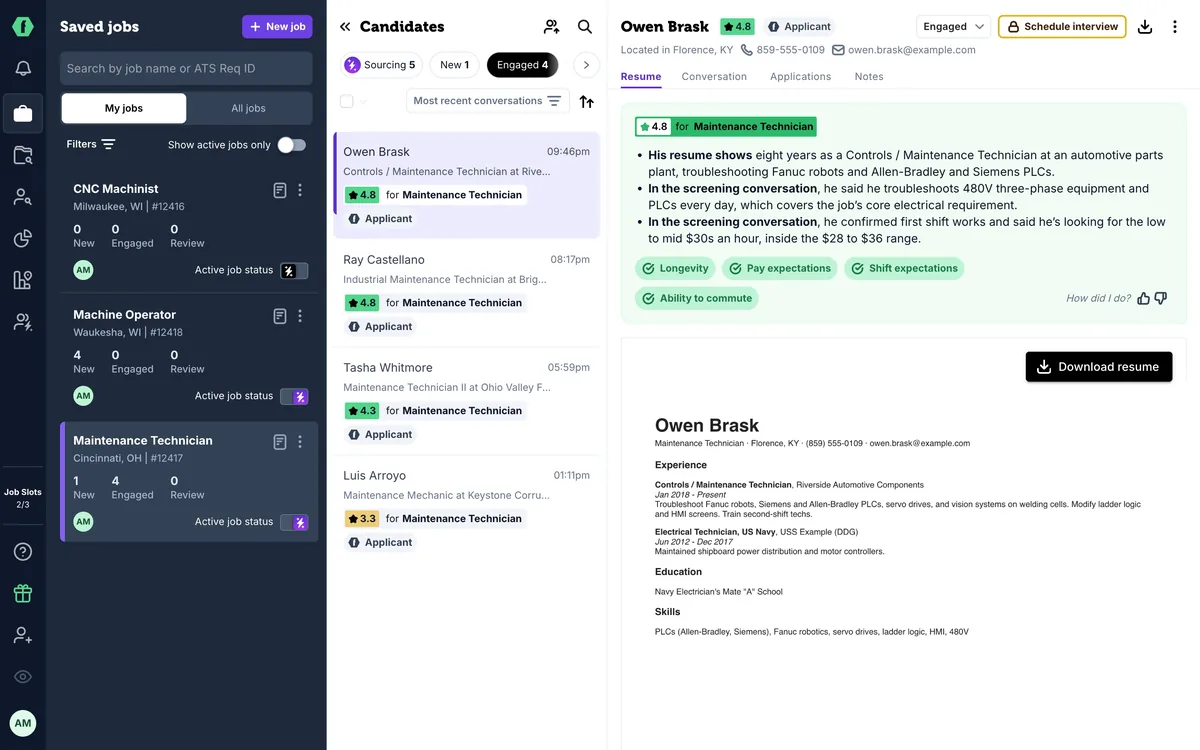
15 Slots, drafts, and your plan
-
 1 min
Now playing
16 Bring back past candidates
-
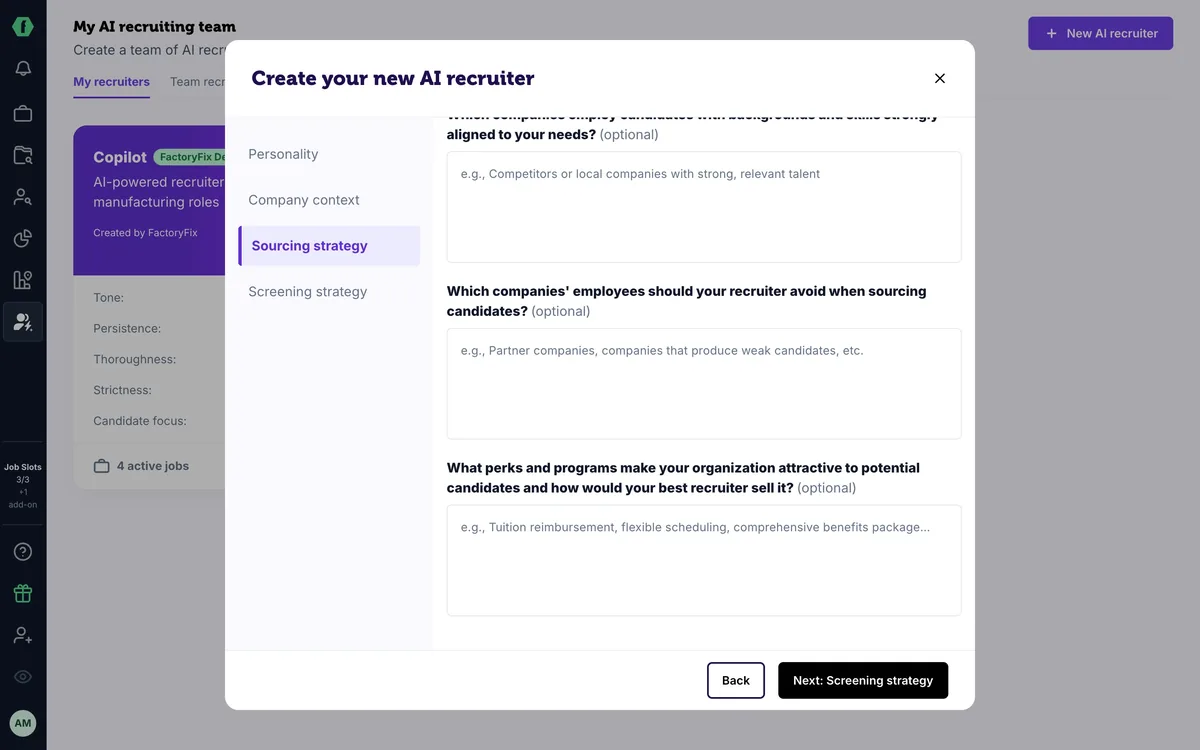 1 min
17 For staffing firms: one AI recruiter per client
-
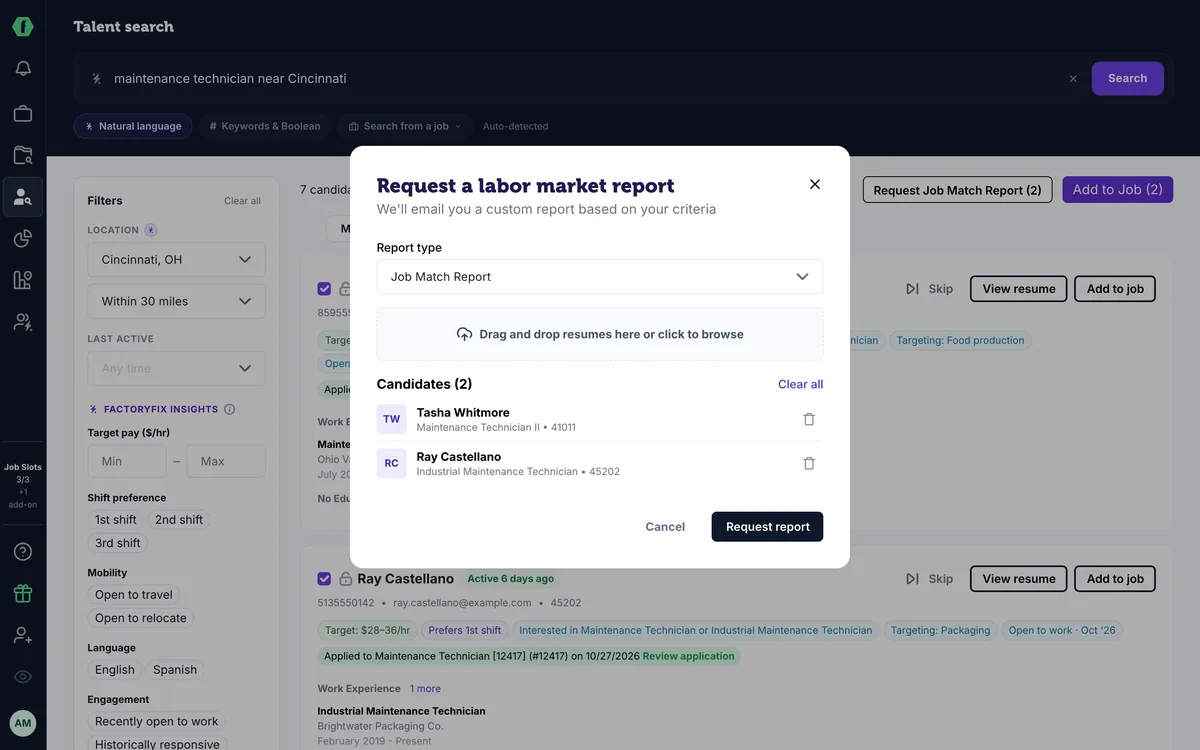 1 min
18 For staffing firms: win new business with reports
Summary
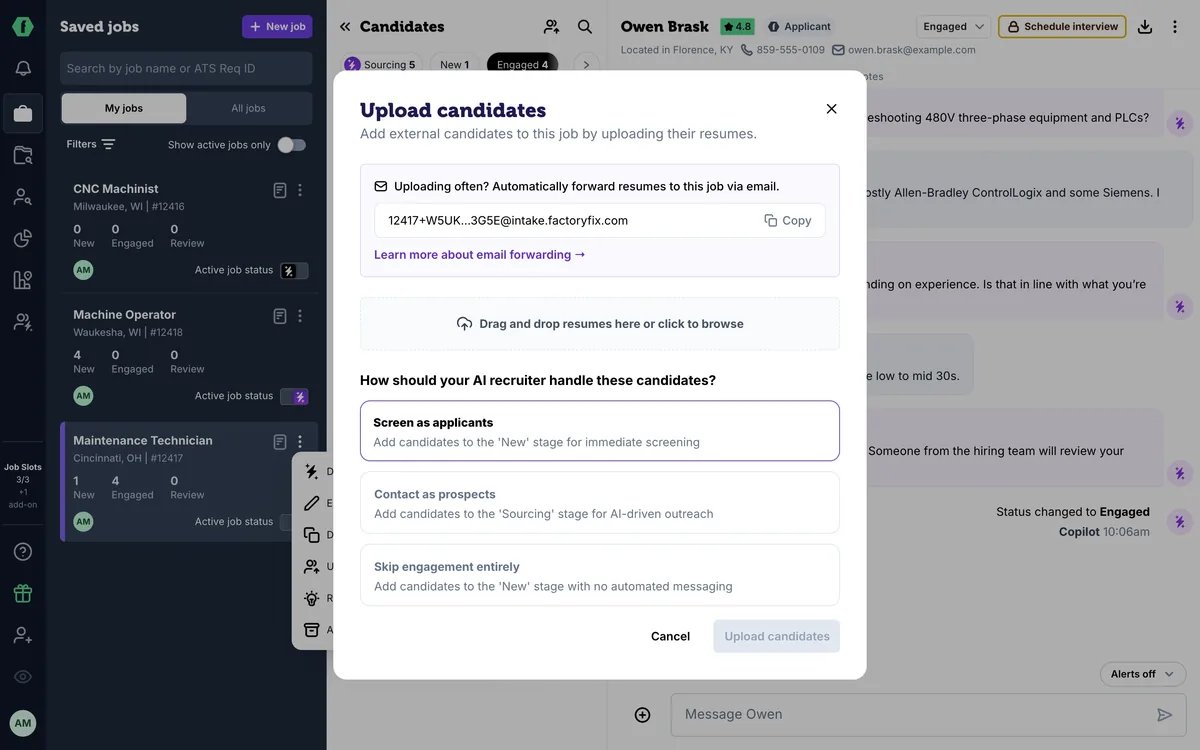
Everyone you've worked with in FactoryFix is in the Candidate Archive: search by name, email or phone. To add resumes from referrals, job fairs or your own files, open a job's menu and choose Upload candidates, then choose whether your AI recruiter screens them, reaches out first, or sends nothing. Every job also has its own intake email address; allow up to a day for processing.
Chapters
- 0:00 Introduction
- 0:04 The Candidate Archive
- 0:18 Upload resumes
- 0:26 What happens next
- 0:39 Email resumes to a job
Transcript
Here's how to bring back candidates you already know.
Everyone you've worked with in FactoryFix is in the Candidate Archive. Search by name, email, or phone number. Open someone to see their resume, every job they've applied to, and every conversation you've had.
Have resumes from referrals, job fairs, or your own files? Open a job's menu, and choose Upload candidates.
Drop in PDF or Word files, then choose what happens next. Screen as applicants, and your AI recruiter screens them. Contact as prospects, and it reaches out first. Or skip engagement, and nobody gets a message.
Every job also has its own email address. Forward a resume there, or set up a rule in your inbox, and the candidate lands in the job. Allow up to a day for processing.
That's the core Getting Started series. Staffing firm? Two more episodes are just for you.