
-
 1 min
1 How FactoryFix works
-
 1 min
2 Your first 30 days
-
 1 min
3 Bring your team into FactoryFix
-
 2 min
4 Post a job that gets candidates
-
 1 min
5 What happens after you hit Activate
-
 1 min
6 Make your AI recruiter yours
-
 1 min
7 Your 10-minute daily review
-
 1 min
8 Take over and move candidates forward
-
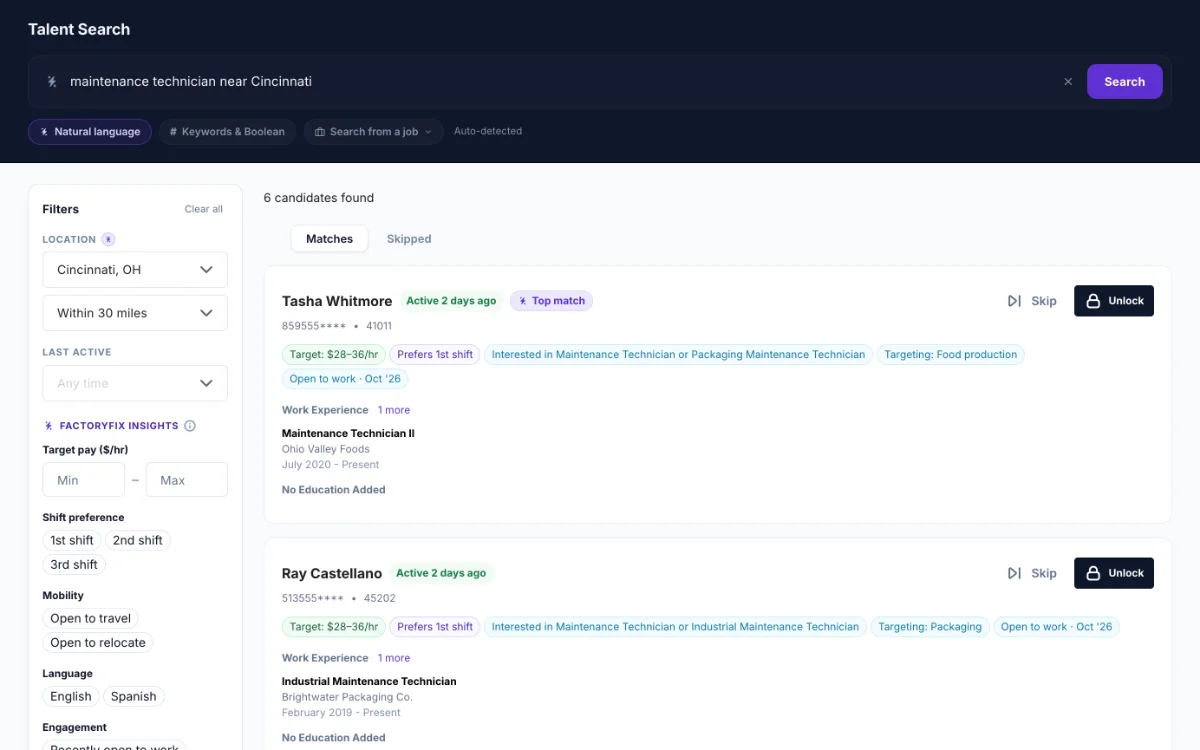 1 min
9 Find people yourself (Gold)
-
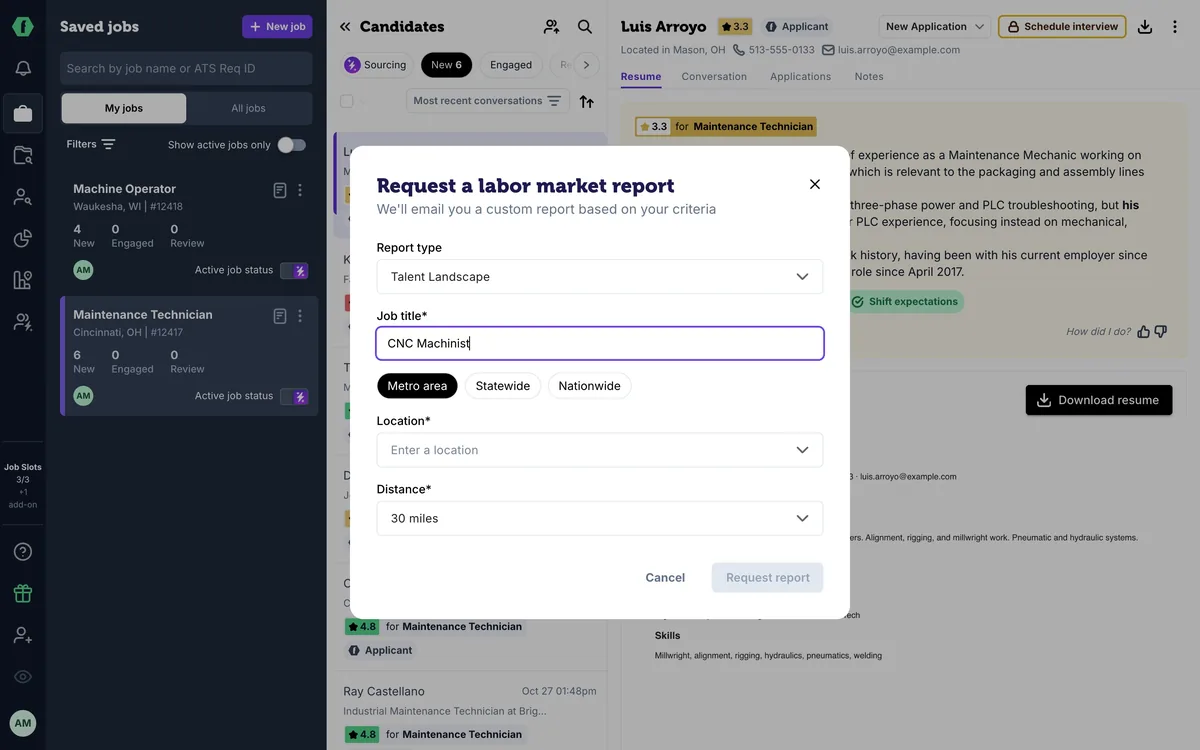 1 min
10 Know your market (Gold)
-
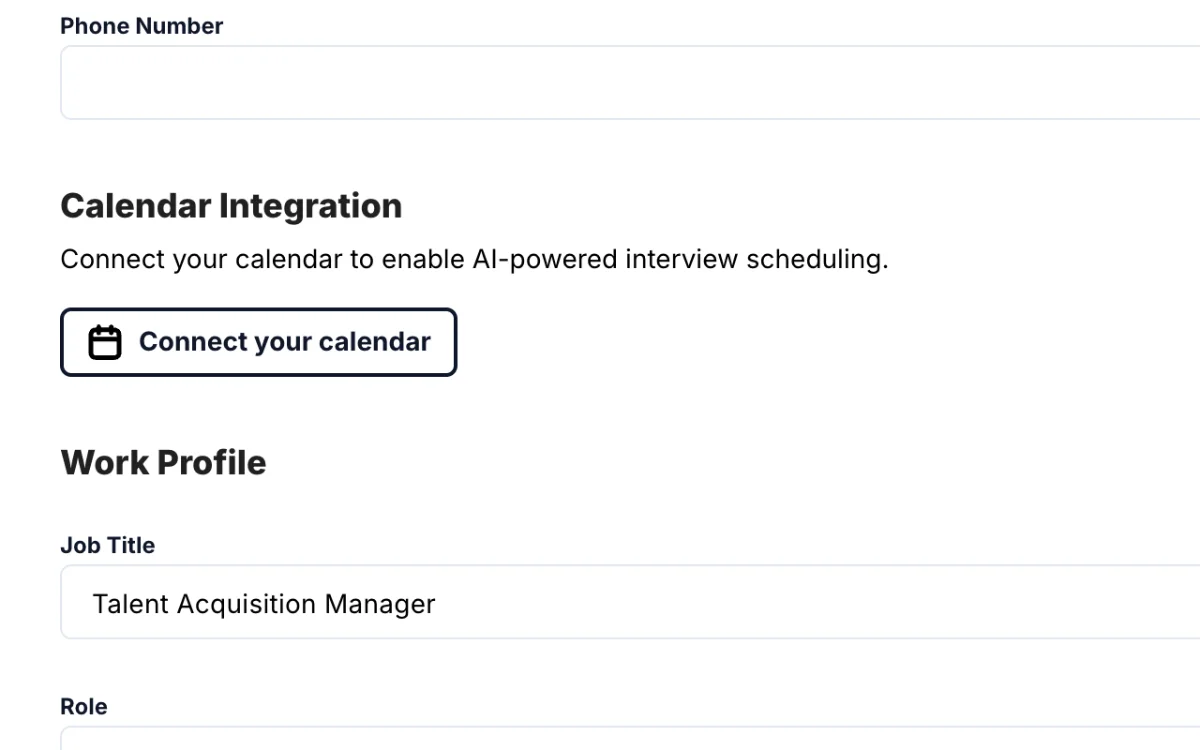 2 min
11 Schedule interviews (Gold)
-
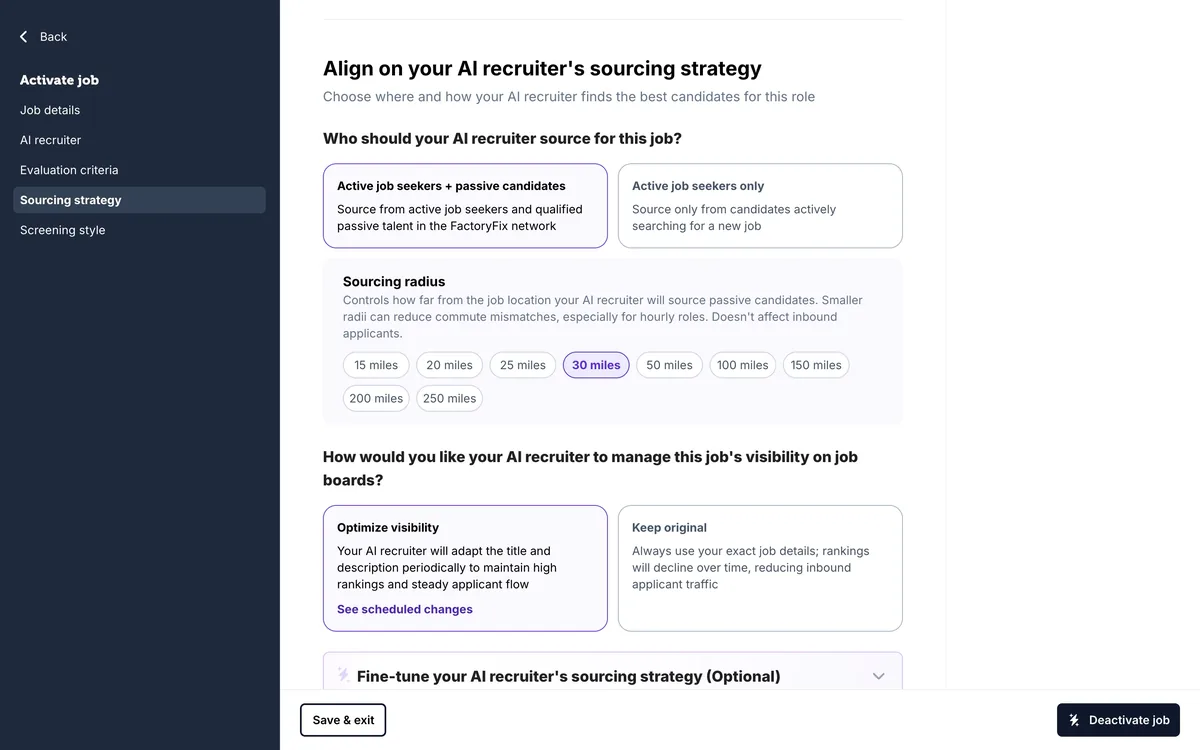 1 min
12 When a job is quiet
-
 1 min
Now playing
13 Message many candidates at once
-
 1 min
14 Teach your AI recruiter
-
 1 min
15 Slots, drafts, and your plan
-
 1 min
16 Bring back past candidates
-
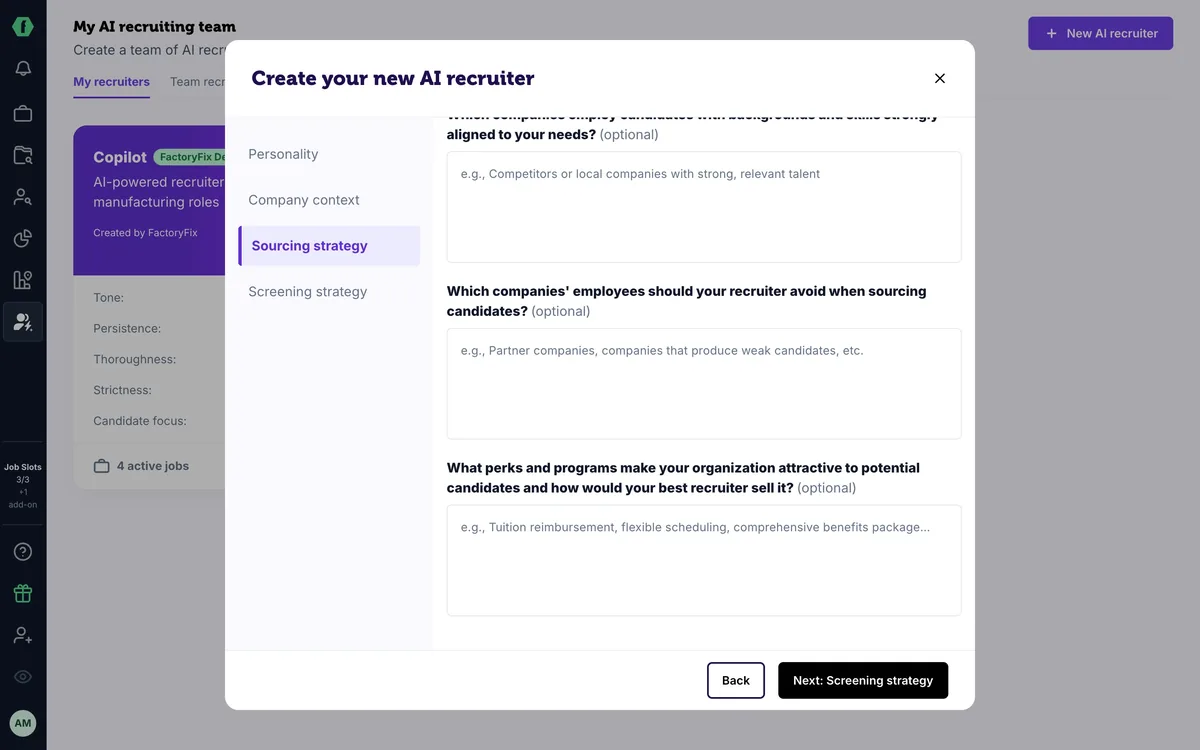 1 min
17 For staffing firms: one AI recruiter per client
-
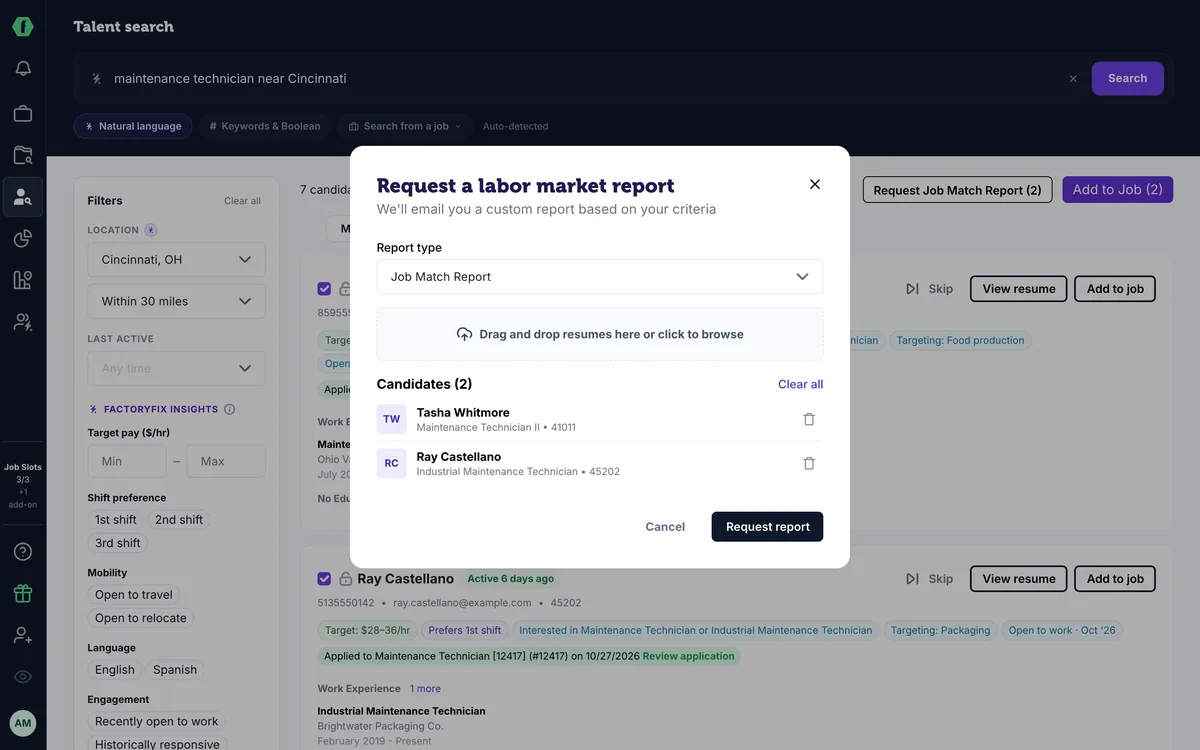 1 min
18 For staffing firms: win new business with reports
Summary
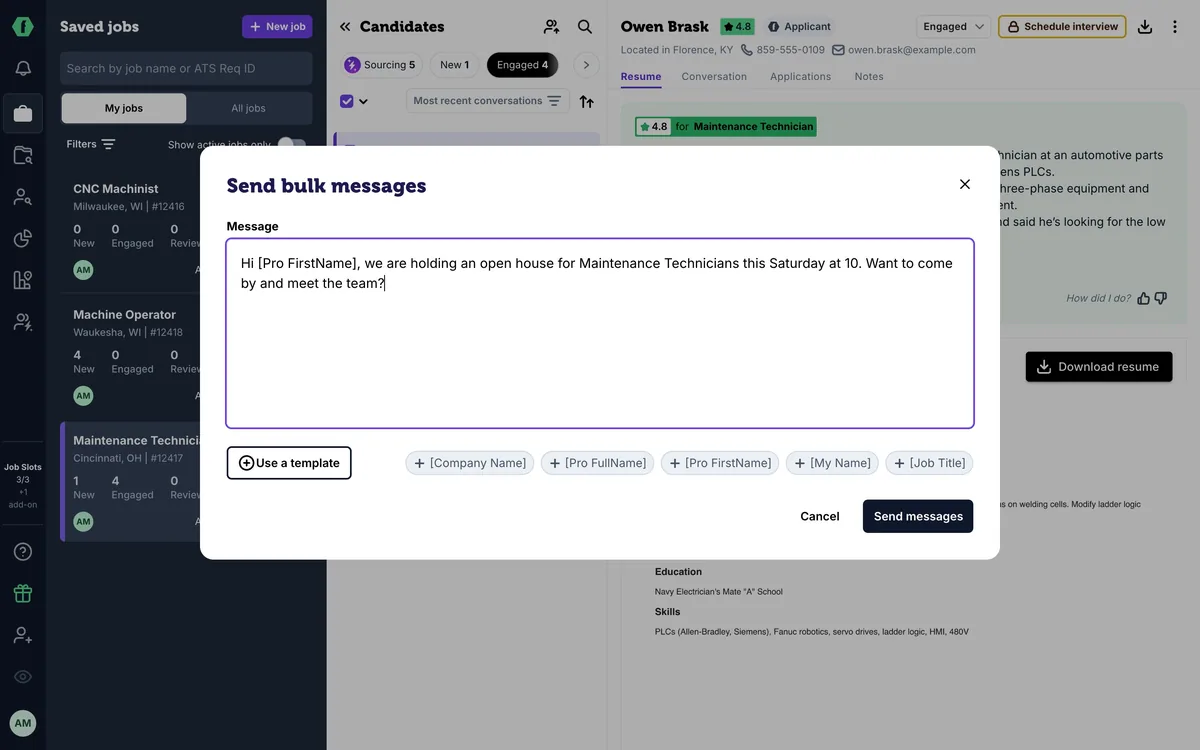
In a job, check the candidates you want to reach, or use the box at the top to select everyone in the tab. Open the menu next to it and choose Send a message. Add [Pro FirstName] so each person sees their own; it goes out by text and email as one conversation each. Start from a template for messages you send often. They stay selected, so you can move them all to Review in one step. Once you message someone, your AI recruiter stops following up with them, so give its outreach about five days first.
Chapters
- 0:00 Introduction
- 0:05 Select a group
- 0:15 Personalize it
- 0:25 Templates
- 0:32 Move them together
- 0:40 Nudging people who haven't replied
Transcript
Here's how to message a group of candidates at once, and still keep it personal.
In a job, check the candidates you want to reach. The box at the top selects everyone in the tab. Open the menu next to it, and choose Send a message.
Write your message, and add their first name, so each person sees their own. It goes out by text and email, one conversation each, never a group chat.
For messages you send often, start from a template. You'll find them here, and next to the message box in any conversation.
Send it, and they stay selected. Use the same menu to move them all to Review in one step.
One thing to know: once you message someone, your AI recruiter stops following up with them. The conversation is yours. So for people who haven't answered its outreach yet, give it about five days to follow up first, then send your own nudge.
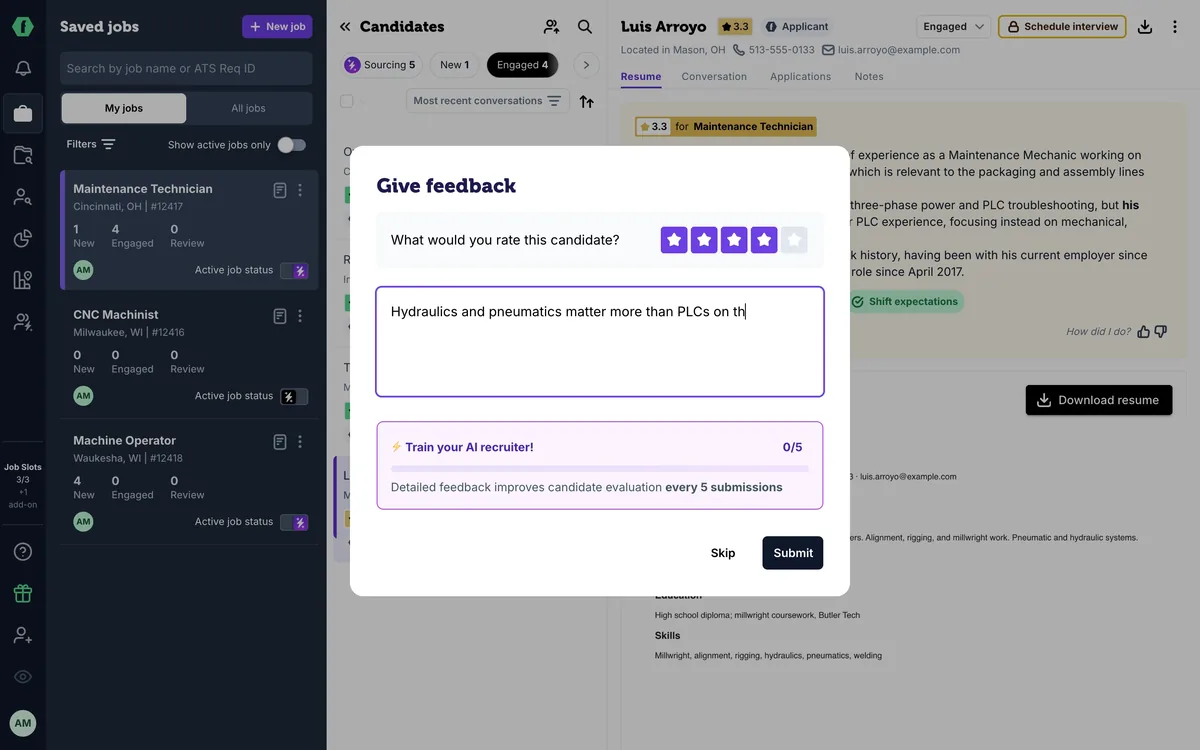
Up next: teaching your AI recruiter what you look for.