
-
 7 min
Build an AI recruiter that recruits like you
For everyone
-
 4 min
Talent Search, the deep dive
For everyone
-
 4 min
Automated interview scheduling
For everyone
-
 4 min
Now playing
Labor market data for manufacturers
For manufacturers
-
 5 min
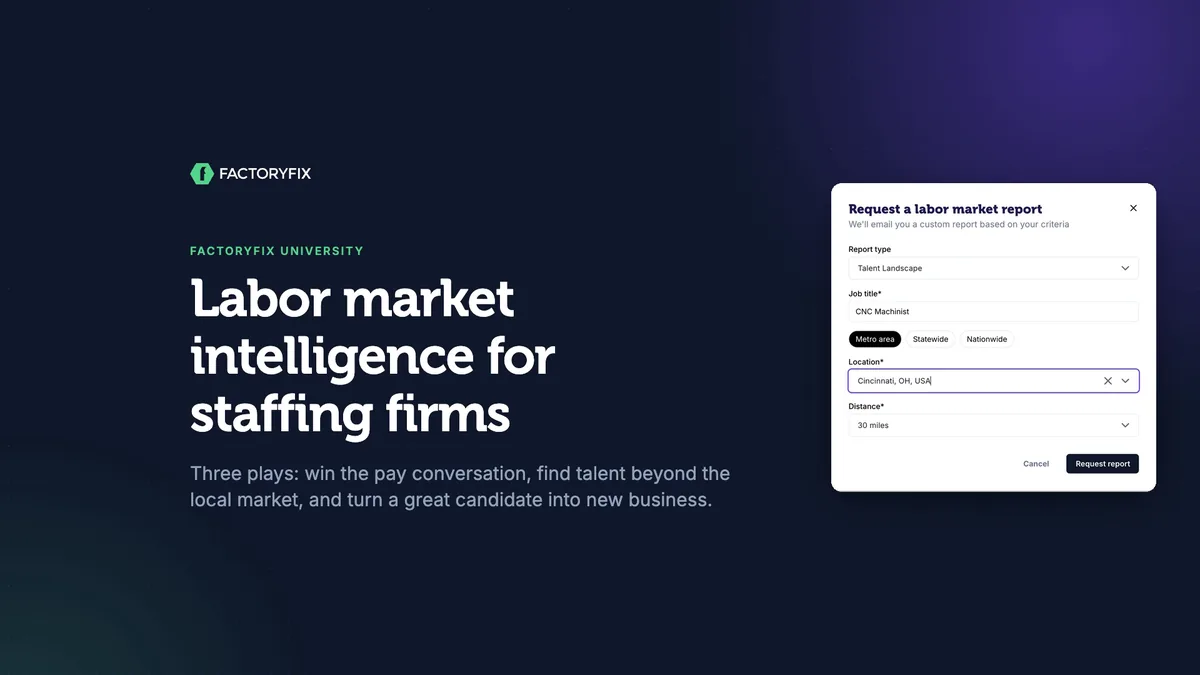
Labor market intelligence for staffing firms
For staffing firms
Most hiring problems start before the first applicant shows up:
- the pay is below the market
- nobody nearby meets the requirements
- the job is posted where the talent isn't
Labor market reports show you these problems up front.
Before you start: labor market reports are a Gold feature. Request them from Labor Market Reports in the left menu. They usually arrive by email within an hour.
Play 1: set pay before you post
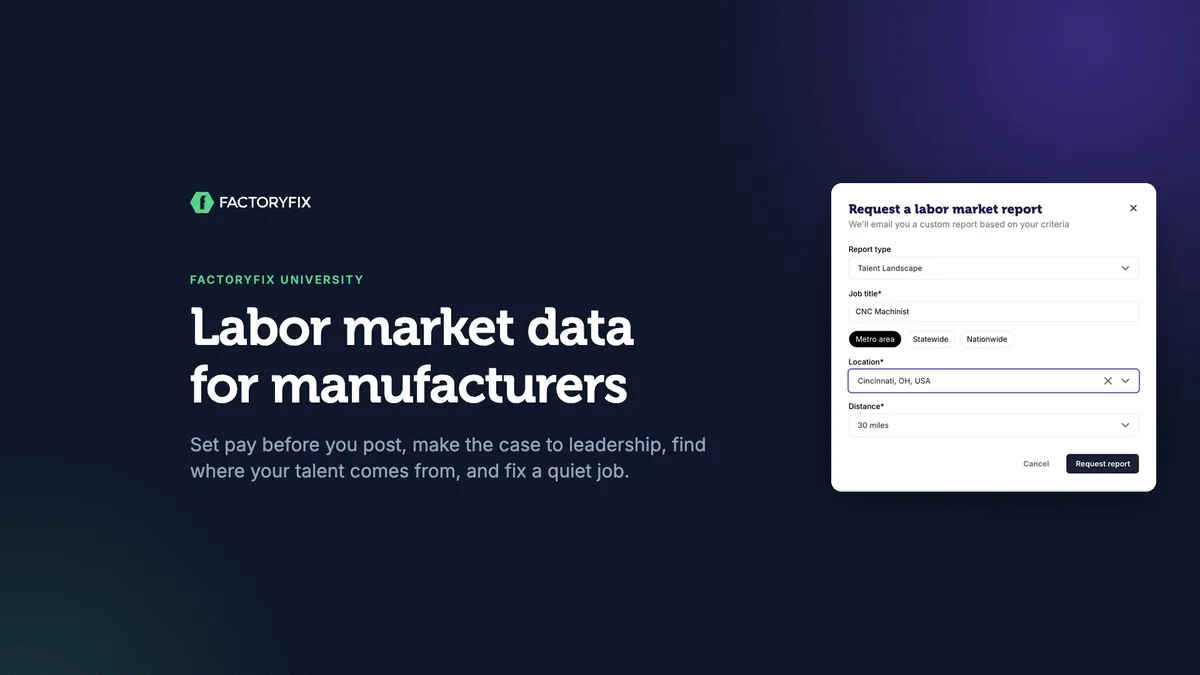
- Keep Talent Landscape and enter the job title.
- Choose the location and how far out to look (30 miles is the default).
- Click Request report. You'll get a reference ID.
Look at two sections first:
- Salary & Compensation: pay broken down by experience level.
- Companies currently hiring: what nearby competitors advertise for the same work. If your range starts below theirs, your applicant flow will show it.
Play 2: make the case to leadership
Raising pay is a budget conversation, so bring evidence, not opinions.
| Make the case with | What to bring |
|---|---|
| The gap | The executive summary. It's written for hiring managers and executives, and its numbers come with sources. |
| The cost | Each $1/hr is about $2,080 a year per person. Set that against the cost of an empty seat: overtime, missed output, and a job that stays open. |
| The options | Raise the range. Hire operators and train them up. Or drop a requirement the job doesn't truly need. |
Play 3: find where your talent comes from
- Major Employers of This Role: where your best candidates probably work today.
- Education & Training Pipeline: the local programs that turn out people for this work. A plan to hire operators and train them starts here.
Put those employers to work. Add them under Companies to target in your AI recruiter's sourcing strategy, and it will treat experience there as a green flag. (See Build an AI recruiter that recruits like you for the rest of the settings.)
If the local pool really is too small, request a Relocation Strategy report with just the job title and the destination. It ranks the markets most likely to send you people, with drive times, recent layoffs and housing costs. It doesn't price a relocation package, so plan that separately.
Play 4: fix a job that's gone quiet
Open the job's menu (⋮) on its card and choose Request app flow analysis. The analysis arrives as an email:
- Job performance at a glance: applicants and Qualified & Engaged Candidates in the last 14 days.
- The talent landscape (supply): how much talent is nearby, and what in your job narrows it.
- The market you're competing in (demand): similar postings nearby, with competitors' pay.
- Results vs. expectations: how the job is doing against what a similar job usually gets.
- Recommendations: specific changes to try.
- The bottom line, with sources.
If a job is brand new, give it a little time first. The comparison gets better with more days of activity.
Read the reports like an expert
- Metro, not your radius: government numbers cover the metro area or county.
- Percentiles: a 10th percentile of $23.50 means 1 in 10 earn less.
- Advertised pay: base pay in postings, not total compensation.
- AI research: check a number before you put it in front of leadership.
- Emailed to you: only the person who asked gets the report, so forward it to your hiring manager.
Before your next hard-to-fill job
- Is our pay inside the market range?
- Can I show leadership the gap, the cost, and the options?
- Where does this talent work and train today?
- If a live job is quiet, what does the app flow analysis say?
Chapters
- 0:00 Introduction
- 0:13 Why it matters
- 0:35 Play 1: set pay before you post
- 1:14 Play 2: make the case to leadership
- 1:53 Play 3: find where your talent comes from
- 2:14 Companies to target
- 2:24 Relocation Strategy
- 2:40 Play 4: fix a job that has gone quiet
- 2:54 What's in an app flow analysis
- 3:20 Read the reports like an expert
- 3:44 Before your next hard-to-fill job
Transcript
Labor market data for manufacturers. In about four minutes, you'll learn four plays: set pay before you post, make the case to leadership, find where your talent comes from, and fix a job that's gone quiet.
Most hiring problems start before the first applicant: pay below the market, requirements nobody nearby can meet, or a job posted where the talent isn't. Labor market reports show you that up front. They're a Gold feature. Request one from Labor Market Reports in the left menu, and it usually arrives by email within an hour.
Play one: set pay before you post. Your plant needs a CNC machinist who can do their own setups. Keep Talent Landscape, and enter the job title. Then choose the location, and how far out to look. Thirty miles is the default. Request it, and you'll get a reference number. The report comes to your inbox. The salary section breaks down pay by experience. Machinists who do setups are advertised at twenty nine to thirty five dollars an hour. And this table shows what nearby competitors advertise for the same work. If your range starts below theirs, you'll feel it in your applicant flow.
Play two: make the case to leadership. Raising pay is a budget conversation, so bring evidence, not opinions. Start with the executive summary. It's written for hiring managers and executives, and its numbers come with sources. Then show the trade-off. Each dollar an hour is about two thousand dollars a year, per person. Set that against the cost of an empty seat: overtime, missed output, and a job that stays open. And bring options, not just a number. Raise the range. Hire operators, and train them up. Or drop a requirement the job doesn't truly need.
Play three: find where your talent comes from. The report lists the major employers of this role. That's where your best candidates probably work today. And the training pipeline shows the local programs that turn out people for this work. That's where a plan to hire operators and train them begins.
Put those employers to work. In your AI recruiter's sourcing strategy, add them under companies to target. It treats experience there as a green flag.
If the local pool really is too small, request a Relocation Strategy report. It ranks the markets most likely to send you people, with drive times, recent layoffs, and housing costs. It doesn't price a relocation package, so plan that separately.
Play four: fix a job that's gone quiet. Open the job's menu, and choose Request app flow analysis. It compares the job with your market, and tells you what to change.
It arrives as an email. First, the job's results at a glance. Then the talent nearby, and the market you're competing in, with real competitor postings and their pay. Next, how your results compare with what a similar job usually gets, and specific recommendations. It ends with the bottom line, and its sources. If a job is brand new, give it a little time first. The comparison gets better with more days of activity.
A few things to know. Market numbers cover the metro area or county, not your exact radius. A tenth percentile means one in ten earn less. And advertised pay isn't total compensation. These reports are AI research, so check a number before you put it in front of leadership. And they're emailed only to the person who asked, so forward them to your hiring manager.
Before your next hard-to-fill job, ask four questions. Is our pay inside the market range? Can I show leadership the gap, the cost, and the options? Where does this talent work and train today? And if a live job is quiet, what does the app flow analysis say? Know your market before you post, and you'll spend less time wondering why a job is quiet.
That's this session of FactoryFix University. Find more sessions in the help center.