
-
 7 min
Now playing
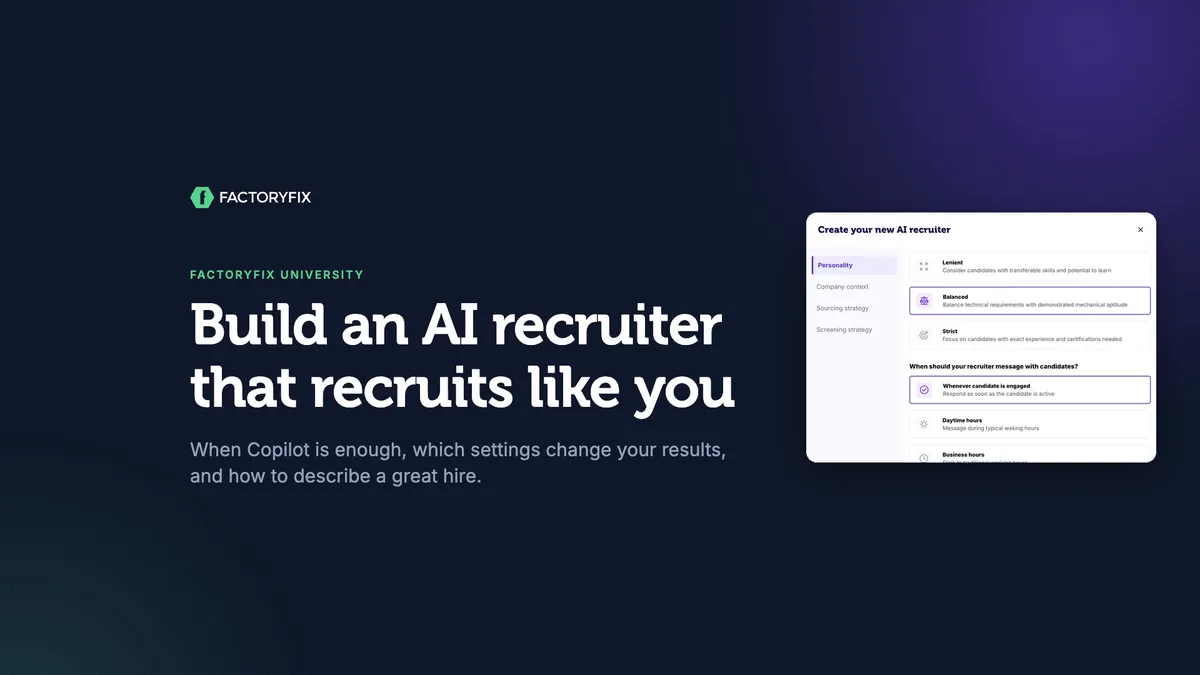
Build an AI recruiter that recruits like you
For everyone
-
 4 min
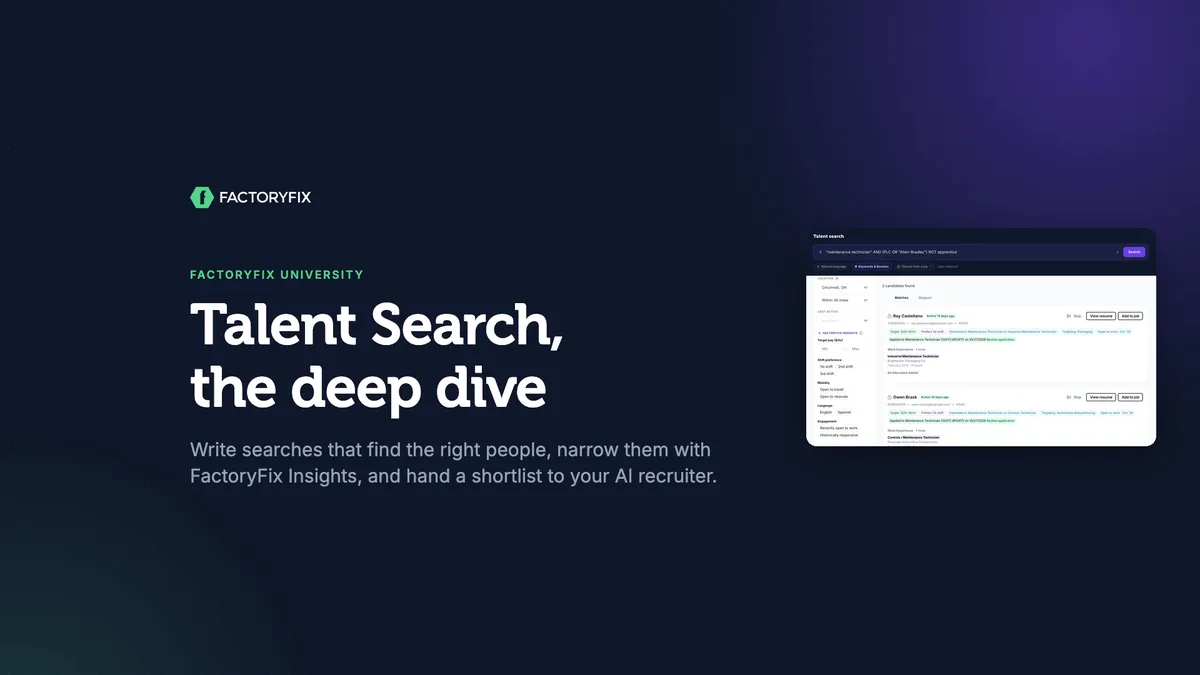
Talent Search, the deep dive
For everyone
-
 4 min
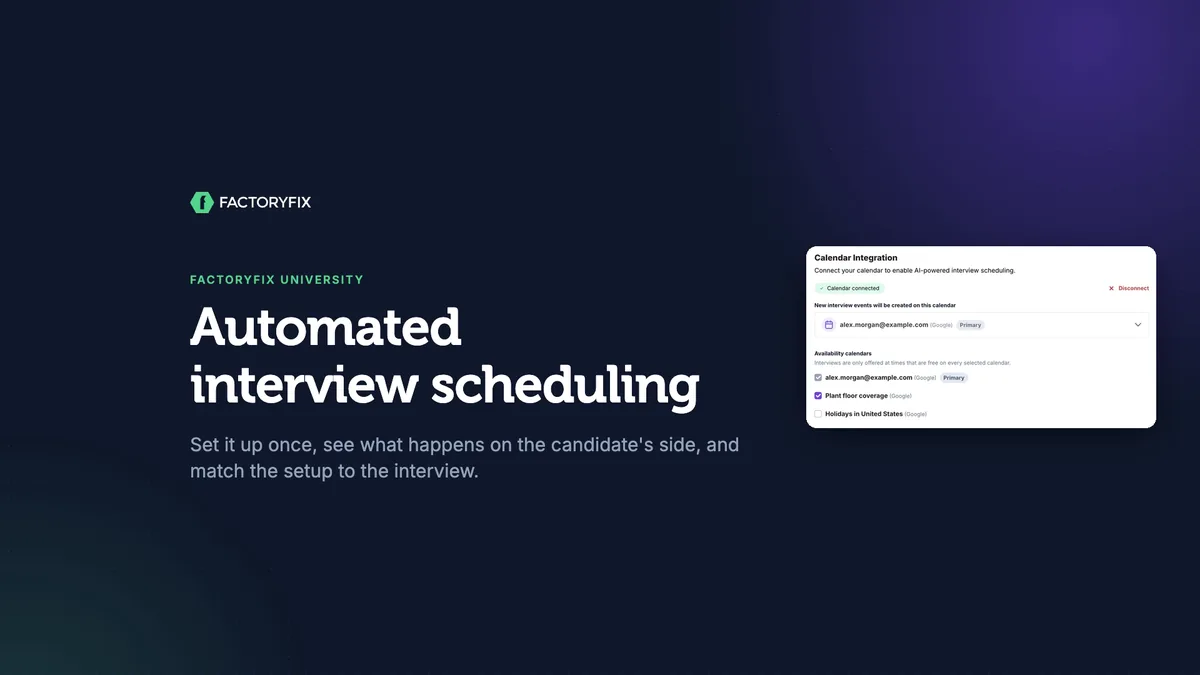
Automated interview scheduling
For everyone
-
 4 min
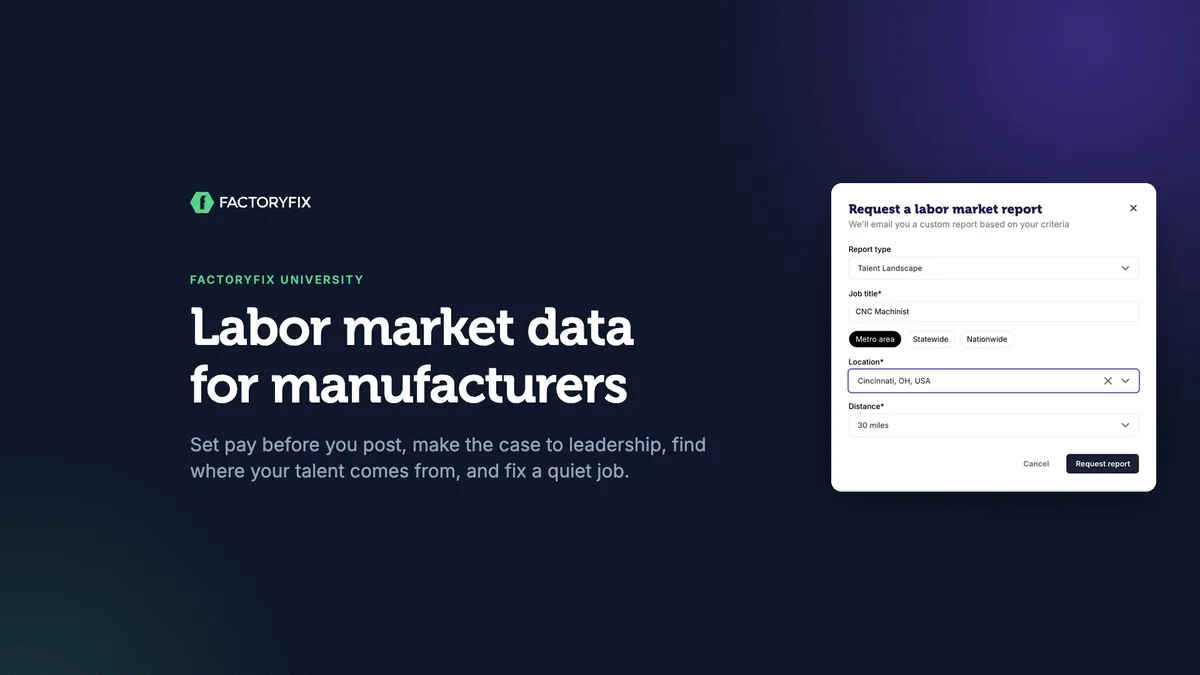
Labor market data for manufacturers
For manufacturers
-
 5 min
Labor market intelligence for staffing firms
For staffing firms
Setting up an AI recruiter is a lot like onboarding a new recruiter. Every setting answers one of three questions: who should it talk to, what does good look like, and how should it talk to them?
Start with the problem
Pick one job. Then decide which of these problems it has:
| Problem | What it looks like |
|---|---|
| Not enough candidates | Few conversations are getting started. |
| Weak fits | Plenty of people respond, but they aren't the right ones. |
| Candidates stalling | People start screening, then drop off. |
Note two numbers for that job before you change anything: how many people respond, and how many end up qualified and engaged at 3 stars or better.
Copilot or your own AI recruiter?
Every job starts with Copilot, the default AI recruiter, which you'll find on the job setup page. It picks the middle option for every choice:
- It reaches active job seekers and passive candidates within 30 miles.
- It keeps your posting fresh with Optimize visibility.
- It screens with a conversation rather than a fixed list of questions.
For many jobs, that's all you need, and you can tweak any setting for a single job. If you make the same tweak job after job, build your own AI recruiter in My AI Recruiting Team in the left menu.
The settings that matter
How it talks to them
| Setting | Options |
|---|---|
| Tone | Friendly & personal suits most hourly roles. Professional & formal suits roles where trust and formality matter. Concise & efficient gets straight to the point. |
| Persistence | Move on quickly doesn't follow up. Pursue with common sense follows up once. Sell the opportunity hard follows up twice and works through objections. |
| Messaging hours | For second- and third-shift roles, choose Whenever candidate is engaged. |
| Company context | This comes from the Company Overview in Settings. It's how your AI recruiter answers "what do you make?" and "why would I work there?" |
Who it talks to
| Setting | What it does |
|---|---|
| Sourcing | Keep active and passive candidates on. The radius applies to passive outreach only, so applicants can still come from anywhere. |
| Who gets the first message | Maximize your talent pipeline reaches out to 3★ matches and up. Focus on top-tier matches only waits for 4★. This is often your fastest volume lever. |
| Companies to target | A green flag: shops with similar machines and work. |
| Companies to avoid | Tells it to steer clear of people from your own company, sister plants, or clients. It checks their work history, so treat it as a strong filter, not a guaranteed block. |
| Perks | What it uses to sell the job, so be specific. |
What good looks like
| Setting | What it does |
|---|---|
| Strictness | Lenient counts transferable skills. Balanced weighs exact experience against aptitude. Strict grades hard, so fewer candidates qualify. |
| How it screens | Interview and dig deeper reviews the resume and holds a real conversation with follow-up questions. Stick to set questions asks only your preset questions, and only of people who apply directly; passive candidates get an introduction to the role instead. No screening skips questions entirely. |
| Screening depth | With Interview and dig deeper: Just check the basics confirms shift, pay and location. Screen for core qualifications adds 2–4 experience questions. Dive deep into their experience asks 6–8. More questions get you better information, but more people drop off before they finish. |
| Your own questions | Add them on each job's setup page, under the screening style. Your AI recruiter works them into the conversation naturally. Keep them to the few that matter most. |
| The three boxes | These tell your AI recruiter what a great hire looks like. See the next section. |
Describe a great hire
Your AI recruiter always reads the job description, but it can't read your mind, or your hiring manager's. Write the three boxes the way you'd brief a new recruiter on day one: 3–5 real must-haves, things you can observe, and the dealbreakers.
| Vague | Useful |
|---|---|
| Stable work history | Has diagnosed and repaired faults on packaging lines, not just reported them |
| Relevant experience | Direct PLC experience is a plus; strong electrical troubleshooting can make up for it |
| Seems like a good fit | Not a fit: can't work rotating shifts |
Your AI recruiter uses this to score and screen candidates. It never rejects anyone for you.
Match the fix to the problem
| Problem | Try this |
|---|---|
| Not enough candidates | Look for restrictions that stack up: Strict, top-tier only, a tight radius. Keep the true requirements and loosen the nice-to-haves. |
| Weak fits | Fill in the three boxes and add companies to target. |
| Candidates stalling | Lighten screening and follow-ups. Strengthen the pitch: pay, schedule, growth, and why your job beats the one down the street. |
When a score feels off, give it a thumbs down and say why. After five pieces of feedback on a job, your AI recruiter updates that job's evaluation criteria.
Checklist for your next job
- What outcome am I optimizing for?
- Copilot, or a specialist AI recruiter?
- Does it know what great looks like (the three boxes)?
- Is anything quietly starving the pipeline (strictness, threshold, radius)?
- Is the screening effort right for the role?
Chapters
- 0:00 Introduction
- 0:14 Set it up like a new hire
- 0:33 Start with the problem
- 1:04 Copilot, the balanced default
- 1:44 Build your own AI recruiter
- 2:09 Tone
- 2:22 Persistence
- 2:39 Strictness
- 2:54 Messaging hours
- 3:03 Company context
- 3:17 Sourcing strategy
- 3:56 How it screens
- 4:16 Screening depth
- 4:39 What good looks like
- 4:51 Vague versus useful
- 5:28 Match the fix to the problem
- 6:04 Examples
- 6:52 Checklist
Transcript
Build an AI recruiter that recruits like you. In about seven minutes, you'll learn when the default is enough, which settings actually change your results, and how to tell your AI recruiter what a great hire looks like.
Setting up an AI recruiter is a lot like onboarding a new recruiter. A few minutes up front saves weeks of misaligned candidates later. And every setting comes down to three questions. Who should it talk to? What does good look like? And how should it talk to them?
Before you change anything, start with the problem you're trying to solve. Pick one job, and ask which of these sounds familiar. Not enough candidates: few conversations are getting started. Weak fits: plenty of people, but not the right ones. Or candidates stalling: they start screening, then drop off. Each problem has different fixes. So also note two numbers for that job: how many people respond, and how many end up qualified and engaged, at three stars or better.
Every job starts with Copilot, the default AI recruiter. You'll find it on the job setup page, right below the job description. Copilot is balanced by design. Wherever there's a choice, it picks the middle option. It reaches active and passive candidates within thirty miles, keeps your posting fresh with Optimize visibility, and screens with a conversation, not a fixed list of questions. For many jobs, that's all you need. You can tweak any setting on a single job, right here, and add your own screening questions. It works them into the conversation naturally. But if you find yourself making the same tweak job after job, that's your signal to build your own AI recruiter.
Open My AI Recruiting Team from the left menu. Your own recruiters are under My recruiters, and the ones your teammates built are under Team recruiters. Anyone on your team can put a team recruiter to work on their jobs. Click New AI recruiter. Use a simple first name, since candidates sometimes ask who they're talking to. The description is just for your team, so say what it's for, like maintenance technicians.
Tone is how its messages sound. Friendly and personal works for most hourly roles. Professional and formal fits roles where trust and formality matter. Concise and efficient gets straight to the point.
Persistence is how hard it follows up. Move on quickly takes the first no and doesn't follow up. Pursue with common sense follows up once. Sell the opportunity hard follows up twice, and works to overcome objections, like asking what shift would work instead.
Strictness is how good someone has to be to score well. Lenient opens the door to transferable skills. Balanced weighs exact experience against aptitude. Strict grades hard, so fewer candidates qualify. That's not a bug, it's the point.
Messaging hours set when it can send. For second and third shift roles, choose whenever the candidate is engaged, so it can reply while they're awake and on their phone.
Next, company context. This should carry over from your Company Overview in Settings. If it's blank, ask an admin to fill it in. It's how your AI recruiter answers, what do you make, and why would I work there.
Under sourcing strategy, keep active and passive candidates on, and set the radius for passive outreach. Applicants can still come from anywhere. Then choose who gets the first message. Maximize your talent pipeline reaches out to three star matches and up. Focus on top-tier matches only waits for four stars. Pickier means fewer conversations. That's often the fastest volume lever you have. Companies to target are a green flag: people from shops with similar machines and work. Companies to avoid tell it to steer clear of people from your own company, sister plants, or clients. And perks are what it uses to sell the job, so be specific.
Under screening strategy, choose how it interviews. Interview and dig deeper reviews their resume and has a real conversation, with follow-up questions. Stick to set questions asks only your preset questions, and only of people who apply directly. Passive candidates get an introduction to the role instead. And No screening skips the questions entirely.
With Interview and dig deeper, also set how thorough it should be. Just check the basics confirms shift, pay and location. Screen for core qualifications adds two to four questions about their experience. Dive deep asks six to eight. More questions mean better information, but more people drop off before they finish. The same goes for your own questions, so keep them to the few that matter most.
And then the part that matters most. These three boxes tell your AI recruiter what good looks like. It always reads the job description, but it can't read your mind, or your hiring manager's.
Here's the difference between a vague answer and a useful one. Vague: stable work history, relevant experience, seems like a good fit. Useful: has diagnosed and repaired faults on packaging lines, not just reported them. Direct PLC experience is a plus, and strong electrical troubleshooting can make up for it. Not a fit: can't work rotating shifts. Write it the way you'd brief a new recruiter on day one. Three to five real must-haves, things you can observe, and the dealbreakers. It uses all of this to score and screen, but it never rejects anyone for you.
Now match the setting to the problem. Not enough candidates? Look for restrictions that stack up: strict, top-tier only, a tight radius. Keep the true requirements, and loosen the nice-to-haves. Weak fits? Fill in those three boxes, and add companies to target. Candidates stalling? Lighten screening and follow-ups, and strengthen the pitch: pay, schedule, growth, and why your job beats the one down the street. And when a score feels off, give it a thumbs down and say why. After five pieces of feedback on a job, it updates that job's evaluation criteria.
Here's what that looks like in practice. These are illustrative examples. A field service job that travels to customer sites got almost no outreach. It was strict, waited for four stars, and kept the default thirty miles. Moving to balanced, three stars, and a fifty mile radius got conversations started within a day. A busy machinist job had plenty of candidates, but too many weak fits. The fix wasn't a setting. It was naming the exact machines and skills in the three boxes. Fewer outreaches went out, but more candidates qualified. And a job with eleven custom questions and maximum follow-ups had very few candidates finish screening. Shorter screening, common sense follow-ups, and clearer guidance made it easier to finish, and more people completed it.
Before you activate your next job, run through this. What outcome am I optimizing for? Copilot, or a specialist? Does it know what great looks like? Is anything quietly starving the pipeline? And is the screening effort right for the role? Treat your AI recruiter like a new hire. Spend a few minutes telling it who to talk to, what good looks like, and how to talk to them. It'll pay you back on every job.
That's this session of FactoryFix University. Find more sessions in the help center.